Networking has evolved a lot in recent years. People are tired of carrying a stack of paper cards or manually saving contact info. They want a quicker, easier way to connect.
This is why the digital business card has become one of the most helpful networking tools for professionals, business owners, freelancers and sales teams.
Using a digital card, you can immediately share your contact info, social profiles, website links, portfolio, and business info. No more passing a paper card. Just send a link, share a QR code, or tap an NFC-enabled card.
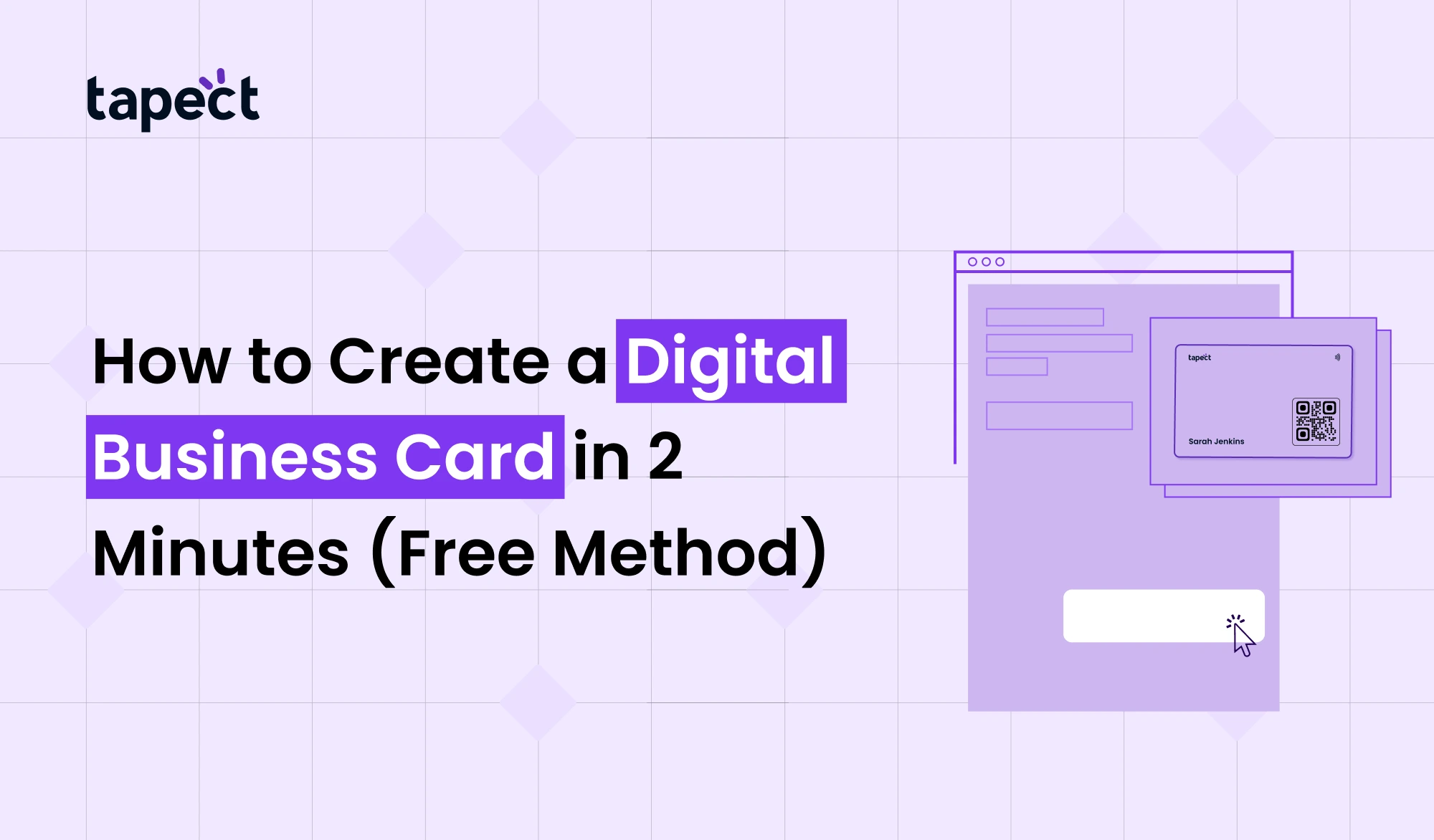
But the best part? Create a digital business card in a few minutes without spending money.
In this guide, you’ll learn exactly how to create a professional card using a free method and how platforms like Tapect make it easy to do.
What Is a Digital Business Card?
Many people ask what a digital business card is.
A digital business card is an online version of a traditional paper business card. Your information is stored digitally, not printed on paper, and can be shared instantly via a link, QR code, email, text message or NFC technology.
Modern digital business card may include:
- Full name
- Company name
- Phone number
- Email address
- Website
- Social media profiles
- Business location
- Portfolio links
- Product information
- Payment details
Unlike paper cards, you can change your information any time and not have to reprint anything.
Why Use a Digital Business Card?
Many pros are turning their back on the old-school card. If you’re wondering why you should use a digital business card, here are some of the major benefits.
Simple to share
Send your card in seconds via WhatsApp, email, social media or QR code.
Always current
Just update your profile if you change your phone number or email.
Save Cash
You don’t need to spend money reprinting cards.
Networking Enhanced
People can instantly save your information to their mobile phones.
Environmentally friendly
An eco-friendly business card digital solution helps to reduce paper waste and promotes sustainable business practices.
What You Need Before Creating Your Card
Before you start making your digital business card collect the following information:
Basic Details
- Full name
- Job title
- Company name
Contact Information
- Mobile number
- Email address
- Office address
Online Presence
- Website
- Facebook page
- Instagram profile
- LinkedIn profile
Professional Assets
- Company logo
- Profile picture
- Portfolio links
Having this information will make the setup process much quicker.
How to Make a Digital Business Card in 2 Minutes
Wanna know how to make a digital business card? Follow these simple steps.
Step 1: Select a free business card maker online
The easiest way is through a free digital business card maker such as Tapect.
A good platform should enable you to:
- Quickly make your card
- Unlimited Data Included
- Create qr codes
- Share to multiple channels
- Update info anytime
Tapect is designed to assist professionals build a full digital business card in minutes.
Step 2: Give Your Contact Details
Provide your basic information.
Add:
- Name Phone number
- Email Address
- Name of company
- Business address:
Make sure you keep the info true because that’s what potential clients will use to contact you.
Step 3: Upload Your Logo and Photo
People matter more than names.
A professional photo and company logo adds credibility and makes a better first impression.
Make your digital business card look neat and professional.
Step 4: Include Social Media Links
Networking today is more than just phone numbers.
A digital business card with social links enables prospects to reach you on multiple platforms.
Add links where:
- YouTube
- X (Twitter)
This allows people more ways to discover your business.
Step 5: Create a QR Code
Most platforms automatically generate the QR code for the digital business card.
This QR code is:
- On promotional materials
- Added to e-mail signatures
- Shared on social media platforms
- shown at events
When someone scans the code, your entire profile opens up in a snap.
Step 6: Post and Share
Publish your card and begin sharing when ready.
Your digital business card is now live and ready to connect.
How Tapect Makes the Process Easier
Tapect is designed for professionals who want a simple yet powerful networking solution.
Features of Tapect include:
- Create a free digital business card
- Unlimited Contacts
- Share via QR code
- Link social media accounts
- Update data anytime
- Track engagement
- Utilise NFC technology
The platform removes complexity and helps users to build a professional online presence quickly.
Using a Digital Business Card QR Code
One of the most powerful features of a modern digital business card is a QR code.
When people read your code:
- Your contact information is shown instantly
- No more type
- You can save information immediately
- Visits to the website increase
A QR code for a digital business card helps to reduce friction and helps to act faster.
This is particularly useful during:
- Business meetings
- Conferences
- Trade shows
- Networking events
- Sales presentations
Another growing trend is the digital solution of an NFC business card.
NFC Business Card Digital Technology Explained
Instead of scanning a QR code, they just tap their phone on your NFC card.
Advantages:
- Sharing faster
- Quality look
- Simple networking
- Hands-free experience
Many professionals combine the two technologies for maximum convenience – QR code and NFC.
Choosing the Best Digital Business Card App
Choosing the best digital business card app can make a big difference.
Look for these features:
Simple Setup
You should be able to make your card in minutes.
QR Code Integration
Essential: Built-in QR generator.
Support for NFC
Modern networking needs to support NFC.
Social Media Plug-in
Your card should work with all major social media platforms.
Mobile Friendly Design
Most people will be looking at your card on a smartphone.
Platforms like Tapect bring all of these features together in an easy to use solution.
LinkedIn Digital Business Card Benefits
LinkedIn digital business cards are a common way for professionals to expand their network.
Once LinkedIn is connected to your account you can:
- Get more connections.
- Demonstrate your experience
- Show recommendations
- Speed up trust building
Adding your LinkedIn to your digital business card helps to create a more professional presence.
Why a Contactless Business Card Is the Future
The demand for the contactless business card is still rising.
People want fast contactless communication.
A digital card allows users to do the following:
- Get immediate information
- Save contacts quicker
- Don’t get paper-cluttered
- Connect from any location
This helps in networking between businesses and customers.
Common Mistakes to Avoid
Avoid these mistakes when creating your digital business card.
Using Low Quality Images
A blurry photo can make your profile appear unprofessional.
Disclosing Too Much Information
Simple and easy-to-read layout.
Forget Social Link
Digital business card with social links can increase engagement.
Your QR Code is not being tested
Be sure to always scan your QR code before sharing it.
Updates ignored
Keep your information up to date so that prospects will always know how to reach you.
Tips to Get More Leads from Your Digital Card
A card is just the start.
To drive more leads:
Add a Strong Call to Action
Tell people what to do next.
Examples:
- Arrange a meeting
- Call Today
- Ask for a Quote
- Visit our site
- Share Everywhere”
Share Everywhere
- Email Signature
- Social media bio’s
- WhatsApp Status.
- Marketing literature
- Use Offline QR Codes
Put your QR code on:
- Brochures Leaflets
- Packaging of product
- Shop displays
The more visible your digital business card is, the more opportunities you create.
FAQs
1. What is a digital visiting card?
A digital business card is an online card that holds your professional contact information and can be shared instantly through links, QR codes or NFC technology.
2. Can I create a free digital business card?
Yeah. Platforms like Tapect allow users to create a digital business card at no cost and start sharing right away.
3. How long does it take to create a digital business card?
It takes the average user less than two minutes to create a professional quality digital business card.
4. Are digital business cards better than paper cards?
Yup. A digital card is easier to update, share and manage, and it reduces printing costs.
5. Can I add social media links to ?
Definitely. A nfc business card with social links enables people to connect with you on multiple platforms.
6. Is Tapect NFC compatible with QR code?
Yes. Tapect has the nfc business card QR code sharing and NFC business card digital technology.
Conclusion
Digital business card is no longer a luxury. It is now an essential networking tool for the modern professional.
It helps you spread information quickly, reach more people, cut printing costs and make a better first impression. A digital card makes networking easier and more effective whether you use QR codes, NFC technology or social media integration.
Best of all, you don’t need technical skills or a large budget to get started. With Tapect you can make a professional card in minutes and start building profitable business relationships right away.
Networking’s future is digital. Join today and let every connection count.
Create Your Digital Business Card Today
One scan and you could be talking to your next customer, client or business associate.
Forget to carry outdated paper cards, switch to a smarter solution that works anytime and anywhere.
Establish stronger links with Tapect Make a professional digital business card in minutes Share instantly No printing costs
Ready to Get Started?
Sign up for your free Tapect digital business card today and start networking smarter, faster and better.
Create your digital identity. Share right now. Tapect – Grow Your Business.
 02 Sept 2026
 business