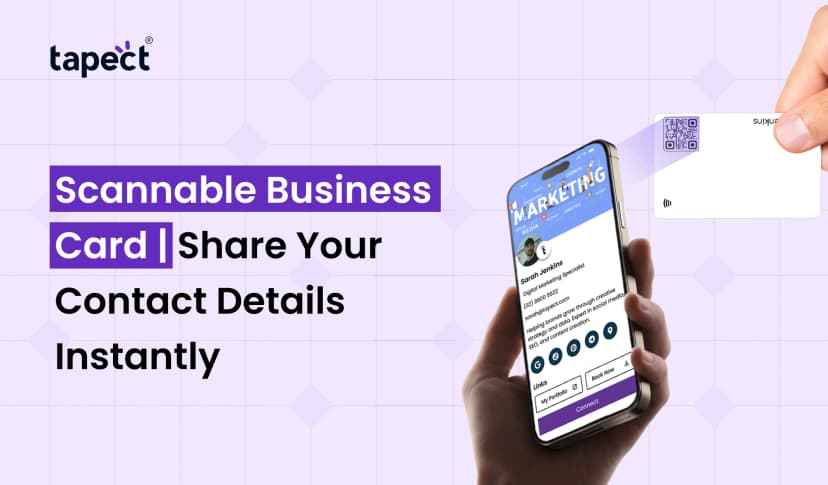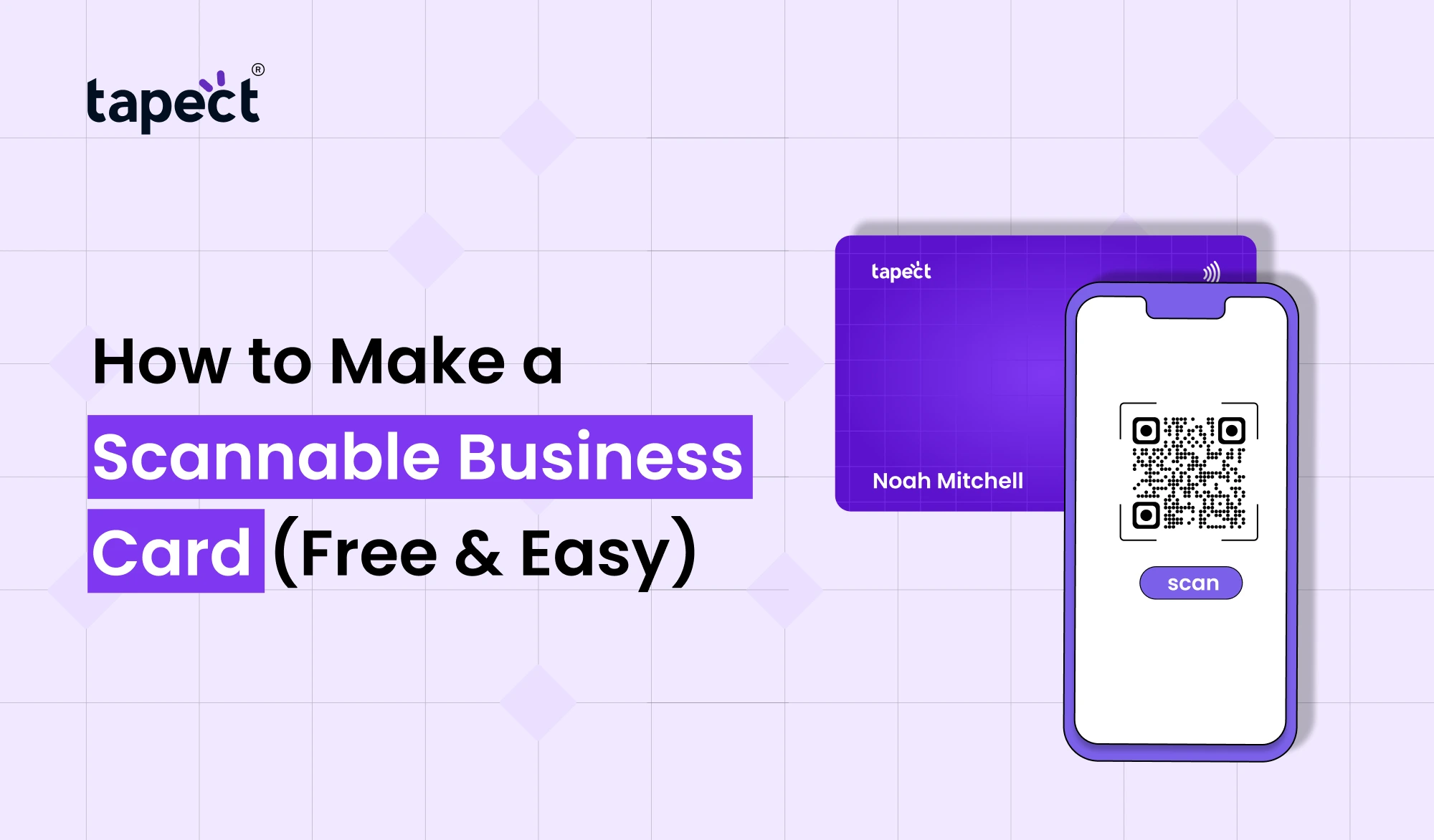
The business card has changed a lot in the years. Nobody wants to type phone numbers, email addresses or website links anymore. They like fast and simple connections. A Scannable Business Card comes in handy here.
A Scannable Business Card enables a person to scan a code or tap a card to access your contact information instantly. Whether you’re a business owner, freelancer, consultant, salesperson or entrepreneur, a modern card can help you make better connections and create more opportunities.
Best of all, creating a Scannable Business Card is easier than most people think. No technical skills or big budget required. In this guide we’ll show you how to make one for free, what tools to use, and how companies like Tapect are helping professionals move up from traditional cards to smarter networking solutions.
What Is a Scannable Business Card?
A Scannable Business Card is a business card that has technology built into it that allows individuals to access your information immediately via a smart phone.
Rather than entering details manually, users can:
- Save your contact information
- Visit your website
- Open your social media profiles
- View your portfolio
- Send an email
- Call you directly
Most cards today are designed with a QR code business card, while more sophisticated ones are built using NFC business card technology to allow tap-and-share functionality.
Why More Professionals Are Switching to Scannable Business Cards
Traditional cards often get lost, damaged or forgotten. Enter The Scannable Business Card, which solves these problems by making it easy to save and access information.
Some of the benefits include:
Share Contact Faster
People can scan you and save your details in seconds.
A stronger first impression
A smart business card shows how your business is embracing technology.
More Involvement
You can link people to your website, services, portfolio or social profiles.
Eco-friendly
The paperless business card is loved by many professionals as it reduces waste.
More Leads Generation
A Scannable Business Card makes it easier for potential customers to act immediately.
Different Types of Scannable Business Cards
There are many ways to create a Scannable Business Card.
QR Code Business Card
The QR code business card has a QR code on it that can be scanned with any smartphone camera
When scanned it can :
- Open a website
- Display contact information
- Show a portfolio
- Launch a WhatsApp chat
One of the simplest and cheapest options is a business card with a QR code.
NFC Business Card
An NFC business card uses Near Field Communication technology .
Instead of scanning, users just tap their phone on the card.
This provides a smooth and modern networking experience.
Digital Business Card
Digital business card is available online and can be shared via links, QR codes, or NFC technology.
A digital visiting card is the preferred choice for many professionals as it can be updated at any time without the need to reprint.
How to Make a Scannable Business Card for Free
It’s easy to create a scannable business card by following these steps.
Step 1: Choose What Information to Share
First, gather the information you want people to have.
It is not unusual for such small, nondescript buildings to be the homes of important people.
- Name
- Company name
- Phone number
- Email address
- Website
- Social media profiles
- Location
- Portfolio link
Ensure all information is correct and current.
Step 2: Create a Digital Profile
To create a Scannable Business Card you must first set up a page with your information.
This could be:
- A personal website
- A landing page
- A contact page
- A digital profile
A lot of professionals go for a digital business card platform because it consolidates everything into one place.
Step 3: Generate a QR Code
Now make a QR code that will link to your profile.
There are lots of free online QR code generators.
Enter your link Create a vCard QR Code or Website QR Code
After creating
- Download the image
- Test it on multiple devices
- Ensure it scans quickly
This is what becomes the heart of your Scannable Business Card.
Step 4: Design Your Business Card
Now, build the actual card design.
I’m not sure how to do it.
- Logo
- Name
- Contact details
- QR code
- Brand colors
Maintain a clear and easy to read layout.
Scan rates may be reduced by a cluttered design.
A professional business card with a QR code should be attractive, but simple.
Step 5: Test It All Out
Test your Scannable Business Card out several times before you print or share.
Review:
- QR code function
- Website Load Time
- Mobile-friendliness
- Accurate contact information
A little mistake can ruin the user experience.
Best Practices for Creating a Scannable Business Card
A Scannable Business Card has to do more than just present information.
Here are some pointers:
Use a Clear Call-to-Action
Tell users what happens after a scan.
Plates:
- Scan & Save Contact
- Scan & Connect
- Scan for Portfolio Scan for Business Details
People are more likely to scan if they have an idea of what to expect.
Keep the QR Code Visible
Don’t put your QR code in a busy place.
The scannable QR code card should have large enough space around it for easy scanning.
Optimize for Mobile Users
Most people will be looking at your info on smartphones.
Make sure your landing page loads fast and displays well on mobile devices.
Include Social Media Links
A Scannable Business Card is more valuable when people can easily follow your business online.
Add:
- YouTube
- X
QR Code Business Card vs NFC Business Card
A lot of people are asking which is better.
QR Code Business Card
Pros:
- Free to create
- Works on just about any smartphone
- Simple to print
- No special hardware required
NFC Business Card
Pros:
- Faster sharing experience
- Modern appearance
- Tap-to-share convenience
- Reusable for years
Many professionals get the best results by utilizing both technologies.
It allows the user to scan or tap to share the business card information depending on the user’s preference.
How Tapect Makes Scannable Business Cards Better
We think networking should be easy at Tapect.
Our solutions empower professionals to push past traditional cards with contemporary sharing options that work immediately.
With Tapect you can create a professional Scannable Business Card that lets users:
- Save contacts on the go
- Send business details quickly.
- Follow on social media
- Visit websites and portfolios
- Seamless networking experience
Choose a QR code business card, digital business card or NFC business card, Tapect helps you to make a first impression.
Common Mistakes to Avoid
Many people create a Scannable Business Card but leave out crucial details.
Avoid the following errors:
Low quality QR codes
Sometimes blurry codes just don’t scan.
Link to several unorganized pages
Use a single central page wherever possible.
Forgetting to Test
Always test print.
Old Information
Ensure your contact information is current.
Bad design
A clean design often works better than a crowded one.
How Business Card Scanner Apps Work
Many users use business card scanner app to save contacts.
The apps scan your card and save your contact information automatically.
With a Scannable Business Card it’s even easier.
Users can save everything with a few taps, instead of typing information by hand.
The Future of Business Networking
Every year networking is getting more digital.
Professionals are heading for:
- Business cards, smart
- NFC business cards
- Virtual Business Cards
- Business cards without paper
- Contact sharing through QR
A Scannable Business Card is ideal for this transition because it saves time and makes things easier.
Early adoption of these tools can help companies forge stronger relationships and stand apart from the competition.
FAQs
What is a Scannable Business Card?
A scannable business card is a card that allows people to scan a QR code or tap the card with NFC to access your information.
Can You Make a Scannable Business Card for Free?
Yes. You can design a card and create a QR code with the help of free online tools.
Is a QR code business card better than the traditional business card?
QR code business cards allow for quicker contact sharing and a better user experience compared to traditional cards.
Do NFC business cards work on all phones?
Most modern smartphones can handle NFC technology, but QR codes are still the most universally compatible.
What is a vCard QR code?
A vCard QR code contains contact information that can be added instantly to a user’s phone.
Do you need to use QR and NFC together?
Yes. A QR code and NFC business card combo gives you the best compatibility and convenience.
Conclusion
A Scannable Business Card is one of the easiest ways to update your networking strategy. It helps people connect with you faster, saves your time, increases engagement and makes you look professional.
The goal is the same no matter what you choose – a QR code business card, a digital business card, or an NFC business card – to make it easy for people to get your info and take action.
With business networking continuing to grow, a Scannable Business Card is no longer a nice-to-have. It’s becoming a must-have tool for professionals looking to build stronger connections and generate more leads.
Ready to upgrade your card?
Change the way you network with Tapect.
Develop a contemporary, scannable business card featuring QR code technology, digital profiles and smart sharing features for quicker connections and more business opportunities.
Start your journey with Tapect today and turn every introduction into opportunity.
 14 Sept 2026
 business