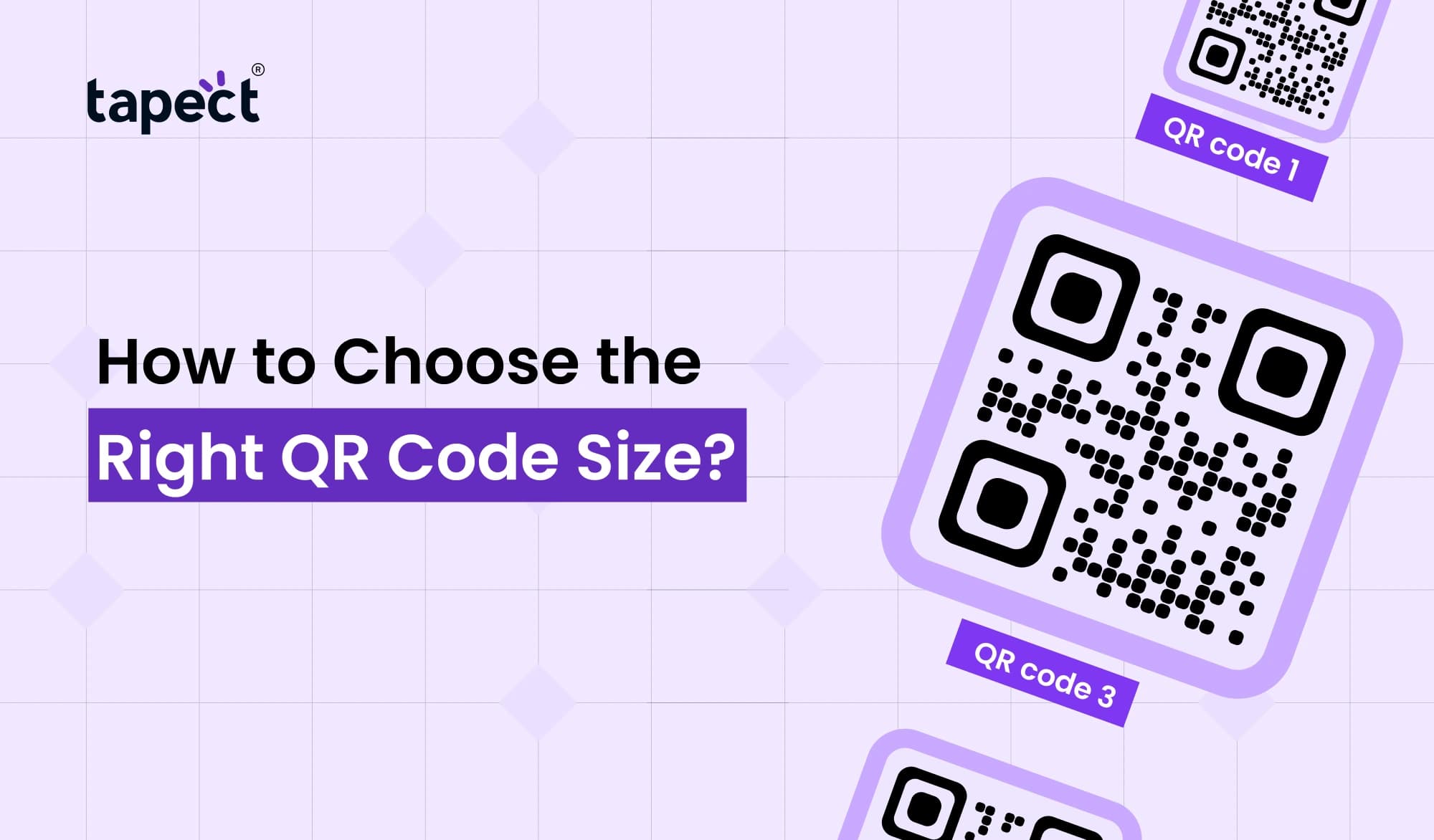
QR codes may be small, but their size can make a big difference. If your QR code is too small, people may have difficulty scanning it. If it is too big it can take up valuable space on your design. Picking the right size for your QR code helps people scan your code faster and gives them a better experience.
Size matters when you are printing QR code business cards, product packaging, banners, flyers or stickers. A QR code that’s big enough is more usable, more trustworthy, and more likely to get clicks, leads, or sales.
This guide will teach you how to select the best QR code size and what factors affect the scan, common mistakes to avoid, and best practices for different marketing materials.
Why QR Code Size Matters
A QR code is only useful if it can be easily scanned. If it’s too small, the smartphone cameras may not be able to read it. If it’s unnecessarily large, it can make your design look crowded.
The right QR code size has several benefits:
- Fast scanning
- Better experience for users
- More effective scans
- Design made simple
- Improved marketing performance
Your QR code is a bridge between print and the digital world. That bridge is easy to cross for all.
The Smallest QR Code Size That Still Works
A question we get a lot is what the smallest qr we can print is.
Most printed materials should have a qr code that is at least 2 x 2 cm (0.8 x 0.8 inches) in size. If it is any smaller it might be hard for many phones to scan.
The more information your QR code contains, the more detailed it becomes. This means the qr code might have to be bigger so that all squares are clear because of the small size.
Always test the code with different phones when printing very small labels or packaging before production.
What Affects the Right QR Code Size?
The best QR code size depends on many reasons.
1. Distance to View
The farther people are from the QR code, the larger it should be.
A simple guideline might be:
QR code size = Distance to view / 10
I have been to many places in the world and seen many things, but I have never seen anything like this.”
Distance 20 cm → QR code 2 cm Distance 100 cm → QR code 10 cm
5 meters away → 50cm QR code
This makes scanning a lot easier.
2. Amount of Data
Simple is a QR code that is simply a website link.
More complex is a QR code that stores contact details, files or long text.
More information may require a larger size of the QR code.
3. Print Quality
Poor printing quality can prevent even a perfect QR code size from scanning.
Use always:
- High-resolution images
- Sharp edges
- Dark colors on a light background
- Good-quality printing
Make sure the QR codes are not blurry or stretched etc.
4. Material
Different materials influence scanning.
Examples are:
- Paper
- Plastic
- Metal
- Glass
- Fabric
Shiny materials can reflect light and make scanning more difficult. Sometimes increasing the size of the QR code will help its readability.
Best QR Code Size for Different Uses
QR Code Business Card
Today, one of the most popular uses is a qr code business card.
We recommend a QR code size of around 2 x 2 cm.
Keep it clean by putting it on the back of the card or in one corner.
A QR code can share instantly:
- Contact information
- Digital profile
- Website
- Portfolio
- Social media
A lot of professionals are now using a qr code business card with NFC technology to network even faster.
QR Code Sticker Size
The right size for a qr code sticker depends on where the sticker is put.
For products:
- Usually 2-3 cm is sufficient.
To display in store,
- Generally better is 4-6 cm.
For vehicles or windows:
- Enlarge the stickers so people can scan them from further away.
Always test your qr code sticker size after printing.
Posters and Banners
People will generally scan posters from a distance.
A big qr code does a lot better here.
Suggested sizes:
- Poster: 5–8 cm
- Roll-up banner: 8–15 cm
- Outdoor banner: 15 cm or larger
The larger the viewing distance, the larger the QR code needs to be.
Product Packaging
Packaging is often space limited.
Use a small qr code only if it is still easy to scan.
Do not place the QR code on folds, curved surfaces or edges.
When Should You Use a Big QR Code?
When is a large qr code useful:
- People scan from a few feet away.
- The code is shown on outdoor advertisements.
- It has a lot of information.
- The audience includes older users, who may prefer easier scanning.
A larger qr code will also get more attention, making it more likely that people will see it and scan it.
What Is the Maximum QR Code Size?
The max qr code size question is asked by many people.
There is no maximum size of a QR code, technically speaking. You can print QR codes several feet wide if you want to.
QR codes are often found in large sizes on:-
- Billboards
- Event displays
- Building walls
- Exhibition booths
- Stadium advertisements
The trick is to keep the print quality crisp.
Even a giant QR code with fuzzy edges will not scan.
Common QR Code Size Mistakes
Many businesses lose scans due to simple errors.
Making It Too Small
Trying to save space can often result in scanning problems.
Make sure that even the smallest qr can be easily scanned.
Low-contrast
Dark QR codes on dark backgrounds decrease visibility.
Always have high contrast.
Stretch QR code
Stretches Never
QR square. Keep it.
Too much design
Logos are fine, but don’t cover too much of the code.
Please keep the area around the QR code quiet.
Skipping Testing
Always test your QR code size with:
- iPhones Android phones
- Old cellphones
- Different camera apps.
Test to avoid expensive printing mistakes.
Tips for Better QR Code Performance
Scan Better! Just Follow These Simple Tips.
Keep Enough White Space
Leave some space around the QR code.
Use Vector Files
SVG or PDF files are best for printing.
Select Dynamic QR Codes
You can change the destination later without changing the printed code using dynamic QR codes.
Create Short Links
Short URLs produce simpler QR codes that are easier to scan.
Match Target Size to Distance
The further away users are standing, the bigger your QR code size should be.
QR Code Size for Marketing Materials
The size of the marketing material depends on the type.
Flyers
- Around 2.5–3 cm.
Brochures
- Around 3 cm.
Business Card
- About 2 cm.
Restaurant Menus
- 3–4 cm.
Event Booths
If you have visitors walking by, use a qr code large format.
Windows Store
A big qr code gets attention from outside.
The right size of a qr code increases the chances that people actually scan your code.
Why Businesses Choose Tapect QR Codes
At Tapect we believe QR codes should be simple, pretty and easy-to-scan.
From a qr code business card to product labels and marketing materials or a full digital business profile, Tapect helps you create qr codes that work on all devices.
What you can do with Tapect:
- Make professional QR codes in minutes
- Customise colours and branding.
- Link to your electronic business card
- Exchange contact info instantly
- Dynamic QR Codes for updated links
- Create smarter networking experiences.
Choosing the right QR code size is just one part of developing effective marketing materials. Tapect helps you get the details right.
FAQs
What is the best size for a QR code for print?
The QR code size for most printed materials should be at least 2 x 2 cm.
What is the minimum size of a QR code?
The smallest size of qr code is recommended to be around 2 x 2 cm depending on the amount of data stored.
Is the QR code too big?
Nope. There is no fixed max qr code size but larger codes should remain sharp and high quality.
What size should a QR code be on a business card?
A qr code business card is best with a qr code of about 2 x 2 cm.
Does more information mean a bigger QR code?
Yes. More data means more detail in the QR code. This might mean a bigger QR code size for reliable scanning.
Final Thoughts
The size of your QR code is more important than you may think. A QR code of the right size scans quickly. It appears professional, making it easy for people to connect with your business without frustration.
Whether you’re designing a qr code business card, choosing the right qr code sticker size, printing a large qr code for an event or determining the smallest qr code size for packaging, always test before printing. A few more minutes of testing can save money, time and lost opportunities.
The goal isn’t just to print a QR code but to make it easy for any customer to scan.
Ready to Create the Perfect QR Code?
Stop guessing the right size for QR codes and start creating QR codes that work.
Create professional-looking QR Codes, digital business cards and smart networking solutions that scan instantly and look great with Tapect.
👉 Start creating QR codes today with Tapect to help your business connect, grow and generate more leads.

 18 Sept 2026
 business