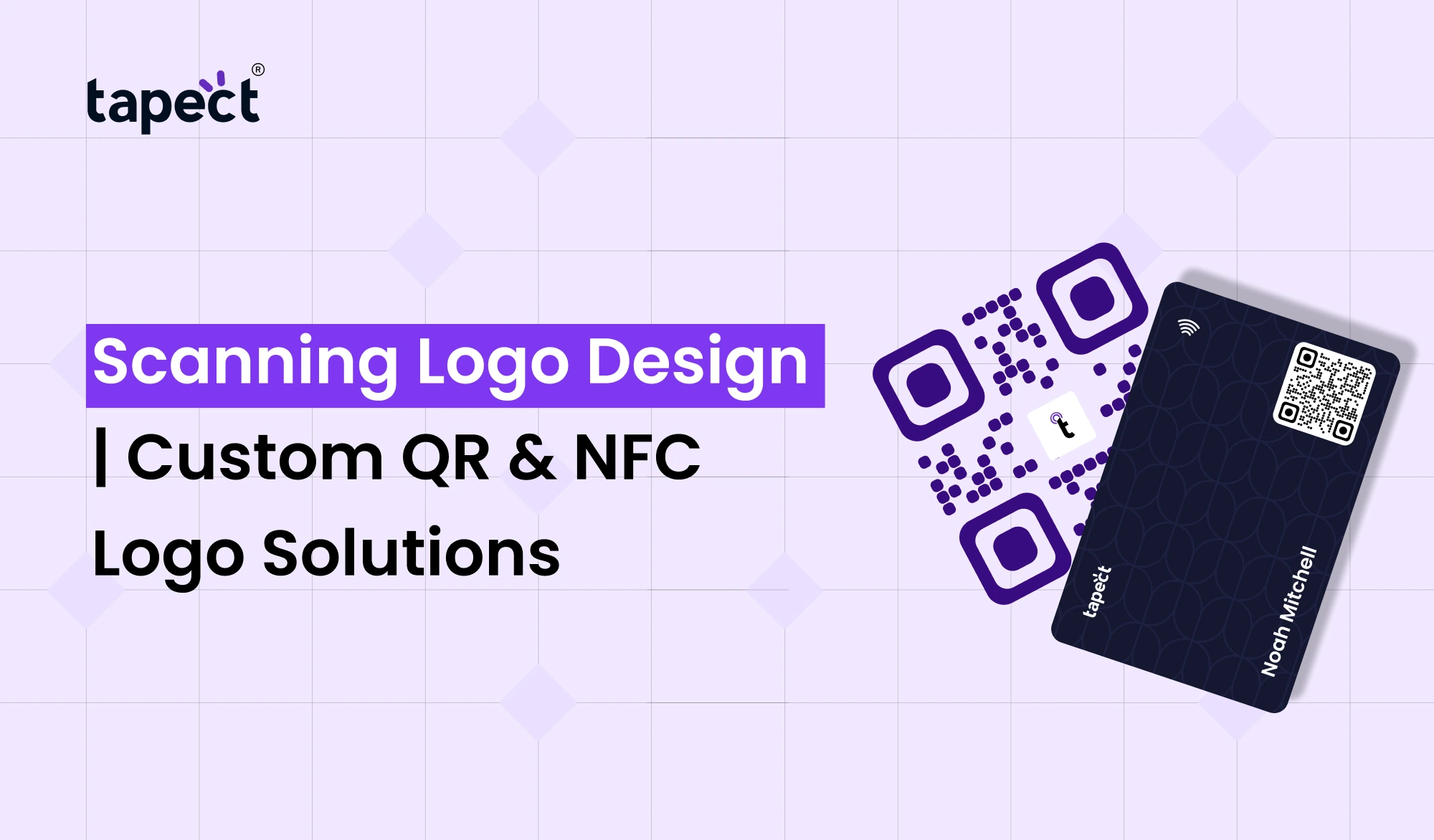
People usually see your logo first when they see your brand. If your business uses QR codes or NFC technology, a Scaning Logo can give your brand a more modern, trustworthy and recognisable appearance. A well designed scanning logo tells customers they can just scan or tap to see your contact details, website, menu or digital profile.
At Tapect, we create customised scanning logos that fit your brand identity and improve the appearance of your QR codes and NFC business cards. Whether you need a logo for a product, business card, packaging or a marketing campaign, our design team can help you develop a clean and memorable look.
This guide will show you the importance of a Scaning Logo , how it works with QR and NFC technology, and how it can help your business stand out.
What Is a Scaning Logo?
A Scaning Logo is a tailored icon or graphic that instructs users to scan a QR code or tap an NFC-enabled product. Businesses add a branded logo to the QR code, instead of a plain black-and-white, which increases trust and gets more attention.
When customers see a professional Scaning Logo, they instantly know they can interact with your business using their smartphone.
Scanning logos are used on many brands:
- Business cards
- Product packaging
- Restaurant menus
- Event badges
- Marketing brochures
- Store displays
- Digital business cards
A great Scaning Logo makes your marketing materials look more professional and helps to attract more people to your brand.
Why Every Business Needs a Scaning Logo
People want to connect with businesses quickly and easily. A Scaning Logo does this by sending users to your digital content.
Some of the advantages are:
Builds Brand Awareness
A custom Scaning Logo in your colours, fonts and style. This keeps the brand image consistent across all marketing material.
Promotes More Scanning
If the design of a qr code looks clean and trustworthy customers will be more inclined to scan it.
Makes Marketing Engaging
Your Scaning Logo allows people to access everything with one scan, instead of printing long website addresses or contact details.
Looks Contemporary
Businesses that utilise QR and NFC technology seem more innovative than those that rely solely on traditional print materials.
Where Can You Use a Scaning Logo?
One of the best things about a Scaning Logo is its versatility.
It can go just about anywhere.
Business Card
Create a custom business card logo with a QR code that lets customers save your contact information in one second.
Packaging of the product
Your QR code can be scanned by customers to view product details, warranty information or user guides.
Menus of Restaurants
Scanning logos are being used by restaurants to provide contactless digital menus.
Retail outlets
Display promotions, offers, loyalty programs or online catalogues.
Events
Visitors can easily access schedules, registration pages, and networking profiles.
Marketing Materials
Add your Scaning logo to flyers, banners, catalogues and booklets.
Scan QR Code Made Simple
Most smartphones can scan qr codes without the need for additional apps.
Customers only:
- Open the camera on your phone.
- Point it at the QR Code.
- Touch the notification
- See your website or digital profile.
Adding a clear Scaning Logo next to the code makes it easier for first time users to do this.
How to Scan a QR Code Correctly
Many people are still looking for how to scan qr code , so it’s a good idea to help your audience.
It’s a simple matter.
- Turn on your phone’s camera.
- Point it at the QR Code.
- Just keep it still for a few seconds.
- Tap the notification.
- Get to the linked information.
Older devices may need a QR scanner app.
Why a Scanner Logo Boosts User Experience
A clean scanner logo helps customers understand what they should do.
They don’t need to guess what the square code does, they instantly know it can be scanned.
A professionally designed logo for a scanner also:
- Builds self esteem
- Enhances Branding
- Raises involvement
- Cleans marketing materials up
- Logo scan for Business Cards
Old-fashioned business cards are easily lost.
Scaning Logo for Business Cards
Your business card becomes interactive when combined with a QR code.
People can immediately:
- Keep in touch
- Check out your site
- See your portfolio
- Connect Via LinkedIn
- Log in to your digital portfolio
A logo professionally designed for a business card helps your card to stand out from the competition.
QR Code and NFC Together
Today’s smart networking is based on QR and NFC.
- QR Code
- NFC Chip
- Custom Scaning Logo
- Digital profile
They work hand in hand to provide the best customer experience.
Many companies now match:
Digital profile Custom scanning logo NFC chip QR code
Together they provide a complete smart networking solution.
What Is an NFC Logo?
Customers can tap their smartphone on a card or product if they see a nfc logo.
NFC uses wireless communication, unlike QR codes.
Businesses often place a nfc logo on:
- NFC business cards
- Smart product tags
- Event passes
- Digital menus
- Hotel cards
The logo helps users to understand that the item supports tap-to-connect technology.
Why Businesses Use NFC Logo PNG Files
The Designers are asking for the nfc logo png as the png files have transparent background.
This makes putting on them easier:
- Business cards
- Product labels
- Posters
- Brochures
- Packaging
- Website graphics
A good nfc logo png will keep your brand clean and professional.
NFC Business Card Makes Networking Faster
A modern nfc business card lets users share information with one touch.
Instead of exchanging paper cards, your contact info pops up automatically.
Your nfc business card could contain:
- Name Phone
- E-mail Website
- Social Media Portfolio
- Google Maps Link
At Tapect we build smart NFC business cards that match with QR technology.
Why Choose Tapect?
Tapect doesn’t just design logos.
We provide end-to-end smart branding solutions.
We offer the following services:
- Custom Scaning Logo design
- QR code branding
- NFC logo design
- NFC business cards
- Digital business cards
- Custom QR code designs
- Business branding
We design everything to fit your brand identity and drive customer engagement.
Tips for Designing the Perfect Scaning Logo
Remember these tips.
Keep it simple.
Simple logos are more easily recognisable.
Match your Brand Colours
Pick colours that compliment your existing branding.
Good Contrasts
The logo should be legible on any background.
Don’t crowd out.
Allow sufficient white space around the QR code.
Pre Print Test
Make sure to scan the final design before you print thousands of them.
Common Mistakes to Avoid
Many businesses make easy mistakes.
Steer clear of these problems:
- Using low-quality graphics
- Making QR codes too small
- Covering too much of the QR code
- Poor color contrast
- No call-to-action
- Missing branding
- Using outdated designs
Future of Scaning Logo Design
Smart networking is growing year over year.
Today more companies are using QR codes and NFC technology to reach customers immediately.
A professionally designed Scaning Logo helps brands to be ready for this digital future.
Whether you own a startup, restaurant, retail store, real estate agency or corporate business, adding a custom scanning logo develops a better customer experience.
Why Tapect Is the Right Choice
When you choose Tapect you choose a team that knows branding and smart technology.
We design things that are:
- Modern day
- Recognisable
- Mobile Friendly
- Brand focused
- Prepared for print
- Ideal for QR & NFC solutions
Our mission is to help companies create a memorable first impression and network like never before.
FAQ’s
1. What is a Scaning Logo ?
A Scaning Logo is a custom graphic designed to encourage users to scan a QR code or tap an NFC-enabled product.
2. How do I add a logo to my QR code?
Yes. Your brand logo can safely be featured on a professionally designed QR code and still be easy to scan.
3. How does QR differ from NFC?
QR codes need to be scanned with a phone camera, whereas NFC is a matter of just tapping a compatible phone.
4. Why use an NFC business card?
With a nfc business card, networking is easy – just tap to share your contact info.
5. Does Tapect make custom scanning logos?
Yes. Tapect offers custom scanning logos, branded QR codes, NFC logos and full smart business card solutions.
Conclusion
A professional Scaning Logo is more than just a design. It increases recognition of your QR codes and NFC products, increases trust and increases customer engagement. Strong branding +smart technology = a better experience for every customer.
Tapect offers customised QR and NFC logo solutions to match your brand and grow your business. Get your own Scaning Logo today. Make every scan count.
Call to Action
Want to step up your brand with a custom Scaning Logo?
Tapect lets companies design eye-catching scanning logos, branded QR codes, NFC logos and premium NFC business card solutions to share information quickly and professionally.
Whether you are a startup, freelancer, Business owner or a growing company, our custom designs help you make a stronger first impression and connect with customers instantly.
Contact Tapect today to design your custom Scanning Logo to take your brand into the future of smart networking.
 15 Sept 2026
 business