Smartphones are more than simply phones and text messages in today’s digital environment. Now, they are great for making payments, sharing information, and even making connections. NFC on mobile is one of the most important technologies that makes this possible.
You might have seen people pay for things with their phones or swap contact information in a matter of seconds. NFC makes that easy tap work. You will understand what it is, how it works, and why it is helpful in everyday life in this tutorial.
What is NFC in Mobile?
Near Field Communication is what NFC means for mobile devices. It is a wireless technology that works over small distances and lets two devices talk to each other while they are very close, usually within a few centimetres.
If you want to know what NFC in mobile, think of it as a faster and easier way to connect devices without wires or having to set them up by hand. You just put two devices close together, and they send data right away.
A lot of new smartphones include this capability, which makes nfc phone technology a normal part of everyday life.
NFC Mean in Mobile: Simple Explanation
To grasp what NFC implies on mobile, let’s break it down into simple terms:
Close distance means near.
Field = place where things link
Communication is the sharing of information.
So, NFC on a phone means that two devices can transfer data when they are close to each other. You don’t have to pair or type in passwords like you do with Bluetooth.
This is why mobile devices that support NFC are so popular.
How Does NFC in Mobile Work?
NFC works quickly and easily on mobile devices. It sends data between devices via radio waves.
Step-by-Step Working
- One device creates a radio signal
- The other device detects it
- Data is transferred instantly
NFC on mobile devices doesn’t need the internet to work, unlike Wi-Fi or Bluetooth. They just need to be near each other.
NFC has three main modes:
1. Reader Mode
Your phone can read data from NFC tags on cards or posters.
2. Peer-to-Peer Mode
Two NFC phones can share data like images or contacts.
3. Card Emulation Mode
You can use your phone to pay for things like a debit or credit card.
This is how NFC in mobile phones lets you do things without touching them.
Features of NFC Support Mobile Devices
Devices that NFC Support Mobile have a lot of handy features that make chores easier and faster.
Contactless Payments
You can pay at stores by tapping your phone instead of using cash or cards.
Fast Data Sharing
You may exchange photos, contacts, and files right away.
Smart Connections
You can rapidly connect to speakers, headphones, or other devices.
Digital Identity
You may keep tickets, passes, and even business cards on your phone.
All of these things make NFC a must-have feature in current devices.
Uses of NFC in Mobile in Daily Life
More and more people are using NFC on their phones every day. Some common examples are:
1. Mobile Payments
Apps like Google Pay employ NFC on phones to make safe payments.
2. Public Transport
You can tap your phone to travel in a lot of cities.
3. Smart Cards
Use your phone to get into offices or events.
4. Business Networking
Use NFC business cards to share contact information.
5. Home Automation
With just a tap, you can control smart gadgets.
These daily uses highlight how strong NFC may be in a phone.
How NFC Business Card Works
Networking is a common usage for this technology. Let’s learn how NFC business cards operate.
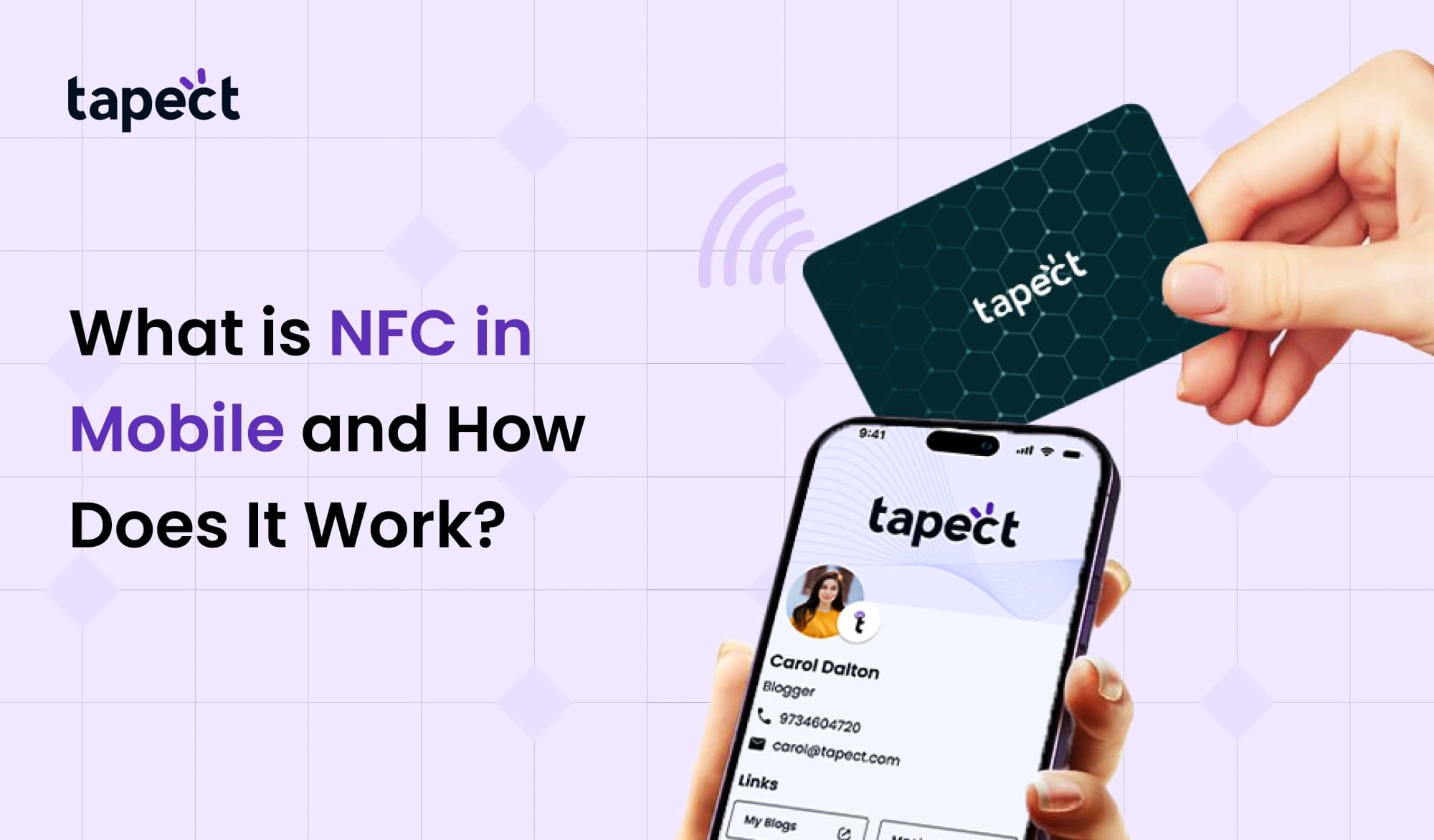
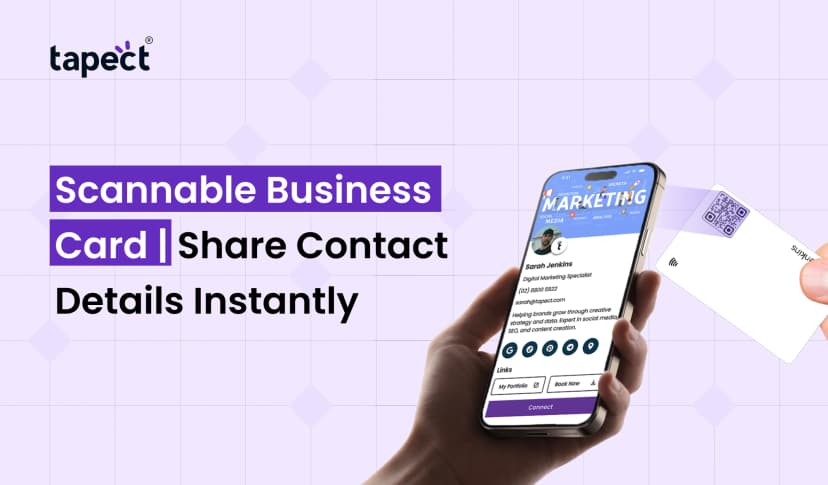
There is a little chip inside an NFC business card. When you tap it with a phone, it delivers your profile, website, or contact information right away.
Simple Process:
- Tap the card on a phone
- The phone reads the data
- A link or contact opens
This makes it easier and faster to share information. People don’t have to type anything when they utilise NFC on their phones.
NFC Business Card in Mobile
The idea of having an NFC business card on your phone is transforming the way people connect.
You don’t have to carry around a lot of paper cards anymore; you can keep your information online. When someone taps your phone or card, they can see all of your information right away.
This way is:
- Fast
- Contactless
- Easy to update
Professionals may make a powerful impression and avoid using old printed cards by using NFC on their phones.
Benefits of NFC in Mobile
People like NFC in mobile for a lot of different reasons.
Quick and Easy
Just tap and leave. No need to set up.
Secure
Data transfer only happens over a small distance, which makes it safer.
Saves Time
You don’t have to type or search by hand.
Modern Experience
Makes you feel clever and professional.
More and more mobile devices are getting NFC functionality because of these benefits.
NFC Phone Compatibility
Not all phones can use NFC, but most new smartphones can.
How to See whether Your Phone Supports NFC
- Go to phone settings
- Search for NFC option
- Turn it on if available
NFC is now a regular feature on many Android and iPhone versions.
You can use all the benefits of an NFC phone if your device supports it.
NFC vs Bluetooth vs QR Code
People often compare NFC in mobile devices to other technologies.
NFC
- Works at short distance
- Faster connection
- No pairing needed
Bluetooth
- Works at longer distance
- Needs pairing
- Slower to connect
QR Code
- Needs scanning
- Requires camera
- Depends on lighting
All of them are useful, but NFC in mobile is the fastest and easiest to use.
Is NFC in Mobile Safe?
People often worry about safety. The good news is that NFC on phones is usually safe.
Why It Is Secure
- Works only at close range
- Requires user action (tap)
- Uses encrypted data in payments
Still, users should follow basic safety tips:
- Use trusted apps
- Avoid unknown NFC tags
- Keep your phone locked
If you use NFC on your phone correctly, it is safe.
Future of NFC in Mobile
NFC in mobile appears like it will have a bright future. This technology is being used by more and more businesses.
Growing Trends
- Digital wallets replacing physical cards
- Smart business cards using NFC
- Contactless services in every industry
As more devices accept NFC, this technology will become a routine part of life.
Common Problems and Solutions
Sometimes people have trouble with NFC on their phones.
Problem: NFC Not Working
Solution: Make sure it is turned on in the settings.
Problem: Slow Detection
Solution: Hold devices closer
Problem: Not Supported
Solution: Check to see if your phone has NFC.
These little changes can make it easier for you to use NFC on your phone.
FAQs
1. What does NFC do on a phone?
People utilize NFC on their phones to pay for things, share data, and instantly connect gadgets.
2. Does every phone support NFC?
No, however most new smartphones do include capabilities that let you use NFC.
3. Is mobile NFC better than Bluetooth?
NFC on mobile is faster and easier for quick connections.
4. How does an NFC business card work?
When you tap an NFC business card on a phone, it sends your information.
5. Is it safe to use NFC?
Yes, NFC in mobile is safe because it only works when the user does something.
Final thoughts
NFC in mobile is a basic but powerful technology that speeds up and simplifies everyday chores. It makes everything easier with just a tap, from paying bills to sharing contacts.
Knowing what NFC is on your phone might help you use it in smarter ways. It’s evident that utilising an NFC phone to make payments or an NFC business card to share information has its merits.
NFC in mobile will keep growing and become an important aspect of our digital life as more devices enable it.
 8/21/2026
 business