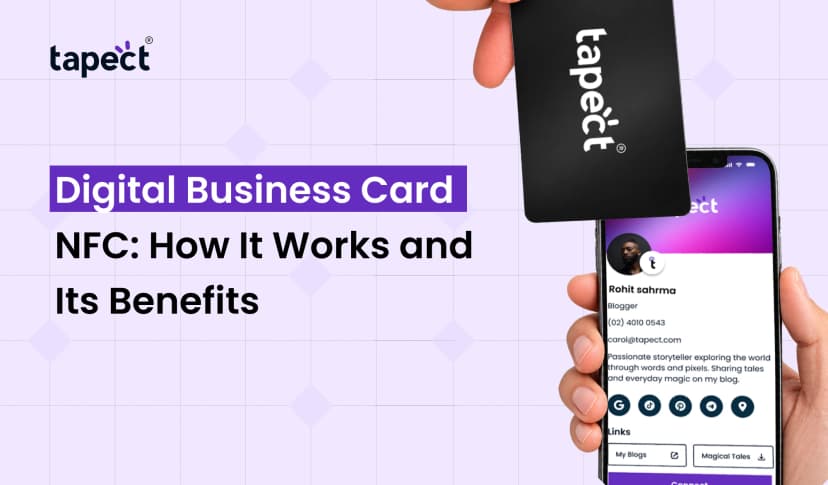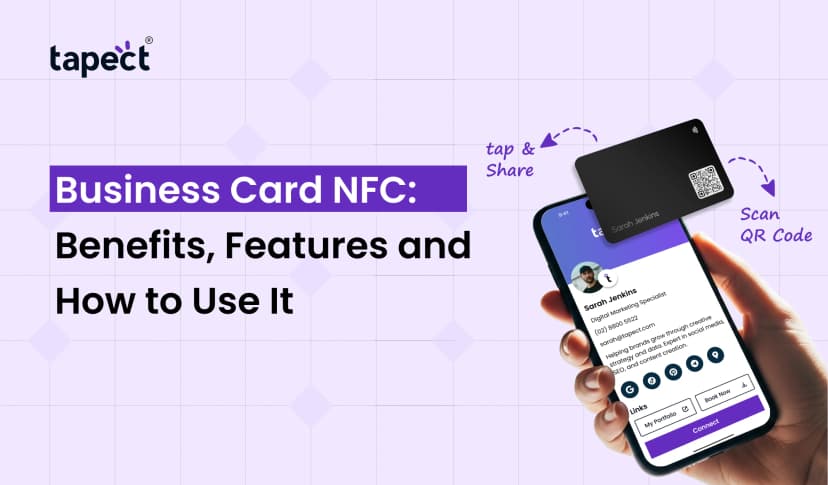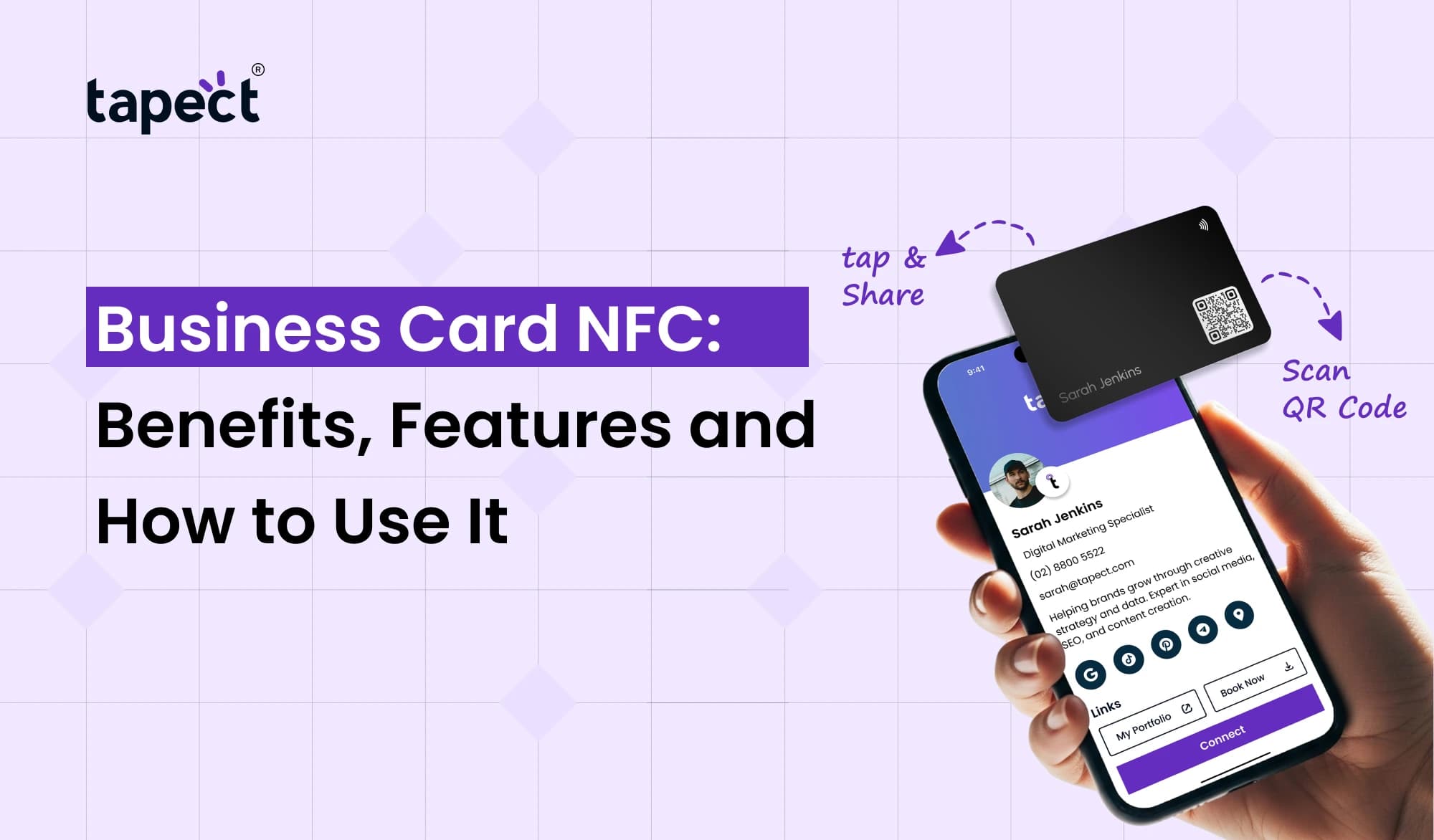
Networking is about meeting the right person at the right time. But when you give someone a traditional business card, they can keep it in their wallet, forget it or lose it later. With an NFC Business Card, you can easily share your contact information without solely depending on the printed information.
With a tap, someone can open your digital profile, save your contact information, visit your website or connect with your social media accounts. You don’t have to type in a phone number or look up a website.
In this guide, we’ll take a look at what Business Card NFC are, their key benefits and features, and how you can use one for networking in your everyday life.
What Is a Business Card NFC?
A Business Card NFC is a physical business card with an NFC chip. NFC is Near Field Communication. When the chip comes near the card, it can send information to a smartphone with the right technology.
Think about it, instead of having to read a printed card and saving the details manually, the person can tap the card and it will open your online profile.
The profile can include:
- Your name and job title
- Phone number
- Email address
- Company website
- Social media links
- Portfolio
- WhatsApp link
- Contact-saving option
This speeds up networking and gives your business card a useful digital side.
How Does a Business Card NFC Work?
The process is fairly simple. The physical card contains an NFC chip. You put that chip on a digital profile, or a web page.
Someone taps their NFC capable phone to the card, the phone reads the chip and it opens the information associated with it.
In most cases you do not have to install a special app just to open the profile. Exact experience can depend on the phone and its NFC settings.
An nfc visiting card works the same way, giving you a physical card that can connect people to your digital information.
Key Benefits of a Business Card NFC
Business Card NFC makes sharing contact information easier and more versatile than a printed card.
1. Share Details Quickly
Share your contact info in a tap. You don’t need to spell out your email address or ask someone to type your phone number.
2. Reduce Dependence on Paper
Your printed card still provides a physical object for people to remember you by, but the crucial information can also exist on the internet.
3. Update Your Information
Your job title, phone number, website or social links can change over time. With a digital profile, you can edit the information and not need to print a new run of cards.
4. Make Networking Easier
Quick contact sharing can save time at meetings, events, conferences and client visits .
5. Add More Information
Space is limited on a traditional card. A digital profile can contain a lot more information without crowding the physical card.
Features to Look for in NFC Business Cards
The features are different for each card. Consider what you really need when purchasing nfc enabled business cards.
Digital Profile
A good digital profile should make it easy to find your contact details. This could be your photo, company information, website, social links and other helpful information.
Contact Saving
Choose a profile that makes it easy for visitors to save your contact information.
Social Media Links
If social media is part of your work, you can link to platforms like LinkedIn, Instagram, Facebook or X.
Website and Portfolio
Freelancers, designers, consultants, salespeople and business owners can highlight their website or portfolio in the profile.
QR Code Backup
Some digital business card nfc solutions also feature a QR code. “This provides another way for people to open your profile if they can’t use NFC.
Is Business Card RFID the Same as NFC?
When people say business card RFID they often mean NFC cards. NFC and RFID are similar technologies, but they’re not quite the same.
RFID is a more general technology for the identification and tracking of objects via radio signals. NFC is a short-range communication technology that is often used for contactless communication.
NFC is a great choice for a networking card because it enables the person to bring a compatible phone close to the card to access your digital information.
How to Use a Business Card NFC
Once your profile is ready, using a Business Card NFC is easy.
Step 1: Create Your Digital Profile
Add your name, job title, phone number, e-mail, website and social media links.
Step 2: Connect the NFC Card
Your card is required to be connected to your digital profile. Follow the setup instructions that came with your NFC card.
Step 3: Test the Card
Test the card on a compatible smartphone before handing it out to your clients or contacts.
Step 4: Start Networking
Ask the other person to tap their phone on the card at the event or meeting.
Step 5: Let Them Save Your Details
When your profile opens, they can see your details and save your contact information.
How Tapect Can Help
Tapect merges the familiar feel of a physical card with digital contact sharing. This can be helpful for professionals who want a simple way to share their information while networking.
With Tapect, make your digital profile meet people via an NFC card.
Some useful points are:
- Share contact details with a tap.
- Add your website and social media profiles.
- Give people a simple way to save your contact.
- Use QR code access as another sharing option.
- Keep your digital information in one place.
- Use the card at meetings, events, conferences, and client visits.
An nfc name card can be especially handy for those who meet a lot of new contacts and want to avoid the hassle of exchanging details manually each time.
How Businesses Can Use NFC Cards
A Business Card NFC isn’t only for individual professionals. Companies can also use NFC cards for their teams.
Sales Teams
Sales reps can share their contact details and product pages while meeting clients.
Real Estate Agents
Agents can connect potential buyers with property listings, contact information and social profiles.
Freelancers
Freelancers can use their card to showcase their portfolio and past work.
Consultants
Consultants can also share booking pages, websites and professional profiles.
Business Owners
Owners can link customers to their website, social pages, review pages and contact information.
Tips for Getting Better Results
Nfc enabled business cards are easy to use, but a few small details can make the experience better.
Keep Your Profile Simple
Don’t overload your digital profile with unnecessary information. Lead with the most important information.
Add a Clear Photo
A professional photo can help people remember who they met with.
Keep Your Contact Details Updated
Check your phone number, email, website and social links regularly.
Add a Call to Action
Tell visitors what you’d like them to do. For example:
- Save my contact
- Visit my website
- Connect on LinkedIn
- Contact me on WhatsApp
- Book a meeting
Carry a Backup Option
QR codes can be helpful when someone has trouble with NFC. With NFC and QR access, there’s more than one way to get to your profile.
FAQs
1. What is Business Card NFC?
A Business Card NFC is a tangible card with an NFC chip that can access a digital profile when a compatible smartphone gets close to it.
2. An NFC visiting card needs an app?
Usually, the recipient does not need a dedicated app just to open an NFC-linked web page. The exact behaviour varies by phone and its settings.
3. Can I modify my digital business card later?
Yes. In most cases, if your card is tied to an online profile you can update the profile without having to change the physical card.
4. Business Card NFC: Is it better than a normal business card?
They have different purposes. The traditional card has printed info on it . An NFC card allows people to link to a more extensive digital profile .
5. Do NFC cards have QR codes?
Yes. Many cards can have both NFC and QR code access, giving people two ways to open your digital profile.
6. What can I put in an NFC digital business card profile?
You may add contact details, your website, social media links, portfolio information, booking links, and other relevant business information.
Conclusion
NFC business cards are a simple tool for creating a digital connection that turns a regular networking card into a digital one. Rather than asking people to manually type your details in, you can provide them with a quick way to launch your profile and save your info.
Whether you’re a freelancer, salesperson, consultant, business owner or part of a bigger team, NFC can make everyday networking more convenient.
Share more than just a phone number or email address with options like digital business card nfc, nfc visiting card and nfc name card. You are able to create a complete digital profile that stores all of your professional information in one place.
Ready to Make Networking Easier?
Bring your physical and digital business identity together with Tapect. Build a professional profile, link it to your NFC card and start sharing your details with a simple tap.
 25 Sept 2026
 business