Business cards are still handy, but the way people exchange their contact information is evolving. Today’s professionals need a faster, easier method to connect. Here a Digital Business Card Maker can help.
You can easily create a professional card and share it with anybody in a few easy clicks. You don’t have to print out hundreds of cards or carry a large stack around with you everywhere.
You may add your name, phone number, email, website, social accounts, company details, and more to your digital card. It can be shared as a link, a QR code or an NFC business card.
It’s an easy approach to make networking easier for professionals, freelancers, business owners, sales teams and innovators.
What Is a Digital Business Card Maker?
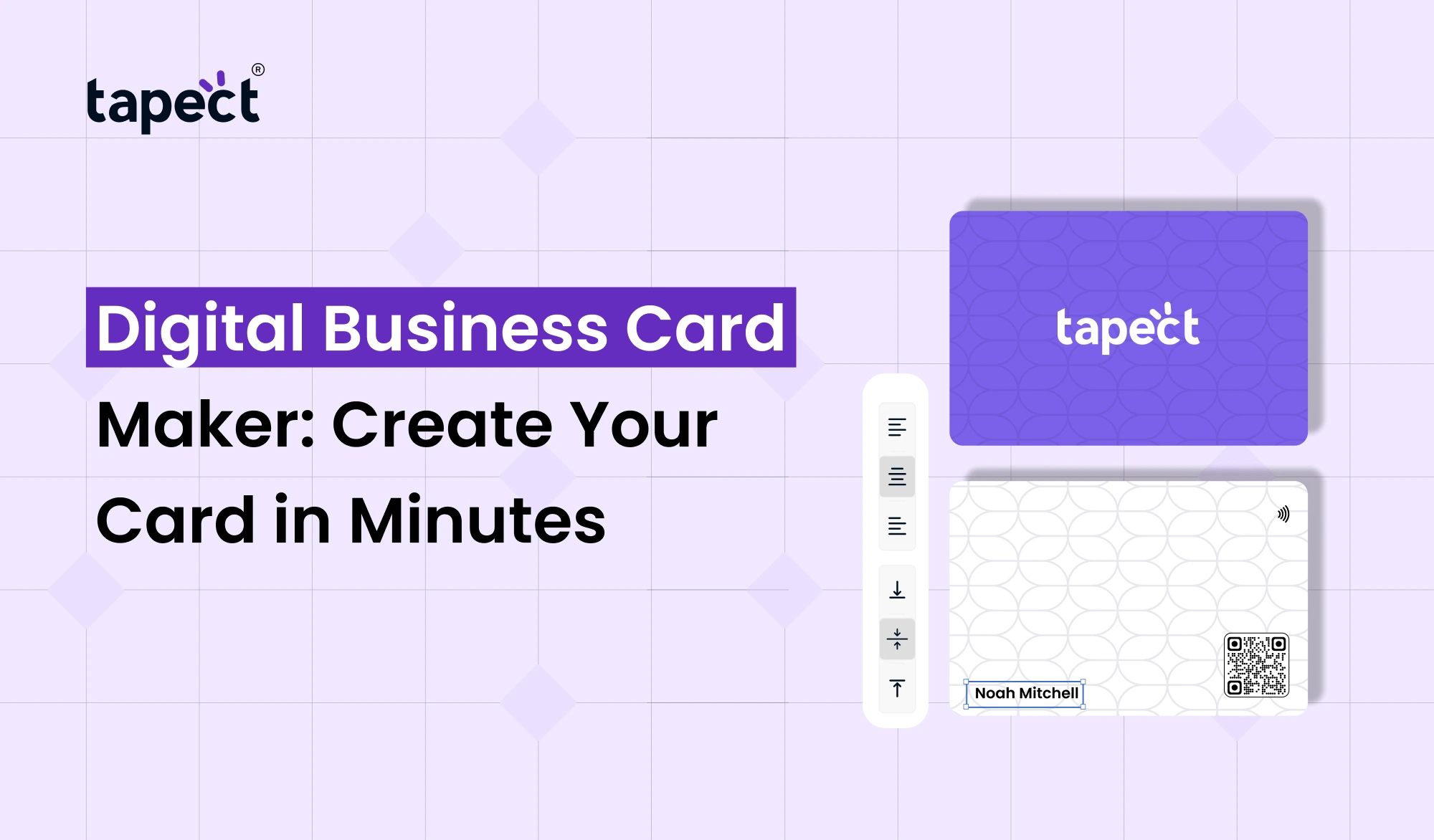
A Digital Business Card Maker is an online application that allows you produce and manage a digital version of your business card.
Instead of creating a card from scratch, you can add your information to a pre-made template. Upload your photo, company logo, contact data, social media connections, website and other information.
A competent digital vcard maker should make it easy. Select a design, add your details, personalise the card and share it.
No advanced design abilities needed. Even if you’ve never made a business card before, you’ll be able to make one in a matter of minutes.
Why Use a Digital Business Card?
A digital card is more flexible than a printed one. You can edit your details at any time without having to print a new batch.
For example, if you alter your phone number or firm web page. You just update your profile with a digi-card. Those who use your card can view the most recent information.
A digital business card maker also provides you extra space for information. You can add social media accounts, maps, videos, payment links, portfolio and other relevant links.
It turns your card become more than just a contact exchange tool.
How Does a Digital Business Card Maker Work?
Generally, using a Digital Business Card Maker is pretty simple.
Step 1: Add Your Details
Enter basic information such your name, job title, phone number, email address and company name.
Step 2: Add Your Profile
You can add a profile picture and a company logo. This will assist people to identify you and make your card look more professional.
Step 3: Add Useful Links
Add your website, LinkedIn, Instagram, WhatsApp, portfolio or any other key pages.
Step 4: Choose a Design
Choose a layout that reflects your personal or business style. The design is straightforward and easy to understand.
Step 5: Share Your Card
When your card is ready you can distribute it via a link, QR code or NFC technology.
This complete procedure can be done in few minutes.
Benefits of Using an Online Business Card Maker
Now, producing and distributing contact information is much easier with the help of an online business card maker.
Easy to Create
You don’t require complex software. Most programs have very simple editing features.
Easy to Update
You can change your information whenever you want.
No Printing Cost
No repetitive printing fees when your information change .
Easy to Share
Send your card by WhatsApp, email, social media or a direct link.
Better Networking
People may instantly store your contact information and check out your web profiles.
A Digital Business Card Maker gives you all of these benefits from one spot.
Digital Visiting Card Maker vs Traditional Business Card
Traditional cards have limited space. You generally add your name, phone number, email, website and company details.
You can store much more information on a digital card.
The digital visiting card generator allows you to build a profile that may contain:
- Contact information
- Website links
- Social media accounts
- Business location
- Product pages
- Videos
- Portfolio links
- WhatsApp contact
- Payment links
The main benefit is being able to change the information without having to make a new card.
Use a Virtual Business Card Maker for Modern Networking
A virtual business card maker is useful when most of your networking is online.
You can share your card with someone without meeting them in person. Just email, WhatsApp, LinkedIn or any other way to send them the URL to the card.
This is particularly helpful for remote employes, consultants, freelancers, recruiters, and internet business owners.
You can also have your card ready on your phone and share it when you meet someone new.
Create an Electronic Business Card Easily
An electronic business card maker enables you to convert your contact information from paper to electronic format.
Create one profile and you can use it again and again. No need to stuff your wallet or purse with a bunch of cards.
If you grow your business or modify your contact details you can update your profile rather than printing new cards.
This makes an electronic card a handy option for the current day professional.
How an E Business Card Maker Helps Your Brand
An e business card manufacturer can help you build a greater online presence.
You may upload your brand colours, logo, profile photo and business details on your card. If someone opens up your card, they can discover more about your business without having to look for you online.
For example, a business owner can add a website, a product page, a location on Google Maps, social media profiles, and buttons to contact.
This provides more methods for potential customers to connect.
Add an NFC Business Card for Tap-to-Share Networking
An NFC business card beats digital networking by one step.
NFC allows people to share information with a tap of a compatible smartphone. They can scan the card and access your digital profile instead of having to type in a URL or search for your profile.
NFC business cards are useful at meetings, exhibitions, conferences, sales events and networking events.
You can also combine NFC with a QR code . This provides people with more than one method to your card.
Digital Business Card Maker for Different Professionals
A Digital Business Card Maker isn’t exclusively for business owners. Anyone can use it. Almost anyone who networks.
Business Owners
Provide your customers with corporate information, website links, social profiles and contact details.
Sales Professionals
Make it easy for prospects to contact you following a meeting.
Freelancers
Show your portfolio, services, social accounts and contact info all in one spot.
Real Estate Agents
Add property links, phone numbers, WhatsApp, office information.
Job Seekers
Build a professional profile, post your LinkedIn profile, and your contact information.
Event Professionals
Share your info fast without lugging a stack of printed cards.
What Makes a Good Digital Business Card?
A good card should be basic, functional and easy to explore.
Too much needless elements don’t add. People should know who you are automatically, and how to get in touch with you.
Ensure your phone number, email and key links are easy to find.
Your digital business card should also be mobile friendly as most people will open it from their smartphones.
Tapect allows you to build a professional profile with all your vital information in one location, easily shareable.
Why Choose Tapect?
Tapect simplifies digital networking for today’s workers and businesses.
Build a professional digital business card with Tapect and distribute your details without depending on printed cards.
Use your profile to network, connect with customers, attend events, meet people and develop your business.
The NFC business card is a convenient way for people to open your profile with a tap.
Tapect offers an easy approach to make the changeover for you, whether you are establishing a new business or need to improve your existing networking operation.
Tips for Creating a Better Digital Card
Check a few easy things before you share your card.
First, check that all of your contact details are correct. A faulty link or improper phone number can loose you a potential consumer.
Use a clear profile picture and company logo.
keep your most crucial connections up top.
Lastly, test your card with a smart phone before sending it on to clients.
A Digital Business Card Maker is most effective when the final card is straightforward and easy for others to use.
FAQs
1. What’s the finest digital business card maker?
The appropriate instrument relies upon your needs. Choose a platform with simple editing, professional layouts, sharing capabilities and easy profile administration. Tapect is the choice for professionals looking for a modern networking solution.
2. Can I change my digital card later on?
Yes. One of the key benefits of a digital card is that you can change your details without having to print a new card.
3. Can I share my card on WhatsApp?
Yes. You can share your card link on WhatsApp, email, social media or other communications mediums.
4. Are digital cards NFC-enabled?
Yes. You can link an NFC card to your digital profile. Your profile can be opened when a compatible phone touches the card.
5. Are digital business cards superior than paper cards?
Both have their uses. Digital cards are easier to update and exchange, but traditional cards are still helpful in some scenarios. Using both can give additional versatility.
6. Are digital business cards allowed for freelancers?
Yes. Freelancers can exchange contact details, portfolios, websites, social networks and services with their cards.
Conclusion
A Digital Business Card Maker is an easy method to create a professional networking profile in minutes. Add your contact details, website, social media accounts, portfolio and other important links all in one area.
Your digital profile may be updated as your information changes, unlike a printed card. It’s easy to share by link, QR code or NFC card.
If you want a straightforward approach to modernise your networking, Tapect can help you do that. Create your digital card, add your key details, and start sharing with customers and connections now.
Ready to Go Digital?
Build a professional digital business card and ease every connection with Tapect. Start designing your card today and transform your next meeting into a new business opportunity.
 26 Sept 2026
 business