It should be easy and quick to share your contact details. But paper cards can, of course, get lost, damaged or thrown away. They also need to be reprinted every time your phone number, job title or other information changes.
That’s why many professionals and businesses are moving towards an E Visiting Card. It lets you put your contact information on the web without having to carry a stack of paper cards. You can send it by WhatsApp, email, social media or a simple link.
Tapect helps pros find smarter ways to share their details and makes networking easier. If you are a small business owner, a freelancer or manage a sales team, an electronic card is a great way to make a powerful first impression.
This guide will cover the main benefits, useful features and simple steps to create your own card.
What Is an E Visiting Card?
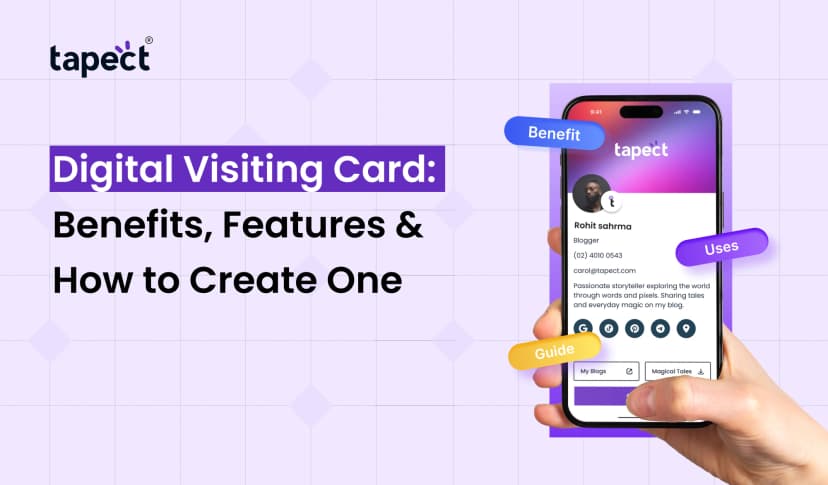
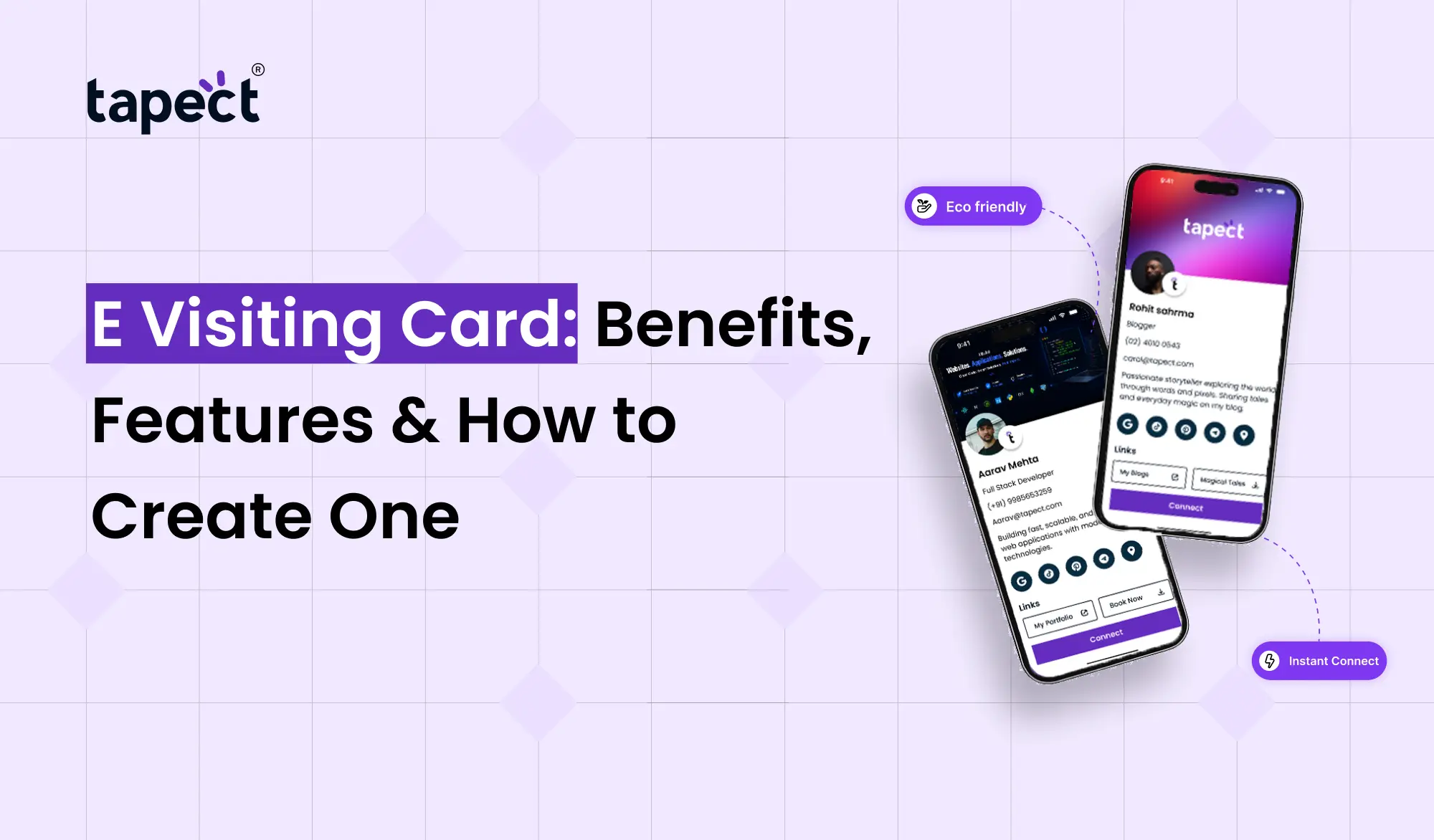
An E Visiting Card is a digital equivalent of a physical visiting card. It is an online representation of important information about you or your business. It is accessible to people on their smart phones, tablets or computers.
Instead of giving someone a printed card, you can share a link or QR code that takes them to your contact details.
A card would typically have:
- Your name and job title
- Business name and logo
- Phone number and email address
- Website link
- Social media profiles
- Business address
- A profile photo or company image
An Electronic visiting card makes it easier for people to find your information when they need it. You can also update your details without printing a new set of cards.
Benefits of Using an E Visiting Card
There are several advantages of digital format for individuals and businesses. Here are some of the top reasons to consider one.
1. Share Contact Details Quickly
You don’t need to type your phone number or email every time you meet someone new. Just give them your card link or have them scan your QR code.
This process is simplified during meetings, business events, conferences and everyday conversations by a Digital visiting card.
2. Save Money on Printing
Old-fashioned cards need paper, printing and delivery. If you change your contact details, you may have to order new cards.
An E Visiting Card cuts down these repeat costs. You can update your details online and keep the same card.
This is great for startups, freelancers, small companies and big teams that reach a big number of people.
3. Make a Better First Impression
Your contact card is often the first impression people get of your business. A clean design with your logo, contact details and website can make you look professional.
Instead of trying to jam everything into a small piece of paper you can organise your information using a Digital business card.
4. Keep Your Details Updated
What if you change your phone number? Or move to a new office? You will need to replace your old stock with printed cards.
If you are using a platform, you can update your details online with an E Visiting Card. Someone viewing your improved profile will see the latest info.
5. Support Eco-Friendly Networking
Paper cards need materials and printing. Electronic options might cut down on the number of printed cards you need.
It is a practical choice for companies that want to reduce their paper use but still want to keep the networking process easy.
Important Features of an E Visiting Card
A good card should have more than just your name and phone#. Look for features that make it easier for people to get in touch with you.
Contact Information in One Place
Keep your important details in one place, so visitors don’t have to hunt around on different platforms.
You can add your phone number, email address, website, business location and social media links to your card.
QR Code Sharing
People can access your contact details via email, and now they can also use a QR code. They can scan it with a compatible smart phone camera and open your profile.
It’s a great feature for print materials, product packaging, office displays and networking events.
Easy Sharing Options
Your card should be easy to share across common communication channels, including:
- WhatsApp messages
- Email signatures
- LinkedIn profiles
- Text messages
- Websites and online portfolios
An online visiting card is a way of connecting with people when you can’t meet them in person.
Custom Design and Branding
Select colours, fonts, and layouts that reflect your business identity. Add your logo and keep it clean so visitors can find your contact info easily.
Tapect assists businesses in finding modern digital networking options that may help to support a professional brand image.
NFC Compatibility
Some digital networking solutions also support a Nfc card. Smartphones with NFC technology can open a linked profile when the card is tapped against the phone.
This is useful for people who regularly attend meetings or events. It can also be a good backup for visitors who like to scan.
How to Create an E Visiting Card
Making your own card doesn’t have to be difficult. To begin, follow these steps.
Step 1: Choose an E Visiting Card Maker
Begin by choosing an E visiting card maker that fits your needs. Compare the design options, sharing features, update process and pricing before choosing a platform.
Want to combine online profiles with tap-based sharing? Check out the options available via Tapect.
Step 2: Add Your Contact Details
Provide the information people need to contact you. This usually includes your name, title, company name, phone number and email address.
If you have a website and professional social media profiles that relate to your work, include them.
Step 3: Design Your Card
Choose a template that fits your brand. Readable text, clear colours and simple structure.
Avoid adding too much information. Your primary objective is to help people understand who you are and how they can contact you.
Step 4: Add a QR Code or NFC Option
Generate a QR code to link to your profile if your chosen service supports it. Another choice is an NFC-enabled card for face-to-face networking.
Test the sharing method with different compatible phones prior to offering it to clients.
Step 5: Check Every Link
Open your card and try every button. Check that your phone number, email address, website, and social media links function correctly.
A broken link makes it harder for potential customers to reach you.
Step 6: Share Your Card
Once you’re done, start sharing your card with customers, colleagues, business partners and potential clients.
You can add the link to your email signature, LinkedIn profile, WhatsApp Business account and website.
Who Should Use an E Visiting Card?
An E Visiting Card can be handy for a variety of professionals and businesses.
- Business owners: Share company details with customers and partners.
- Sales teams: Connect with potential buyers during meetings and events.
- Freelancers: Show contact details and portfolio links to new clients.
- Job seekers: Share professional profiles and work samples.
- Consultants: Make it easier for clients to book calls or send enquiries.
- Real estate agents: Share contact details and property links with interested buyers.
For businesses with multiple employees, a shared digital card system can also assist in keeping consistent branding for the team.
Tips to Get Better Results From Your Digital Card
Creating a card is just the first step. These tips will make it more useful.
- Keep your contact details current.
- Use a clear profile photo or business logo.
- Add a short description of your services.
- Include a direct link to your website or booking page.
- Make the card easy to open on mobile devices.
- Add a clear action, such as “Call Now” or “Visit Website.”
- Share it with people who are likely to need your services.
- Review available scan or engagement reports if your platform offers them.
If your platform has scan or engagement reports, check to see if they’re available.
These small tweaks can help visitors take the next step, be it calling you, visiting your website or asking about your services.
FAQs
1. What is the use of E Visiting Card?
It is used for sharing contact details, business details, website links and social media profiles in a digital way.
2. Can I make an E Visiting Card for free?
Yes, some platforms offer free plans or basic tools for creating. Costs may apply for advanced features, custom designs and NFC products.
3. How can I share my E Visiting Card?
Share it via WhatsApp, email, social media or a direct link. If your card features QR codes, people can scan the code to open your profile.
4. Is an E Visiting Card superior to a paper card?
These benefits include easier updates, and clickable links. Paper cards are still useful when you want to give someone something tangible. A lot of practitioners use both.
5. Can I change my contact details at a later date?
Yes, if the service you select allows you to edit your profile. You can update your details online, without printing a physical card.
6. What is the difference between an E Visiting Card and an NFC card?
E Visiting Card is a digital contact card. NFC card : A physical card that uses near-field communication to open a connected profile on a compatible phone Some solutions do both.
7. Will an E Visiting Card help me generate more leads?
It can make it easier for potential customers to contact you, visit your website or explore your services. Your results will vary based on your offer, audience and follow up process.
Conclusion
An E Visiting Card is an easy way of sharing your professional details without the need of printed cards. It lets you update information, share useful links and facilitates networking.
There are many people who can benefit from having their contact details online, from freelancers and sales professionals to growing companies. And additional features like QR code sharing, custom designs, and NFC compatibility can make the experience even more useful.
Find new ways to express your professional identity and build stronger business connections with Tapect.
Want to simplify your networking?
Check out Tapect’s digital business card solutions and find a smart way to share your contact information with your next customer or business partner.
 23 Oct 2026
 business