Sharing contact details should not be a chore. You shouldn’t have to enter a phone number, email address, or Wi-Fi password every time someone asks for it. The MeCard QR Code can make this process much easier.
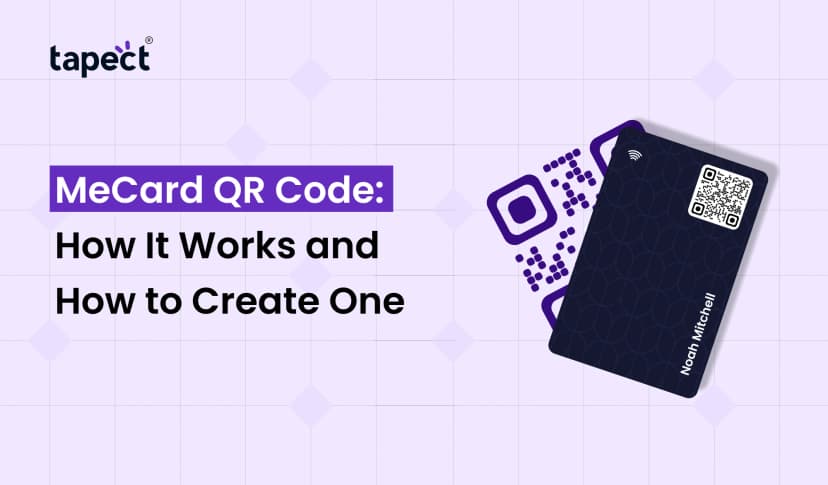
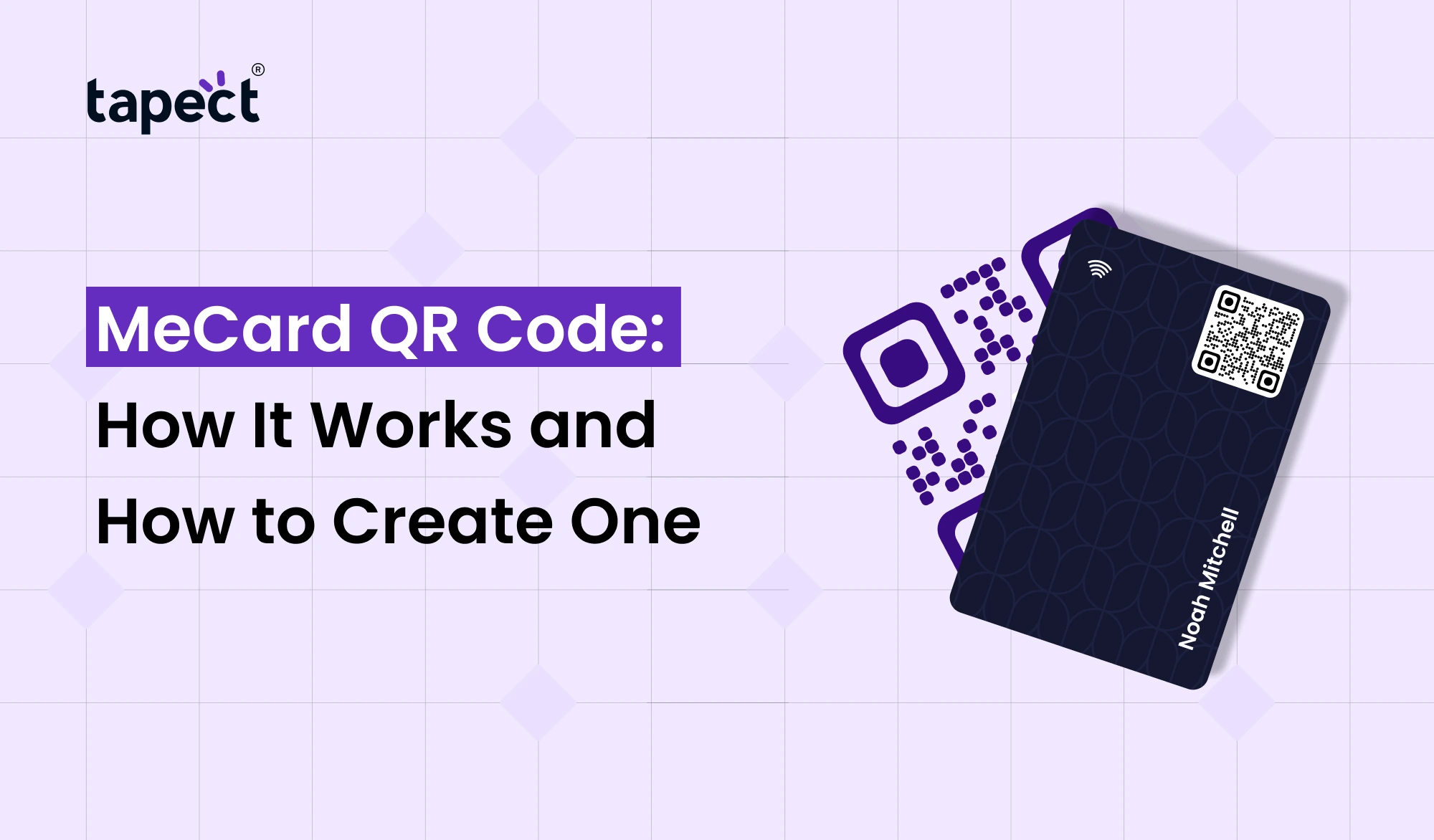
A MeCard is a simple data format for contact information that can be read by a QR code. When a person scans the code their phone can pull up the stored information without having to type it all out.
In this guide, we’ll cover what exactly is a MeCard QR Code, how it works, how to generate it and where you can use it.
What Is a MeCard QR Code?
A MeCard QR Code is a QR code that stores contact information in the MeCard format. It can include data such as a person’s name, phone number, email address and other contact information.
It is like giving your contact details in a digital form. Instead of hitting someone with a long run-on string of information, you can have them scan one code.
Good for: QR Code MeCard can be for:
- Sharing contacts on a personal level
- Business Networking.
- Profiles digital
- Event registration
- Business cards (printed)
- Brochure contact information
- Personal Websites & Landing Pages
The biggest plus is convenience. Rather than typing each detail, a person can scan the code and access the information .
How Does a MeCard QR Code Work?
The basic premise behind a QR MeCard is fairly simple.
First, your contact info is formatted in the MeCard format. The data is converted into a QR code using a MeCard QR Code Generator.
When someone scans the finished code, a compatible QR scanner will pick up the information contained within.
It usually looks like this…
- Give your contact information.
- Convert the data to MeCard format.
- Create the QR code.
- Get it on QR Code
- Print it on your card, website or printed material.
- Have people scan to get to your details.
That means not all QR codes have to take the user to another page. The information is actually stored directly inside the QR code.
What Information Can a MeCard Store?
MeCard QR Code is mainly for contact information. The supported specific information may differ the scanner or application used.
Typical details include:
- Name
- Telephone number
- Email address
- Address
- Website
- Organization information
For business purposes, you should keep your information short and useful. You don’t want to create a code that is overloaded with unnecessary details.
How to Create a MeCard QR Code
Making a Me Card QR code generator is not rocket science. Most online tools have a simple process.
Step 1: Prepare Your Information
Gather the information you want to include before creating your code.
For instance:
- Full name
- Business name
- Phone number
- Email address
- Website
Check everything twice before writing the code.
Step 2: Choose a MeCard QR Code Generator
Find a MeCard QR Code Generator that you trust and that uses the MeCard format.
Fill in the information in the required fields. Ensure the details are correct, since the code that will be generated will include the information that you provide.
Step 3: Generate the QR Code
Enter your details and click the button to generate. Your information will be translated into a scannable QR code by the tool.
Step 5: Test Before Sharing
Download generated code in the correct format. If you plan to print it, use a high quality file so the code is clear.
Step 5: Test before you share
This is an easy step to miss, but an important one.
QR MeCard can be scanned by different phones or QR scanner apps. Test the information before printing or publishing the code.
MeCard QR Code vs Regular QR Code
A standard QR code is a multi-purpose code. It can hold or fire all types of information like URLs, text, contact information etc.
A QR Code MeCard, in contrast, is designed to store contact information.
For example, a regular QR code can send someone to your website. A MeCard QR Code allows you to store your contact info in the MeCard format.
The right choice depends on what you want users to do.
MeCard can be handy if you just want to share basic contact information. A digital profile can offer some additional options if you want to show a complete business profile, website, social links, or portfolio.
Can You Use a MeCard QR Code on a Business Card?
Yes. A MeCard QR Code can be printed on a business card.
It gives people another way to get your contact info without typing it in.
You can put the code on the back of the card and add a short message like:
“Scan to add my contact”.
Keep enough empty space around the code so scanners can recognize it easily.
This can be useful for professionals who often go to meetings, conferences, exhibitions and networking events to share contact details.
Using MeCard QR Code with Tapect
Traditional contact sharing is evolving. People want instant ways to connect and save information now.
Tapect provides a digital business card solution for professionals to share their information using a digital profile.
Instead of just a printed card you can use a digital profile to provide useful information like:
- Contact details
- Social media links
- Website
- Professional information
- Portfolio links
- Other important business details
You can use a MeCard QR Code for simple contact sharing, but a Tapect digital business card can provide a broader online profile.
This makes life even easier when you meet new customers, clients or business contacts.
Benefits of Using a MeCard QR Code
There are many reasons why people choose this type of QR code.
Simple sharing of contacts
No more manual entry of your data by people. They can just scan the code.
Saves You Time
Scanning is usually easier than typing in a phone number or email address.
Easy to Print
You can put the code on business cards, fliers, brochures, posters and other printed materials.
No app needed
Many modern smartphones can scan QR codes directly with either the camera or an internal scanner.
Good for networking
Professionals meeting new contacts at events or business meetings use a MeCard QR Code.
Best Practices for Creating a MeCard QR Code
Here are a few things to consider before taking your code public:
- Check every contact detail before generating the code.
- Make the QR code large enough to scan.
- Keep good contrast between the code and background.
- Leave enough white space around the code.
- Test it on multiple phones.
- Do not cover part of the QR code with logos or text.
- Use a high-quality version for printing.
- Add a short instruction telling people what to do.
The simplest design is almost always better than a QR code that is too decorated.
Where Can You Use a MeCard QR Code?
MeCard QR Codes are more than just business cards. It can be used in a number of places.
Business Cards
Add it to your printed card for easy sharing.
Event Resources
Use it for event badges, banners, or networking materials.
Brochures
Customers can scan the code to save your contact info.
Office Displays
Can be placed on a reception desk or office counter.
Personal Profiles
Include the code on printed resumes, portfolios or other promotional materials.
Common Mistakes to Avoid
Even a simple QR code can be problematic if it’s not set up correctly.
One common pitfall is printing a code that’s too small. Another is poor contrast, which can make things difficult to scan.
Also, don’t change the information without testing the code again.
Always do a few test scans before you share your MeCard QR Code.
FAQs
What is a MeCard QR Code?
MeCard QR Code stores contact information in MeCard format. Users can scan it to get the information encoded inside the code.
Is MeCard QR Code free to create?
There are lots of online tools that let you create a QR Code MeCard for free with ease. There are some advanced tools that will charge you for extra features.
What is a MeCard QR Code Maker?
MeCard QR Code Generator is a web-based tool that generates a QR code in MeCard format from contact details.
What is the difference between QR MeCard and normal QR code?
A QR MeCard is used mainly for contact information A normal QR code can hold many different types of data including websites, text, links and more.
Can I use a MeCard QR Code on a business card?
Yes. You can print a MeCard QR Code on a business card so that people can scan it to get your contact information.
Is it ok to use a Me Card QR Code Generator for business networking?
Yes. You can use a Me Card QR Code Generator to create a code to share your basic contact details at networking events and meetings.
Conclusion
MeCard QR Code is the easy way to simplify sharing contacts. So rather than having someone type out your details, you can give them a quick way to get to your information with a scan.
You can generate a QR MeCard using an appropriate generator and test it prior to adding it to your business card, brochure, event material or any other printed material.
Tapect can also help you create a digital business card experience with more information and links all in one place, if you’re a professional and want to take your contact sharing to the next level.
Make Contact Sharing Easier with Tapect
Want to move away from traditional business cards? Create a Tapect digital business card to give your customers and contacts an easier way to connect with you.
Create your Tapect digital business card today and share your professional profile with a simple tap or scan.

 29 Sept 2026
 business