Cell phones have changed the way we communicate, shop and share information. One feature that has become more useful the past few years is NFC in mobile phones. Whether it’s tapping to pay or instantly sharing contact details, NFC technology allows you to do everyday tasks faster and easier.
NFC is something many smartphone users have heard of but are not sure how it works or how to use it. If you’ve ever wondered what NFC is, why it matters and how to turn it on, this guide will help you understand everything in simple language.
What Is NFC in Mobile Phones?
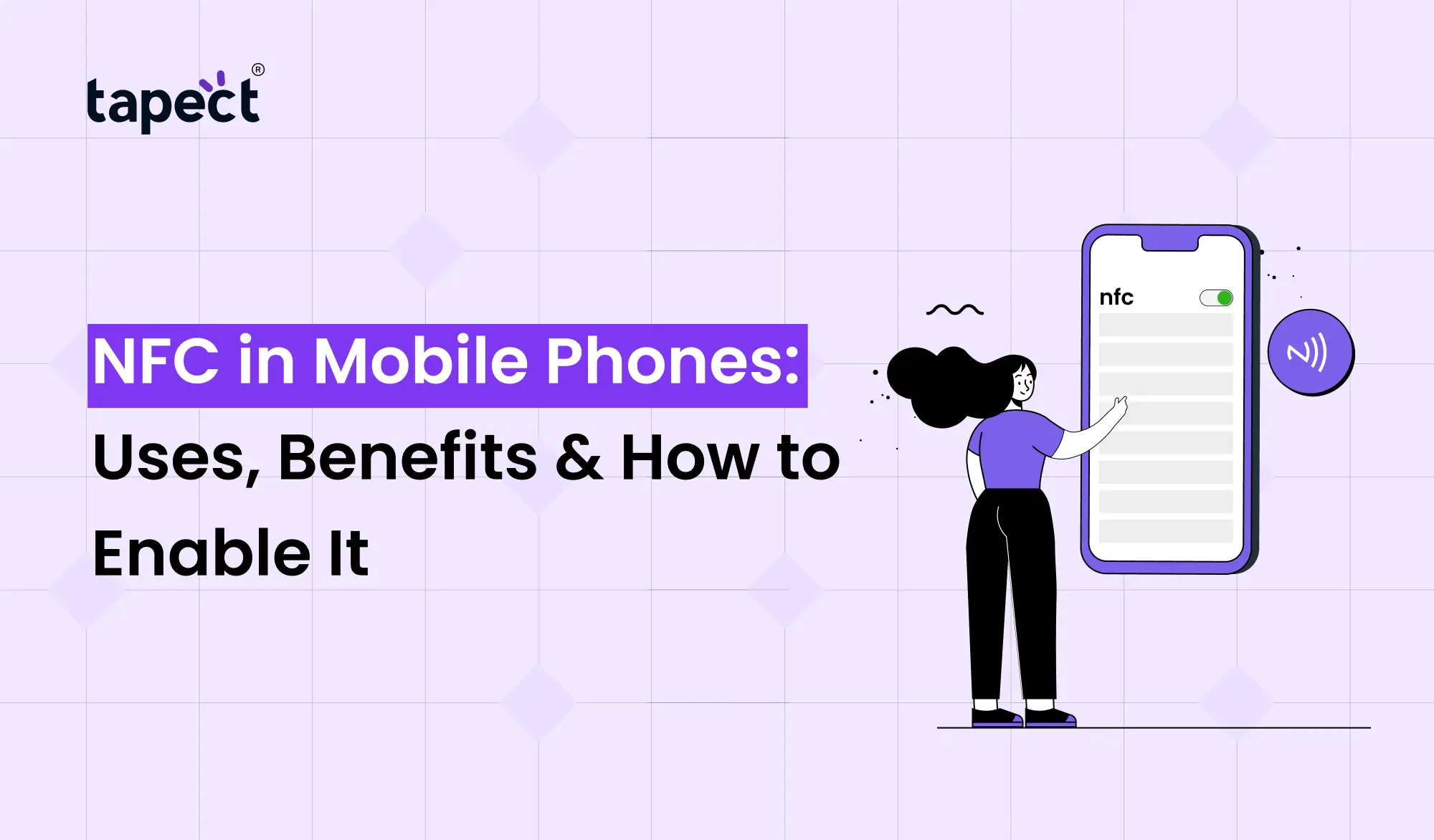
NFC is Near Field Communication ( in mobile phones ). It is a wireless technology that allows two devices to communicate when they are very close to each other, usually within a few centimetres.
NFC is a handshake between devices. When two NFC in Mobile Phones are close to each other, information is exchanged instantly without cables, passwords or long setup procedures.
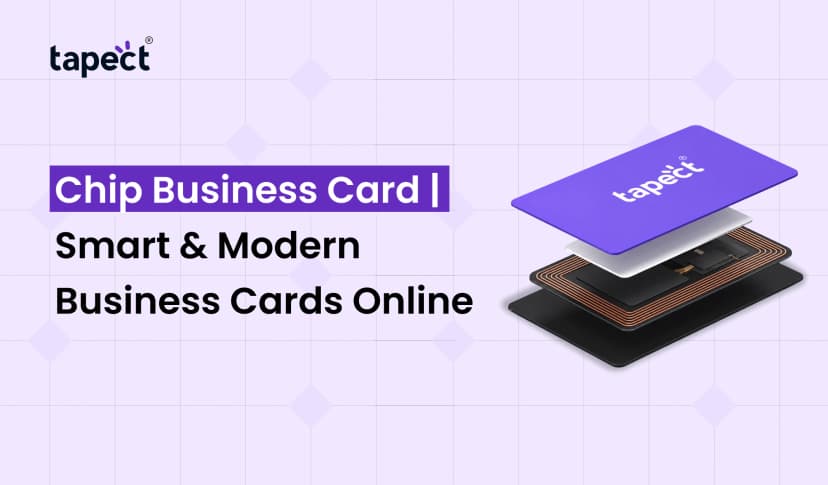
Contactless payment, smart access cards, digital tickets and networking tools such as a nfc business card are all uses of NFC in mobile phones today.
How Does NFC Work in Smartphones?
Many users ask how NFC works on smartphones.
The technology uses radio waves with a short range to establish communication between devices. Because it works over a very short distance, NFC is very secure and convenient, unlike Wi-Fi or mobile data.
This is the way it goes:
Device identification
When two NFC-enabled devices are brought close together, they automatically detect each other.
Data Sharing
The devices are sharing bits of information in real time.
Completion of Action
When you send the data, the action you selected is performed. That might be a payment, sharing a contact card, opening a website or pairing devices.
One of the most common questions among smartphone users is how NFC in Mobile Phones due to its simplicity. The answer is simple. Tap, connect & transfer.
Why NFC in Mobile Phones Is Becoming Popular
The need of NFC in mobile phones is still increasing as it saves time and provides convenience.
No one wants to type long web addresses, save phone numbers manually or carry multiple cards anymore. Thanks to NFC, all these tasks happen immediately.
Businesses are also adopting NFC technology to enhance customer experiences and ease networking.
Top NFC Applications in Mobile Devices
NFC is used in many practical applications in smartphone technology today.
1. Payments without contact
One of the most popular uses of NFC in Mobile Phones devices is mobile payments.
Users pay at stores by simply tapping their phones on a payment terminal. NFC technology is used by services such as Google Pay and other digital wallets.
2. Pass Around Contact Info
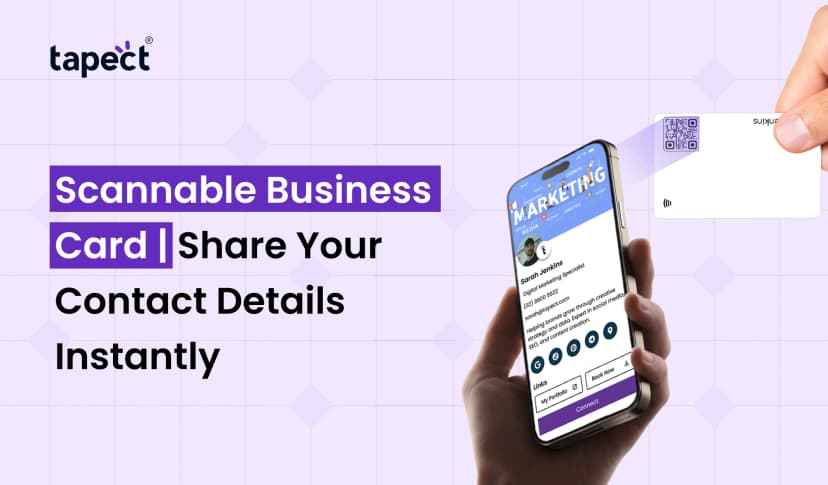
With NFC you can easily swap contact details without entering numbers or emails.
A nfc business card is now used by many professionals to share information on the go at meetings and events.
3. Pairing Bluetooth Devices
NFC can quickly connect your smartphone with speakers, headphones and other accessories.
A simple tap establishes a connection instead of manually searching for devices.
4. Digital Access Cards
Access systems with NFC are used in many offices, hotels and smart buildings.
5. Intelligent Marketing
Companies use NFC tags on ads, posters and product packaging to direct customers to websites or promotional pages.
The growing number of NFC applications in smartphone technology is changing the way we access the digital world.
NFC Mobile Phone Features and Benefits
There are many benefits and features of NFC in Mobile Phones, which make the technology valuable.
Quicker Transactions
Payments and data transfers are done in seconds.
More Convenience
Users can do tasks by tapping.
Simple Device Pairing
It’s so easy to connect compatible devices.
Enhanced User Experience
The interaction process is slick, contemporary.
Less manual input
People don’t have to manually type in contact information anymore.
These are the NFC mobile phone features and benefits that help save time and make everyday activities more efficient.
How to Turn On NFC on Android Phone
If your smartphone supports NFC, it’s easy to enable it.
Step 1:Go to Settings
Open the Settings app on your Android phone.
2. Locate NFC
In the search bar type NFC.
Step 3: Turn on NFC
Turn on the NFC toggle.
Step 4: Try it out
Tap your phone on another NFC-enabled device or payment terminal.
The feature is present on many users, but they never activate it. It is important to know how to turn on NFC on Android phone.
NFC is included in most modern Android devices.
How Businesses Use NFC Technology
Companies are getting creative with NFC in mobile phones.
Smart Networking
Instead of exchanging traditional paper cards professionals carry a nfc business card.
One tap instantly shares:
- Name Phone number
- e-mail address website
- Accounts on social media
- Engaging Customers
Companies put NFC tags in stores to give product information.
Event Management
Digital tickets and access passes can be saved to smartphones.
Marketing Campaigns
Customers can tap on NFC-enabled posters to get promotions.
NFC Business Card: The Future of Networking
The nfc business card is still trending among freelancers, entrepreneurs, and corporate professionals.
An nfc business card allows instant sharing of information,unlike traditional cards.
Benefits include:
- No print waste
- Simple updates
- Initial impressions are better
- Quicker Contact Sharing
- More networking for professionals
Tapect and other companies are changing the networking game with smart NFC solutions for the modern professional.
As networking becomes more and more digital, the nfc business card is fast becoming a preferred option.
Security of NFC in Mobile Phones
Mobile phones using NFC are a worry for many people when it comes to security.
The good news is that NFC is considered secure as it only works at very short distances.
Security benefits include:
Limited Operating Range
The devices need to be very close to talk to each other.
Transactions are Encrypted
Most payment systems have additional layers of protection.
User Consent
Most actions are confirmed before they are carried out.
This makes NFC in cell phones safer than many people think.
Common Problems and Solutions
NFC Does Not Work
Make sure NFC is enabled in settings.
Device Does Not Support NFC
Older phones may not have NFC hardware.
Payment Problems
Make sure your payment app is properly set up.
Slow Detection
Take off large phone cases that can block NFC signals.
You can fix most NFC problems with these simple solutions.
Future of NFC in Mobile Phones
The future of NFC for cell phones looks bright.
Every year more and more businesses, retailers, transport systems and service providers are adopting the NFC technology.
Anticipated developments are:
- Faster (contactless) payments
- Home automation integrations
- Identity cards digital
- Better public transport
- More business networking
With the advance of technology, NFC will become a standard feature in mobile phones for everyday convenience.
Why Tapect Supports NFC Technology
We at Tapect believe networking should be simple, modern and effective.
Our smart NFC solutions allow professionals to instantly share information without carrying around piles of paper cards.
No matter if you are a business owner, freelancer, sales executive or entrepreneur, NFC technology is a great way to make stronger connections and leave a lasting impression.
With NFC innovation and digital profiles available to all, Tapect is helping professionals network smarter.
Frequently Asked Questions
What is NFC in Mobile Phones?
NFC in mobile phones is a short-range wireless technology that enables devices to exchange information when they are placed close to each other.
How Does NFC Work in Mobile Phones?
It uses radio waves to send information between NFC enabled devices with a simple tap.
How do I turn on NFC on an Android phone?
Go to Settings, search for NFC, and turn it on.
Is NFC more secure than Bluetooth?
NFC vs Bluetooth mobile phone technology NFC is generally considered safer because it only works over very short distances.
What are the primary uses of NFC in smartphones?
Typical use cases include contactless payments, contact exchange, device pairing, digital tickets and smart access systems.
What is an NFC Businesscard?
NFC business cards are smart cards that instantly share digital contact information when tapped against a smartphone.
Do all smartphones support NFC?
No. Most modern smartphones support NFC but some older or budget models may not have the feature.
Conclusion
NFC in Mobile Phones have changed the way people share information, make payments and interact with devices. The technology is quick, safe and easy to use. From contactless payments to digital networking, NFC keeps making everyday better.
How does NFC in Mobile Phones? How to turn on NFC on Android phone and various NFC uses in smartphone devices can help you to make full use of this powerful feature.
With more and more people moving to digital transactions, NFC tech will have an even bigger role in the future.
Call to Action
Ready to take your networking and information sharing to the next level?
Tapect offers smart NFC solutions for the professional of today. Whether you’re looking for a powerful nfc business card or a smarter way to connect with clients, tapect helps you create meaningful connections with just a tap.
Start smartly networking with Tapect today and experience the future of digital business sharing.
 10 Sept 2026
 business