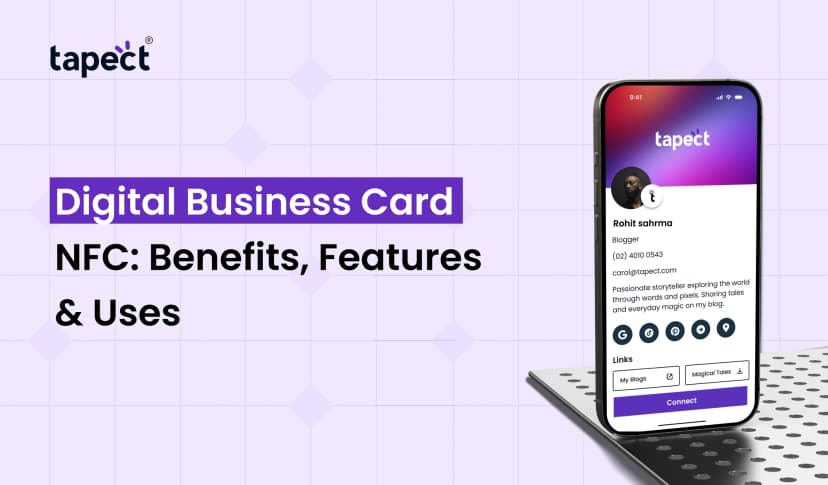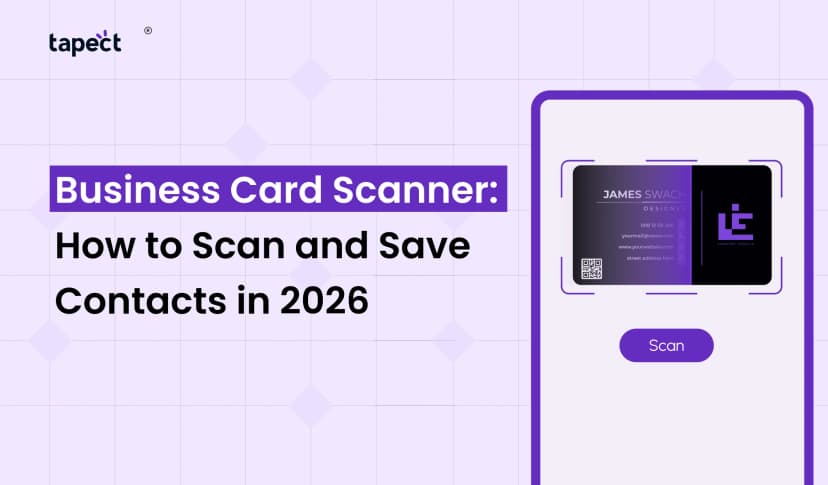
Sharing contact information shouldn’t be a chore. But with a typical business card, users are often left to enter in your phone number, email address or website manually. One minor typo can be a lost link.
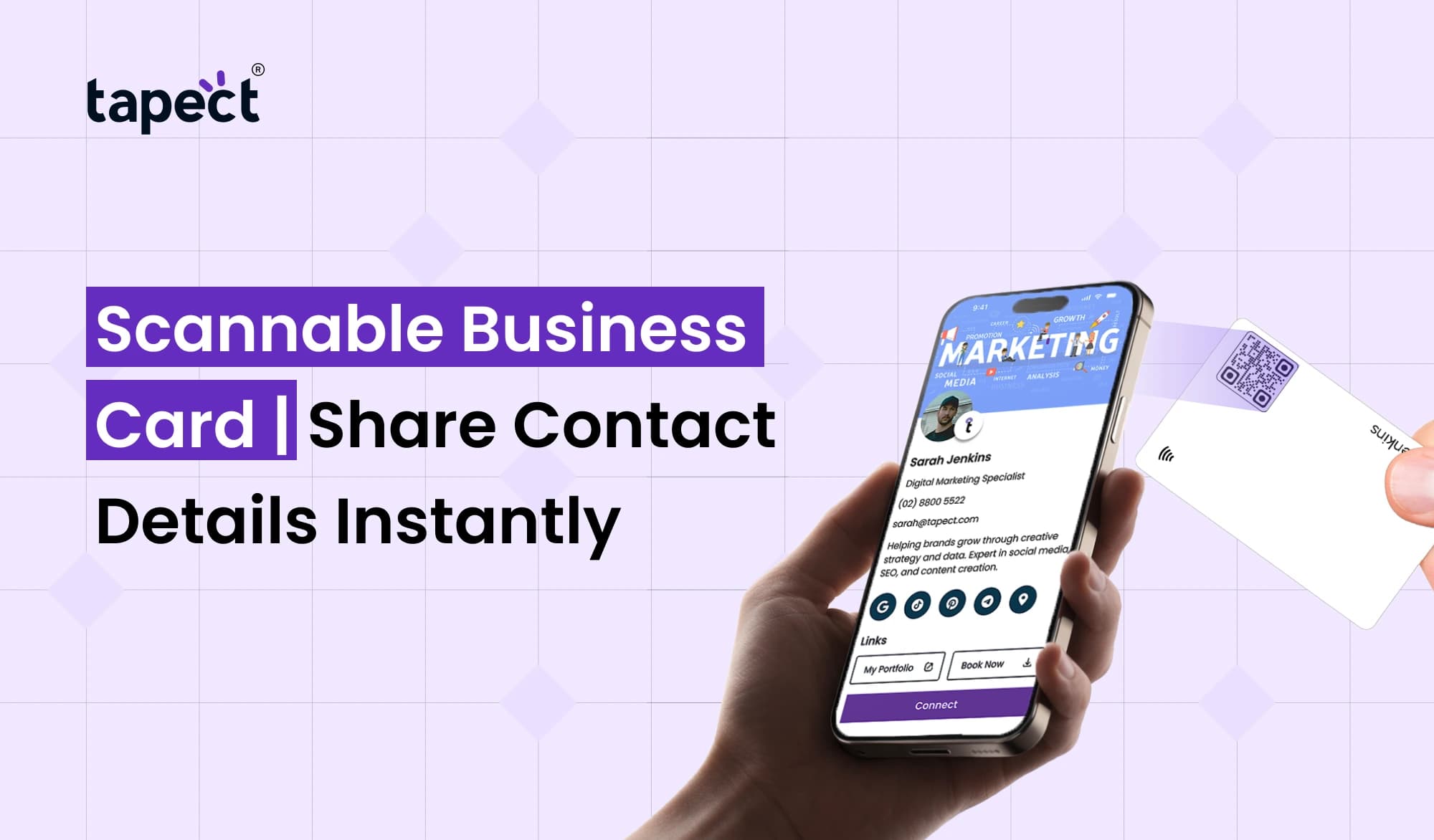
The Scannable Business Card makes this process considerably simpler. People can scan your card with their smartphone and get hold of your contact details, website, social accounts or other crucial information instantly.
This small tweak can facilitate networking and make it easier for professionals, freelancers, sales teams and business owners. Tapect lets you turn your contact information into a modern experience that is easy to share and easy to remember.
What Is a Scannable Business Card?
A Scannable Business Card is a business card that you can scan a code or tap to get your contact information.
The card could employ a QR code, NFC technology or both. Instead of having them put in your information, you give them a convenient option to open your contact profile.
For example, someone can scan your card and get your:
- Name and job title
- Phone number
- Email address
- Company website
- Social media profiles
- Business location
- Portfolio or services
It makes networking easy. You share the card, the other person scans it, and that’s it, your info is ready to go.
Why Choose a Scannable Business Card?
A scannable business card makes a great first impression. It takes the familiar business card notion and brings it into the modern technological age for ease.
Think about a networking event. You meet ten people and trade cards with each. Later you might forget who gave you which card. Some cards may also find their way into a drawer.
A digital profile fixes most of this. You can open your information right now and save it immediately to a phone.
You may modify your phone number, job title, website or social profile with a digital business card without having to print a new card each time.
How Does a Scannable Business Card Work?
It’s a relatively straightforward process.
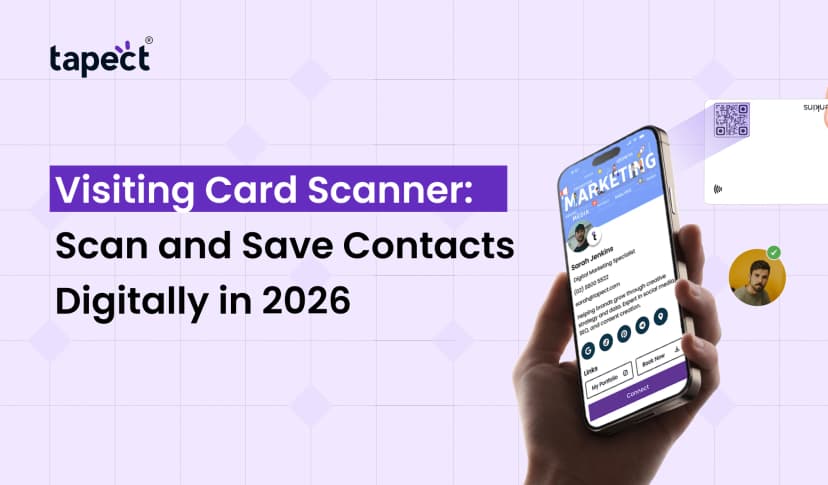
Your card has a QR code or NFC chip that connects to your contact profile. If someone uses their phone they can open your information in seconds.
The user places the phone camera at the QR-code Some notification or link pops up, the user taps it.
NFC allows the user to tap their compatible smartphone near the card. Then the matching profile is opened.
This implies a Scannable Business Card can assist eliminate the little processes that often bog down networking.
QR Code Business Card: A Simple Way to Share
One of the easiest methods to make your contact details accessible is using a QR code business card.
Your whole business profile is available at the link to the QR code. You can add contact details, links to websites, social media accounts, WhatsApp or a portfolio.
Another plus to a QR code business card is that most modern smart phones will scan QR codes without the need for a separate app.
This may make sharing contacts so much faster for businesses at events, conferences, meetings and trade exhibits.
Digital Business Card for Modern Networking
A digital business card allows you more room than the typical printed one.
You don’t have to be stuck with only a name, phone number and email. You are able to develop a thorough profile that provides folks a clearer picture of who you are and what you can do for them.
You can also edit your profile as your information changes.
For example, if you alter your website, you don’t have to toss away your physical card. Simply edit the details of your profile.
That’s what makes a Scannable Business Card an appealing alternative for those who demand flexibility.
Scannable Digital Business Card vs Traditional Card
The traditional card is largely informational. A scannable digital business card makes it easy for people to take action.
A person can scan the card and:
- Save your contact
- Call your business
- Send an email
- Visit your website
- Open your social media
- View your services
- Share your profile
And a scannable digital business card minimises manual data entry.
This is especially useful if you are meeting a lot of individuals in a short amount of time.
NFC Business Card: Tap Instead of Type
An NFC business card has an embedded NFC chip that shares your profile.
Instead than scanning a written code, a user merely taps their compatible smartphone near the card.
It’s a speedy, modern experience. It can be handy in sales meetings, networking events, exhibits and ordinary business talks.
An NFC business card can also be used to complement a QR code. This allows users to reach your information in two ways.
Someone who enjoys tapping can use NFC, someone who prefers scanning can use the QR code.
How to Use a Scannable Business Card to Get More Connections
Having a Scannable Business Card is not enough. You also have to make the information useful.
Start with the most vital information. Your name, title, firm, phone number and email should be easy to discover.
Then add linkages that can transform a new connection into a commercial opportunity.
I have a problem. I have a problem.
- A service page
- Product catalog
- Portfolio
- Appointment booking page
- WhatsApp link
- Social media profile
- Customer review page
The idea is simple: make it easy for anyone to take the next step.
Tips for Creating a Better Scannable Business Card
A decent Scannable Business Card should be easy to use and straightforward .
Keep Your Profile Clean
Don’t overload the page with excess information. The info people will most likely need is:
Add a Clear Call to Action
Tell people what they can do. For example, use terms like “Scan to Save My Contact” or “Tap to View My Profile.”
Test Before Sharing
Always try your card with different smartphones. Check that the QR code works and all links open.
Make Your Details Current
Broken links and outdated telephone numbers can be damaging to your professional image. Keep checking your profile.
Where Can You Use a Scannable Business Card?
A scannable business card can be handy in nearly any situation where you are meeting potential consumers or business contacts.
You can use it in:
- Business meetings
- Trade shows
- Conferences
- Networking events
- Client visits
- Job fairs
- Sales meetings
- Store counters
You can also put your QR code on brochures, posters, packaging, email signatures, and marketing materials.
It gives folks more chances to connect with you.
Can Tapect Help With Modern Contact Sharing?
Tapect is all about making it easy for professionals and businesses today to connect and share.
A Tapect profile is an easy method to display your contact info and web presence all in one location.
Scannable Business Cards allow you to connect your face-to-face networking experience to your digital identity.
The aim is the same, whether it’s QR scanning or NFC tapping: to allow consumers engage with you without extra steps.
Common Mistakes to Avoid
The Scannable Business Card is great with a simple user experience.
A typical problem is making the QR code too small. If people can’t scan it easily, they may not bother.
Another error is delivering users to a page that has too much information. Keep the page clean and user-friendly.
I’m going to try and get some in my hands. Check your profile often to make sure all is working.
Finally, don’t forget to tell people what the QR code performs. A simple message can get more people to scan it .
FAQs
1. What is a Scannable Business Card?
A Scannable Business Card allows customers to obtain your contact info via QR code or NFC connection. That’s faster than typing it in yourself, and hence speeds up the exchange of information.
2. Is a QR code business card the better than a standard business card?
QR code business cards give you extra opportunity to communicate information. It can connect consumers to your website, contact information, social accounts, and other online properties.
3. Do I need an app to use a digital card?
A digital business card is usually opened with the smartphone browser. How it works will depend on the service and features you’re using.
4. Are NFC business cards safe to use?
An NFC business card usually pops up the info attached to its NFC chip. Users should examine the destination of any web link before providing personal information.
5. Is it possible to use both QR and NFC?
Yes. Using both gives people more options. Some people like to scan and some people like to tap.
6. How can I scan details from a business card?
Open your phone’s camera and point it at the code to scan a QR code for business card information. Tap the link that shows up to visit the profile.
Conclusion
A Scannable Business Card makes providing contact information fast, easy and more helpful. Instead of requiring users to enter in your information, you give them an easy way to navigate to your profile.
QR technology, NFC and digital profiles makes business networking considerably smoother. Share your contact details, website, social links, portfolio and services from one handy profile.
This new take on professional networking is being helped along by Tapect. If you want to make every business relationship a little bit smoother, it’s a good time to think beyond typical cards.
Ready to Make Networking Easier?
Create your Tapect profile and provide your customers, clients and contacts an easier method to get in touch.
Make your next business connection worth it with Tapect.
 08 Oct 2026
 business