Sharing your contact info is essential for developing professional relationships, and there are several opportunities to make this exchange. For example, meeting someone at an event, attending a business meeting, or interacting with a new customer requires that you provide an easy way for them to get in touch with you. For years, people have used paper cards to share their contact info. However, people are becoming more conscious about time and want efficient ways to share their contact info.
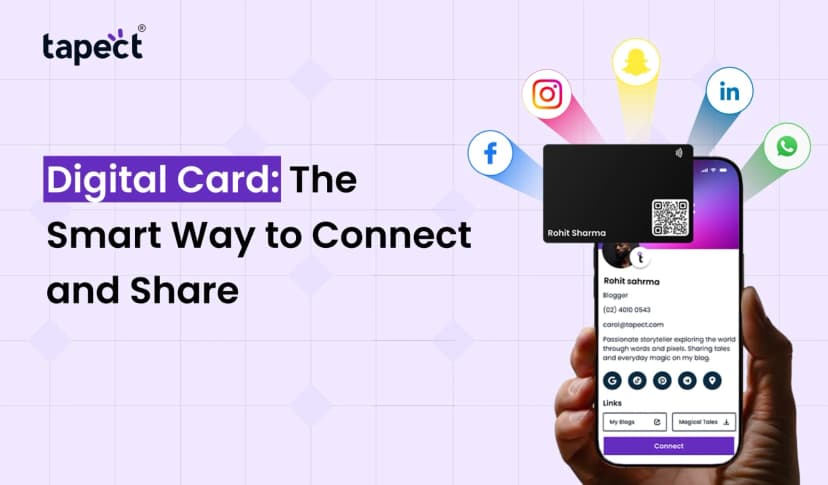
Enter the Virtual Visiting Card. This card allows you to digitally exchange your contact info, your business info, your social media handles and your websites, all through your smartphone. You don’t need to carry a bulky stack of paper cards, or worry about running out of cards.
Tapect offers you the opportunity to create a professional online profile and share it through an NFC card or QR code.
This simplifies networking, and allows you to effortlessly exchange info with others. This resource provides more info about virtual cards, its benefits and features, and how it works.
What Is a Virtual Visiting Card?
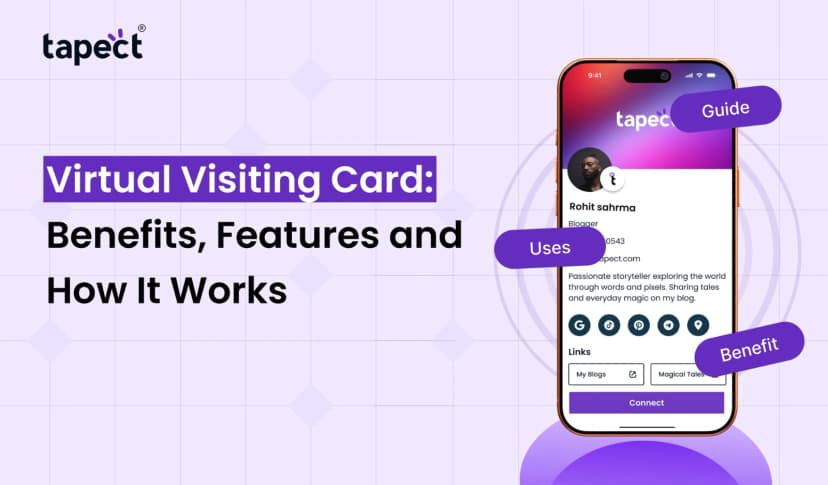
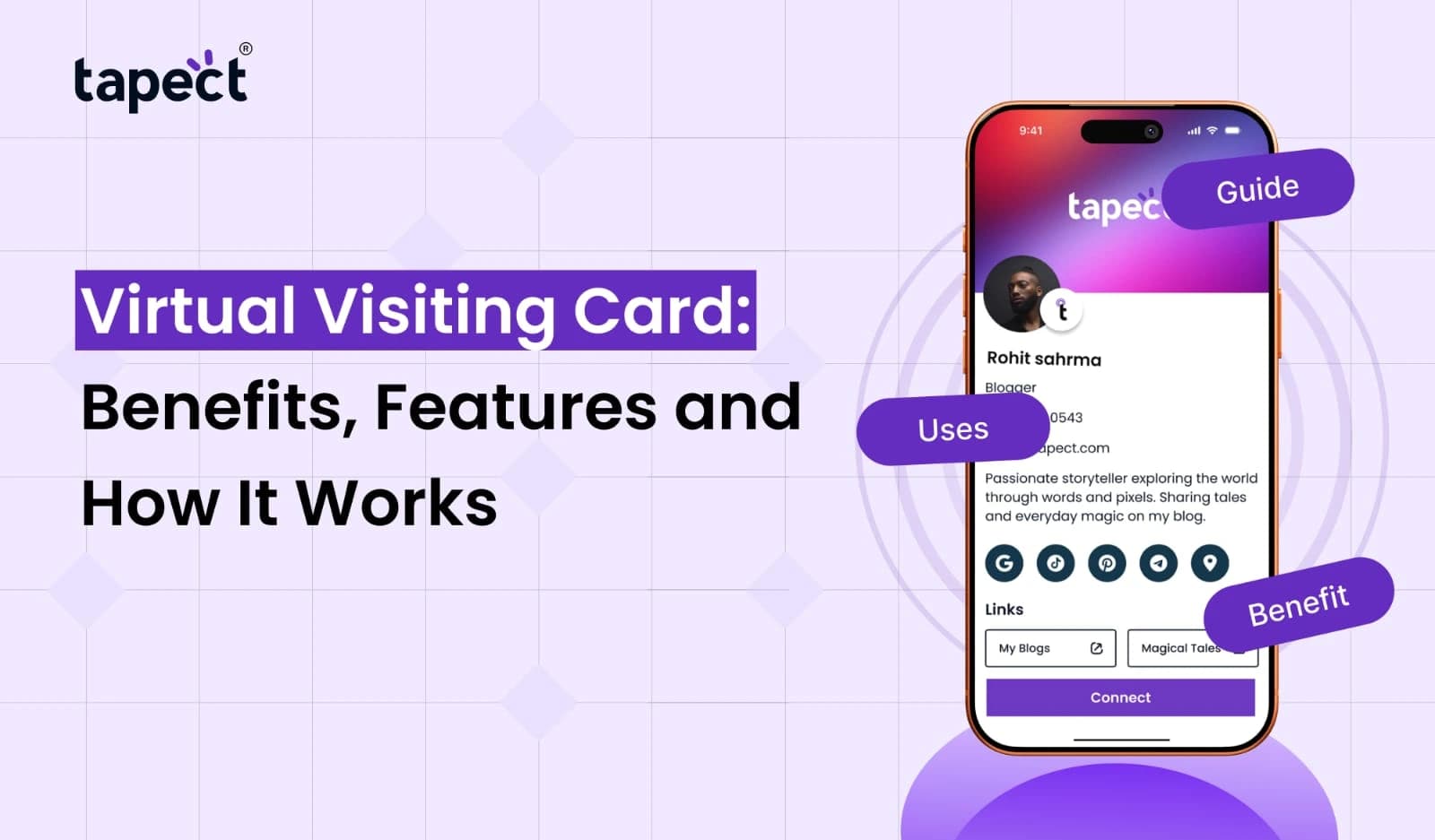
A Virtual Visiting Card is a digital version of a paper business card. Like a paper card, a virtual card contains your name, contact details, and other information people may want to know. Unlike paper cards, people can digitally save your details, and share them with others if needed.
A Virtual Visiting Card contains the following information:
– Your Name and Profile Picture
– Company Name and Job Title
– Phone Number and Email Address
– Website
– WhatsApp Number
– Social Media Handles
– Address of Business and Location
– Information on Products and Services
As a business owner, you can provide your business information to a customer during a meeting, and they can save it by scanning your QR code to access your business card.
How Does a Virtual Visiting Card Work?
The beauty of a Virtual Visiting Card is that it is very easy to use. You don’t have to worry about the technical side of things. Most of these digital card platforms are designed to be really easy to use.
Basically, you will have to do the following:
1. Create Your Digital Profile
Create your profile, add relevant information, and save. Make sure you include your contact details and website.
2. Customize Your Card
Arrange your profile in an orderly manner. You can add your company logo. Make your profile neat and tidy.
3. Share Your Card
There are different ways you can use to share your digital profile, and these include:
– Tap your NFC card on a supported phone.
– Give someone your QR code and have them scan it to view your profile.
– Send your digital profile through email, WhatsApp, or any other social media platform.
4. Let People Save Your Details
After someone opens your profile, they can see your details, including your contact details. They can also visit your website, follow you on social media, or contact your business.
You can stop handing out printed cards.
Top Benefits of a Virtual Visiting Card
People who work, especially freelancers, or people who own their own businesses can definitely benefit from a Virtual Visiting Card.
1. Easy to Share Contact Details
Sharing your contact details has never been easier. All you have to do is whip out your phone and show your profile to the person you want to give your details to.
2. Save Your Money
Traditional business cards always run out, and when your job title or company details change, you always have to get new cards printed.
Virtual cards help cut this cost, as you can always change your info online.
3. Help Save The Environment
Paper business cards require a lot of paper and ink to be printed.
Using virtual cards help a lot, as you don’t always need to print cards.
4. Information Can Always Be Edited
Letting people know your new details has never been easier. You can instantly change your details online, and anyone who has your card link will instantly see the changes.
5. Creates a Professional Image
A strong card design showcases your business and/or personal brand. Add your company logo and color palette. Include your professional headshot and relevant links to make your profile more attractive.
6. Connects You on Social Media
Add your social handles. That way your clients and business partners can have a 360 degree view of your work.
7. Useful for Every Profession
A Virtual Visiting Card is useful for everyone from:
– Business owners
– Sales executives
– Marketing professionals
– Freelancers
– Real estate agents
– Consultants
– Doctors
– Anyone working to establish or extend their professional network
Important Features of a Virtual Visiting Card
A Virtual Visiting Card is so much more than just your name and phone number. It should provide customers a way to engage with and/or understand your business.
Useful features of a Virtual Visiting Card include:
1. NFC Technology
Contact details are shared instantly when a person taps their smartphone on your NFC card. It simplifies the sharing of your details in a contactless way. It is useful during business meetings, networking events and customer interactions.
2. QR Code Sharing
Your contacts can scan your QR code and access your details on their smartphones.
When NFC is not available, you can always print your QR code to be scanned.
3. Custom Profile Design
You can add logos, profile pics, backgrounds, and business info to customize your profile.
4. Multiple Contact Options
People should have various methods to get in touch with you. Add contact info for phone, email, WhatsApp, website, social media, etc.
5. Contact Saving Option
With this feature, customers can save your details for future use.
6. No App Required for Sharing
The virtual card should open on a mobile browser. This way, users don’t have to download a different app to view the details.
Why Choose Tapect for Your Virtual Visiting Card?
Tapect simplifies the process of producing and sharing digital visiting cards. If you are a freelancer, business owner, salesperson or professional, Tapect can help you consolidate your contact information in one place.
Here’s what Tapect offers you:
– Easy to do: You can easily create a professional profile.
– NFC Sharing: Share your information with a simple tap.
– QR Code Sharing: Give people access to your profile with a code.
– Customization: Add your information, picture and logo.
– Easy modifications: Modify information when the need arises.
– Links: Add your social media profiles, website and WhatsApp.
– Browser compatibility: People can view your shared profile in their browsers.
– Good business networking: Make it simple for your customers and business partners to contact you.
With Tapect, you can create a profile to share your professional identity and make networking easy.
Tips to Create an Effective Virtual Visiting Card
Creating a card is simple, but making it useful takes some planning. Here are some tips:
1. Use a professional and clear picture on your profile.
2. Add the correct phone number and email address.
3. Add your website and company logo.
4. Use a simple design.
5. Add only useful social media links.
6. Check your profile to see if the buttons work.
7. Check your profile on both Android and iPhone devices.
8. Modify your details when changes occur.
An impressive and detailed profile helps others understand you better.
FAQs
1. What is a Virtual Visiting Card?
A Virtual Visiting Card contains your details in a digital format. You can share it as an NFC card, QR code or with a simple link.
2. How can I create a virtual business card?
It is very easy. Log in to your Tapect account, add your details and share it with your contacts. You can also add your company logo, details and other media.
3. Is an app necessary to use a digital business card?
No, your contact details are easily accessible to people through a simple link. They do not need to install any app to view your details.
4. What is the difference between an NFC card and a QR code?
An NFC card is tapped to share contact details, while a QR code is scanned to share the same details.
5. Can I change the contact details after creating my card?
Yes, you can change your contact details and company information anytime you want.
6. Is a virtual business card good for small businesses?
Yes, small business owners can use this card to cut cost of printing visiting cards, promote their services, create leads and customers, and build a professional network without regular expenses of printing visiting cards.
7. Can I share my card through WhatsApp?
Yes. You can share your profile link through WhatsApp, email, SMS, and other social media platforms.
8. Is a virtual visiting card better than a paper card?
Virtual visiting cards are better because they support digital file sharing, and online profile updates and contact links. But the best choice depends on your preferences.
Conclusion
Traditional paper cards are not as useful as they once were because digital solutions have improved the way people share business information. While paper cards are not completely out of the picture, digital solutions have made networking quicker, easier and more flexible.
A Virtual Visiting Card allows you to share your contact info, website, social media pages and business info all in one go. You can easily update your profile and connect with others via NFC, QR Codes and/or links.
Whether you are a working professional or an entrepreneur, a Virtual Visiting Card simplifies your networking process.
Create Your Digital Business Card with Tapect!
Tapect makes creating a digital business card and sharing your business info in a click, a breeze!
For digital networking solutions, check out Tapect!
 04 Nov 2026
 business