Networking is still important in business. You could meet someone at a conference, in an office, at a trade show or business meeting and sharing contact details is often the first step to a new opportunity.
In one day, you can gather ten, twenty, or even fifty paper cards. After a few weeks, it can be difficult to remember the correct phone number or e-mail. You may lose some cards or they may stay in your wallet or drawer.
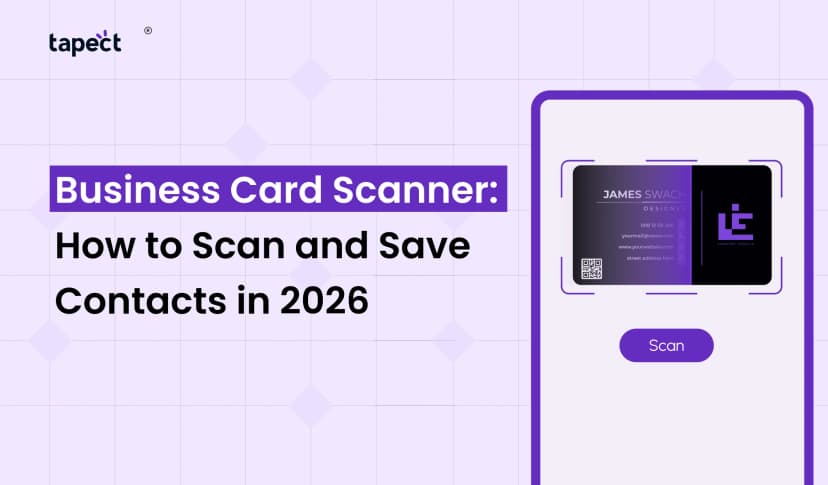
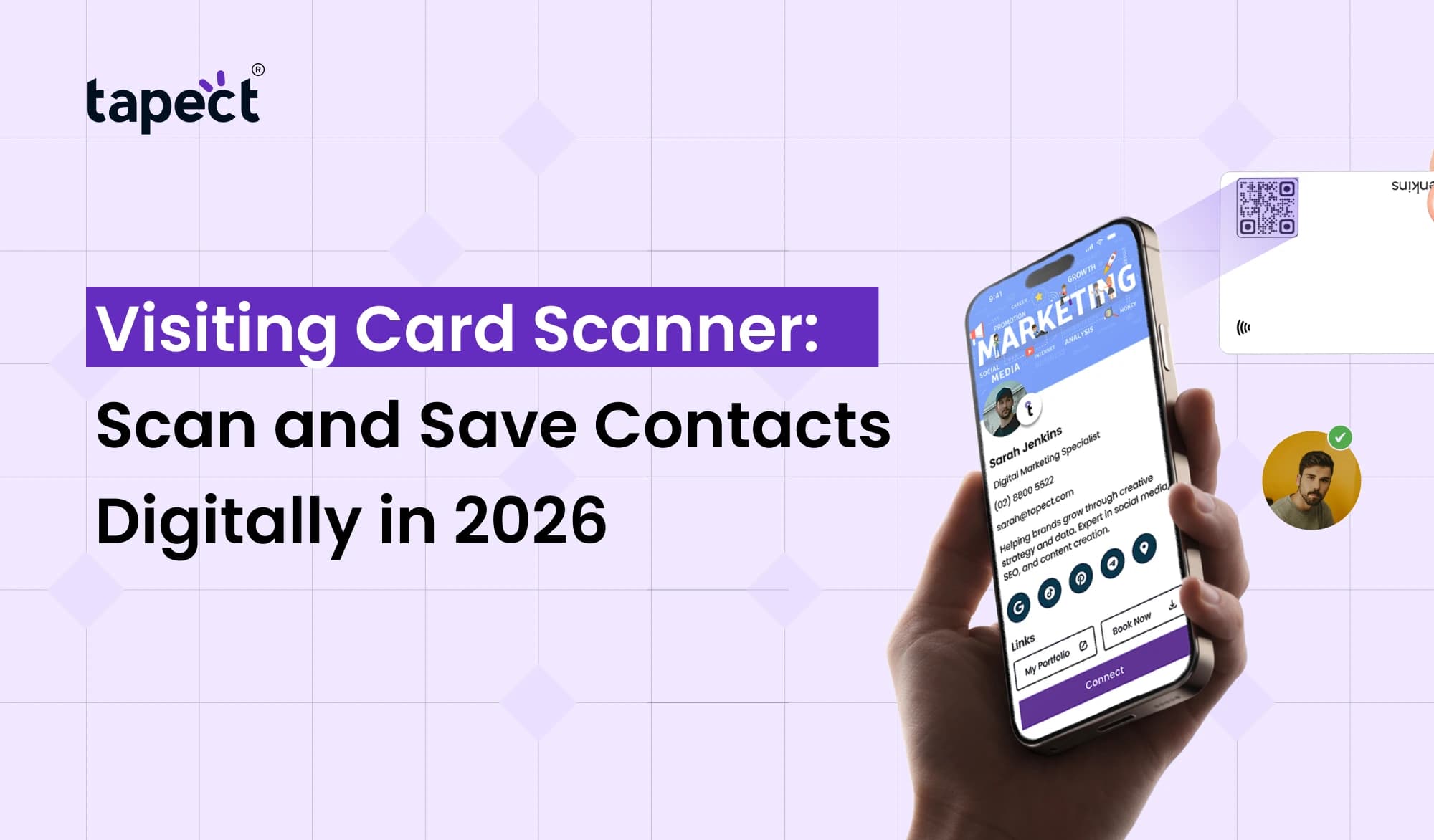
This is where a Visiting Card Scanner can prove handy. It allows you to scan contact details from a real-world card and save them digitally on your phone. Instead of typing names, phone numbers, companies and email addresses you can capture the information in seconds.
In 2026, tools like Visiting Card Scanner are becoming helpful for sales teams, business owners, freelancers, recruiters and professionals who meet new contacts often.
What Is a Visiting Card Scanner?
A Visiting Card Scanner is a device that scans the information captured on a printed business card, by using the camera or scanning software of your smartphone.
Simply point your phone camera at the card. The scanner pulls information like:
- Name
- Company name
- Phone number
- Email address
- Website
- Job title
- Business address
- Social media information
Then you can save that information to your phone or contact management system.
This is a lot easier than typing out all the details by hand.
How Does a Visiting Card Scanner Work?
It’s a simple process that usually only takes a few seconds.
1. Open the Scanner
Launch a business card scanner app or scanning tool on your smartphone.
2. Scan the Card
Insert the card into the camera frame. Keep the card flat and ensure the text is easy to read.
3. Let the Scanner Read the Details
The software reads the text on the card and pulls out information like the person’s name, phone number and email address.
4. Check the Information
Always review the scanned information before saving it. Bad printing or strange fonts on the card can cause small errors.
5. Save the Contact
When you’re happy with everything, save the details to your phone or contact system.
So a Visiting Card Scanner is useful for any person interested in reducing manual data entry.
Why Use a Visiting Card Scanner in 2026?
Paper business cards are still prevalent, but the way people handle contacts is changing.
Network in a systematic way with a Visiting Card Scanner, you can save your new contacts digitally.
Some useful benefits are:
- Saves time on putting in contact info
- Reduces manual typing
- Keeps contacts in order
- Simplifies follow-ups
- Decreases the risk of losing paper cards.
- Assists sales teams with new leads
- Makes it easier to share contacts
If you are a professional who goes to a lot of events, a business card scanner will save you a tonne of time.
Visiting Card Scanner vs Manual Data Entry
You go to a business event and meet 30 people.
If you want to do it manually, you might have to enter each person’s name, company, phone number and e-mail. This might take some time.
Much of this work can be done automatically by a scanner.
Manual Entry
- Find the card
- Read the information
- Type each detail
- Check for typing mistakes
- Save the contact
Digital Scanning
- Open the scanner
- Point your camera at the card
- Review the details
- Save the contact
A card scanner is especially handy if you have lots of contacts to process after an event.
What Is a Business Card to Scan?
A business card to scan is an actual card that contains contact information that can be read.
Modern cards may also have other features, such as:
- QR codes
- NFC technology
- Website links
- Social media profiles
- Digital profile links
Business cards can be scanned with a business card scanner, smart cards take networking a step further.
Benefits for Sales and Marketing Teams
Sales pros encounter new prospects all the time. Really can make a difference, getting these contacts right.
A Visiting Card Scanner can assist sales teams to collect contact information quicker.
For example, the salesperson may come back from a trade show with dozens of cards. The salesperson can scan them and keep the contacts digitally instead of in a bag.
The team can then follow up with prospects while the conversation is still fresh in their minds.
Useful for Sales Teams
- Capture new leads
- Save contact details
- Organize prospects
- Reduce manual work
- Start follow-ups faster
- Keep networking information accessible
It can turn a simple business card you scan into a useful digital contact.
Use a Business Card Scanner App
A business card scanner app can help make managing contacts on smartphones easier.
Before you settle on an app, look for useful features such as:
- Accurate text recognition
- Contact saving
- Easy editing
- Cloud backup
- Export options
- CRM integration
- Multiple language support
- Duplicate contact detection
Also check whether the app secures your contact information.
A good business card scanner app should make the process of scanning quick without making the user go through too many steps.
Digital Business Card: The Next Step
You can scan paper cards, but networking is shifting toward digital sharing.
A digital business card makes it easy to share your contact information via a link, QR code or other digital means.
Rather than giving someone a physical card, you can share your profile directly to their smartphone.
A digital business card might include:
- Name and job title
- Phone number
- Email address
- Website
- Social profiles
- Company details
- Portfolio
- Profile photo
- Location
This gives your contacts more information than a small printed card can usually give.
Visiting Card Scanner and NFC Business Card
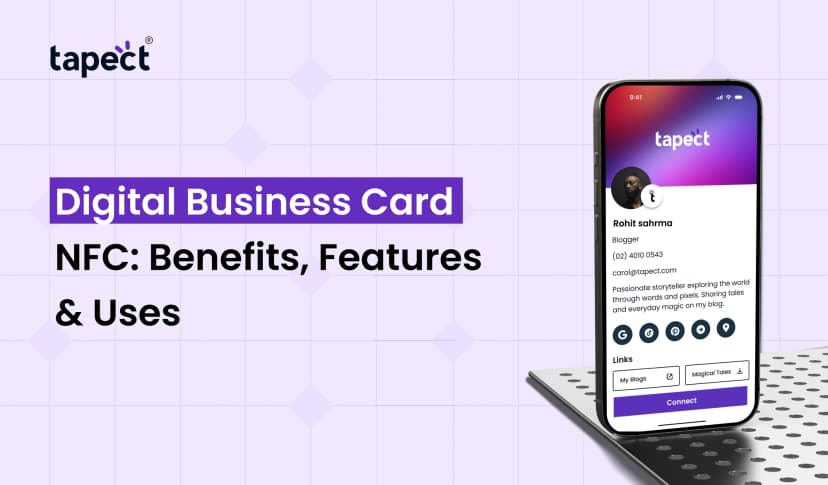
Another modern networking option is a nfc business card.
NFC, it means Near Field Communication. When two compatible smartphones are placed together, they communicate with an NFC-enabled card.
Use a nfc business card to share a digital profile without having to type your information manually.
This might be useful at:
- Business meetings
- Conferences
- Networking events
- Sales meetings
- Client visits
- Job fairs
A Visiting Card Scanner and a nfc business card serve different purposes, but they can be a good combo.
A scanner is good for gathering information from other people, an NFC card for sharing your information.
Tapect: A Smarter Way to Share Your Contact
Tapect provides digital networking tools to help professionals move beyond traditional paper cards.
Tapect gives you the ability to design a professional digital business card to simplify the sharing of your contact details and online profiles.
Some useful benefits are:
- Send me your profile in digital form
- Less dependence on paper cards
- Ensure your contact details are easy to find
- Share multiple links from one account
- Share contacts using NFC
- Make it easy for people to contact you
If you attend regular meetings and networking events, a nfc business card can make sharing contacts much easier as it pairs with digital profiles.
How to Get Better Results From Scanned Contacts
Scanning a card is just the first step. But the real value is what you do next.
Organize Contacts Quickly
Don’t let your scanned contacts go label-less inside your phone. Add helpful notes, like where you met the person or what you talked about.
Follow Up Soon
If you meet a potential client today, don’t wait a few weeks to reach out to them.
Remove Duplicate Contacts
Make sure not to create multiple contact entries if you see the same person twice.
Add Useful Notes
You can write notes like
- Business conference, met at
- Interested with seo services
- Check back next Monday.
- Requested product pricing
These little things can be helpful in future conversations.
Tips for Scanning Business Cards Correctly
The best card scanner in the world still requires a clear card to do its job.
Here are some simple tips:
Keep the Card Flat
Do not scan cards that are bent or folded.
Use Good Lighting
Make sure it’s sufficiently lit. Avoid strong reflections .
Keep the Camera Steady
A blurry photo makes it hard to make out text.
Check the Details
Always check phone numbers and email addresses before saving them.
Keep Your App Updated
Updates may improve scanning accuracy and add new features.
Can a Visiting Card Scanner Read QR Codes?
Certain scanning devices can scan printed contact information as well as QR codes.
A QR code can contain a link to a website, contact information, social profile, or digital business card.
This makes it more useful for today’s business cards, where one card can feature printed and digital information.
Make sure that the QR code on your card is large enough to scan easily.
Visiting Card Scanner for Networking Events
Hundreds of new contacts can come from large networking events.
A Visiting Card Scanner can help you convert those physical cards into organised digital contacts instead of having a pile of cards on your desk.
- Entrepreneurs
- Sales representatives
- Real estate agents
- Consultants
- Recruiters
- Marketing professionals
- Agency owners
- Freelancers
- Business development teams
And the sooner you organise your contacts, the easier it is to follow up.
Common Mistakes to Avoid
Scanning is easy, but there are some mistakes you need to avoid.
Not Checking the Scanned Information
OCR technology can sometimes miss letters or numbers.
Keep all contacts but don’t organise them
If you mix everything together, you lose control of the contact list.
Forgoing The Follow-Ups
A scanned contact is worth nothing if you never contact that person again.
Using Only Paper Cards
Paper cards are fine, but adding digital options can make networking more flexible.
FAQs
What’s a Business Card Scanner?
A Visiting Card Scanner is a device that reads contact information on a printed business card and converts it into digital data.
Can I scan business cards with my phone?
Yes. Business card scanner apps are on many smartphones to capture and save contact information.
What information can a business card scanner scan?
The majority of business card scanners can identify names, phone numbers, email addresses, company names, job titles, websites and addresses.
Is a digital business card better than a paper one?
Both serve a purpose. Digital business cards are easier to update and share, but paper cards still have their place in face-to-face meetings.
What is an NFC business card?
An nfc business card is a business card that utilises NFC technology to transfer a digital profile when a compatible smartphone is held near the card.
Can I scan visiting cards’ QR codes?
Yes, many modern scanning tools and even smartphone cameras can scan QR codes and open the linked information.
Is Business Visiting Card Scanner Useful?
Yes. It can help businesses collect leads, manage contacts, and reduce the time they spend manually entering contact information.
Conclusion
The Visiting Card Scanner simplifies the transition from physical networking to digital contact management. Instead of collecting cards and forgetting about them, you can scan, save, organise and follow up with your new contacts.
This simple process can save time and make networking more productive for businesses, sales teams and professionals.
Plus, you can opt for modern options such as a digital business card, a QR-based sharing and a nfc business card. These tools help make it easier for people to connect with you and keep your information at their fingertips.
Ready to Make Networking Easier?
Stop using only stacks of paper cards. Create a modern digital profile with Tapect and share your contact information with a tap or scan.
Visit Tapect today to make every business connection easier to manage.
 08 Oct 2026
 business