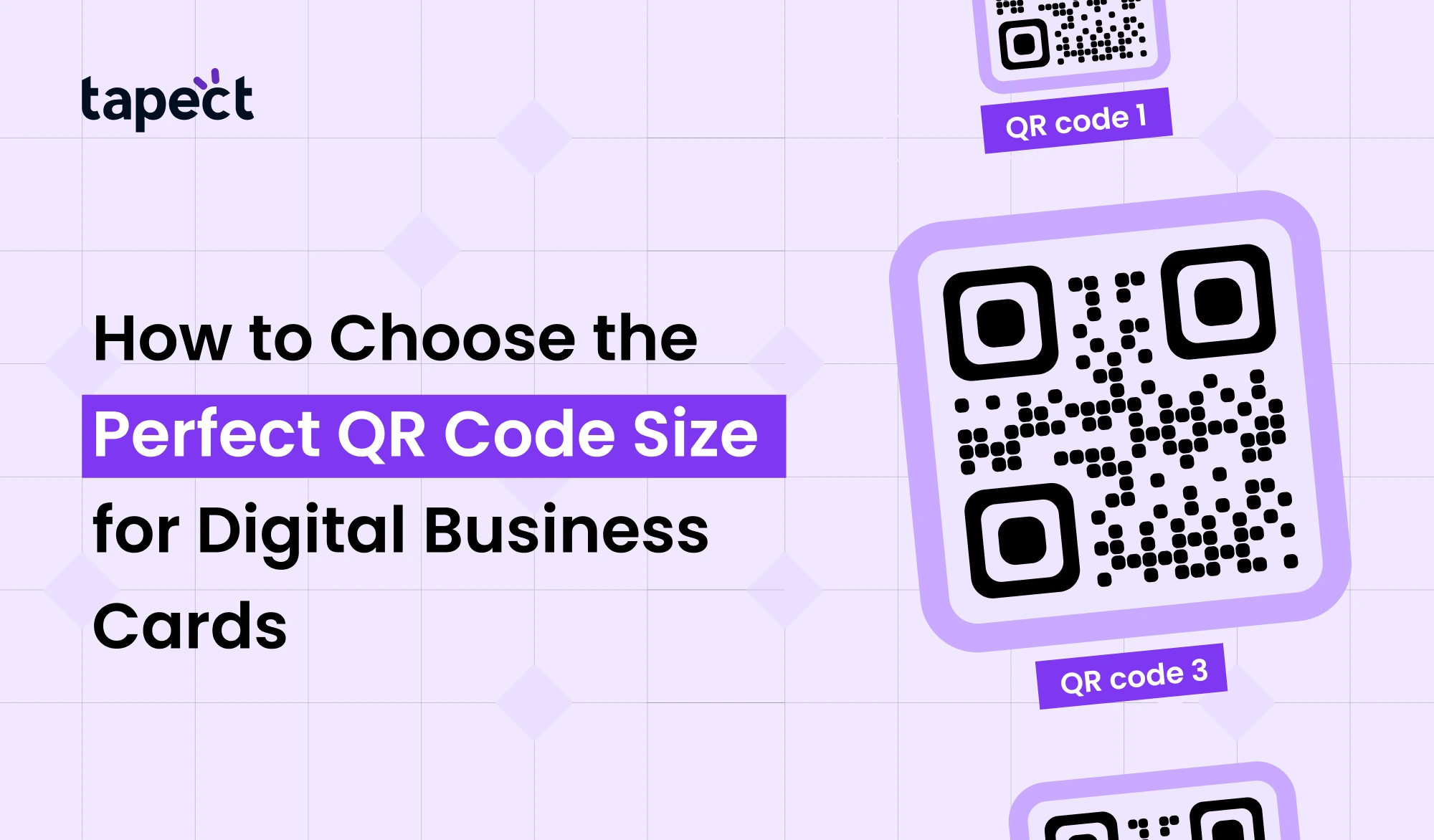
A digital business card is not just a modern take on a paper card. It’s your quick intro, your contact hub and sometimes your first impression. Here, the QR Code is a small detail that can make a big difference.
Your QR Code needs to be large enough to be scanned. If it is too big, it will ruin your design. So the importance of selecting the right size is more than most realise.
In this guide, we’ll walk you through how to choose the perfect QR Code size for your digital business card, how it impacts scanning and how to get the best results for your brand like Tapect.
What is a QR Code on a Digital Business Card?
A QR Code is a square shape that can be scanned by a phone. It opens a link, saves contact info, or shows your profile.
When added to a digital business card, it helps people to:
- Instantly save your number
- Visit your site
- access your social media
- See full profile
Instead of typing in the details, one scan does all.
Why QR Code Size Matters
You’d think that size doesn’t matter, but it does. The size of your QR Code affects how well it scans.
If it is too small:
- phones can’t read it
- People are annoyed
- you lose prospects
If it’s too big:
- It takes your design over.
- Looks uneven
- Seems unprofessional,
A QR Code of the right size keeps your digital business card clean and simple.
Ideal QR Code Size for Business Cards
Let’s not complicate things.
The best size of a standard qr code business card is:
- Minimum: 2 x 2 cm (0.8 x 0.8 in.)
- Ideal 2.5 x 2.5 cm (1 x 1 inch)
- Maximum: According to your design
This size is good for most phones and scanning apps like an iq scanner or any built-in camera.
Understanding QR Code Size and Scanning Distance
Simple rule of thumb for qr code size:
The distance of scanning should be approximately 10 times the size of the QR code.
Sample:
- A 2.5 cm code scans easily from 25 cm
This makes it more convenient when people scan your QR Code in various scenarios such as events or meetings.
Factors That Affect QR Code Size
The choice of the right QR Code size is not only about measurements. A few things change how big it should be or how small it should be.
1. Type of Content Inside the QR Code
The more data a QR Code contains, the more complex it is.
- Link simple → less size
- Full contact card → needs more room
A slightly bigger size is better because digital business cards have more data.
2. Print Quality
The quality of the printed qr code is very important.
- Poor scan = low quality print
- Sharp print = smooth scan
Always use high resolution when printing your QR Code
3. Background and Contrast
Make your QR Code shine.
- Dark code on light background works best
- Avoid busy designs behind it
Even when your QR Code is the right size, it won’t scan if the contrast is poor.
4. Placement on the Card
The placement of your QR Code also impacts its usability.
Best locations:
- Center back side
- Bottom corner
- empty space clean
A qr code business card has to direct the eye to the code naturally.
Best QR Code Size for Different Uses
So let’s break it down by use.
For Printed Cards
We use:
- 2.5 cm or larger
This works fine for printing qr code on paper or plastic cards.
For QR Code Stickers
If you’re using a QR code sticker size go a little bigger:
- 3 x 3 cm or bigger
Stickers can be scanned off of different surfaces and a bigger size helps.
For Digital Sharing
If your card is posted online:
- No size restriction
- Be explicit
A digital QR Code should be high resolution so it works with a qr code photo scanner.
QR Code Size for Bulk Printing
If you’re doing cards en masse with bulk barcode tools, consistency is important.
Make sure:
- All codes are the same size
- Print quality is verified
- Print a few test samples before the final print.
This avoids problems later on.
Common Mistakes to Avoid
The simplest mistakes cause good designs to fail.
1. The QR Code Is Too Small
A little QR Code can be neat, but it won’t scan easily.
2. Over Engineering Your Code
Too many colours, shapes, etc. tend to affect readability.
3. No We Do Testing
Always check your QR Code with:
Phone camera IQ scanner QR code photo scan
4. Incorrect File Format
When you print a QR code use a high quality format like PNG or SVG.
QR Code vs NFC Business Card
You’re probably wondering how a QR Code compares to a nfc business card.
QR Code
- Works on all phones
- Easy to create
- Low cost
NFC Business Card
- Tap-based sharing
- Faster interaction
- Needs NFC support
Many brands such as Tapect combine both. The best experience is a digital business card with NFC and QR code.
How to Test Your QR Code Size
Test your QR Code before you finish your card.
Step 1: Print out a Sample
Do not skip this step.
Step 2. Scan with Other Devices
Application:
- Android phones
- iPhones
- google qr scanner
Step 3: Experiment with Different Distances
See if it scans easily, without any effort.
What About the Biggest QR Code?
You might have seen the biggest qr code on the buildings or banners.
For business cards:
- Bigger is not always better
- Balance matters
Your QR Code should be a part of your digital business card, not the main focus.
Design Tips for Better Scanning
Simple tips that do work:
- Allow lots of white space around the QR Code
- Avoid shiny surfaces that will reflect light
- Use clean lines.
- Add a short message like “Scan Me”
These small modifications improve scan success.
Using Google QR and Other Tools
You can generate your code by using tools like google qr generators or any other sites.
Just ensure that:
- The link is working
- The design is neat
- The size is right.
How Tapect Makes It Easier
Build a digital business card in a breeze with Tapect.
You can:
- Create a neat QR Code
- Pair it with NFC
- Share your profile in a flash
This lets you focus on networking and lets your card do the work.
FAQs
1. What is the best size for a QR Code Size on a digital business card?
The ideal size for QR Code is 2.5 x 2.5 cm, which is easy to scan.
2. Can I use a small QR Code?
However, you can, a very small QR Code may not scan properly.
3. Does the size of QR Code impact scanning?
Yes, the size of the QR Code has a direct relationship to how easily it scans.
4. Is it possible to print QR Code on any material?
Yes but print qr code on a non reflective surface.
5. QR Code or NFC? Which is better?
Better results are obtained by using both QR Code Size and nfc business cards.
Conclusion
Choosing the right QR Code size isn’t hard, but it’s important. A good code size is easier to use, looks good and is more effective for your digital business card.
Keep it simple, test before printing and go for the ideal size. Whether it’s a qr code business card, stickers or a combination of the two with a nfc business card, the goal is the same: make it easy for people to connect with you.
Make every engagement a real opportunity with smart choices and tools like Tapect for your QR Code.
 21 Oct 2026
 business