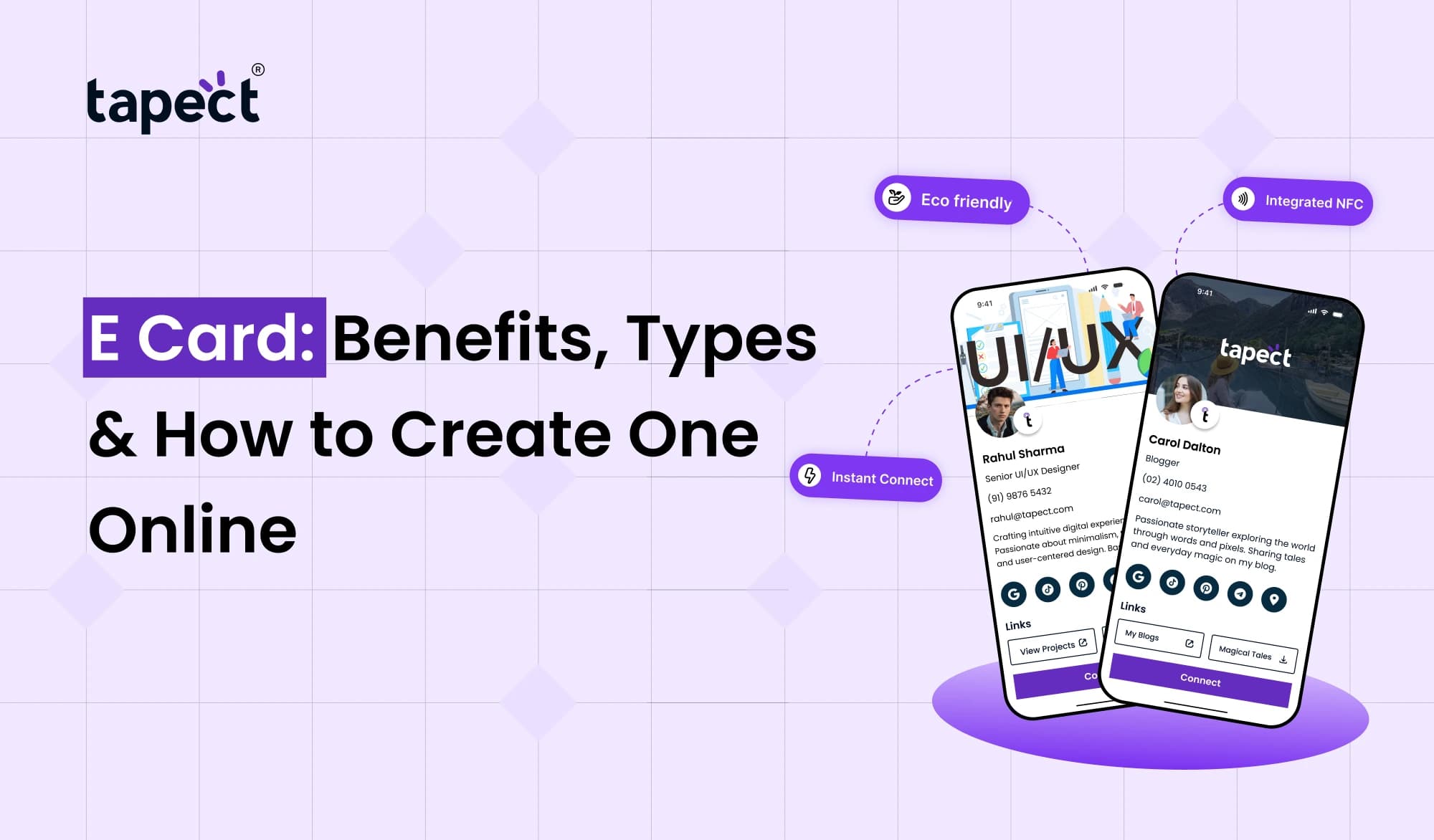
And electronic devices have also made it much easier to share invitations and greetings and contact details. Now you are able to create and share an E Card online, in minutes, instead of printing and handing out cards. Digital cards are a great way to connect with others if you want to invite people to a wedding, send birthday wishes, or share your business information.
An E Card can save you time and money in terms of printing and help you share information with WhatsApp, email or social media. You can also add links, photos and contact details to make your card more useful.
This manual will walk you through the benefits of digital cards, the types of digital cards available, and how to create one online. We will also explain how Tapect makes it simpler for people and businesses to make digital connections.
What Is an E Card?
An E Card is an electronic card that you create and share over the internet. Unlike a traditional paper card, it can be sent over a phone, computer, email or messaging app.
Make an E Card for personal occasions, business communication or professional networking. It can include a greeting, event details, contact number, website link or QR code depending on what you need.
You can send a friend a happy birthday message on WhatsApp or invite hundreds of people without printing copies for each.
Digital cards can also be used by businesses to share their contact information and introduce their services to potential customers.
Benefits of Using an E Card
Digital cards have many benefits for people, families and companies. Here are some of the main reasons people choose them:
1. Save Time and Money
Traditional cards take time and money to print. You may have to pay for paper, design, printing and delivery.
With an E Card you can make your design and share it online in minutes. You can also send it to lots of people, without paying for each printed copy
2. Easy to Share Anywhere
You can send an E Card through various online platforms, including:
- WhatsApp and Telegram
- Facebook and Instagram
- Business websites
- Other messaging platforms
The card can be opened on a phone or a computer, making it easy to share information with friends, family, customers and business partners.
3. Personalize Your Design
Web-based card tools allow you to select colours, fonts, layouts and messages. Add your company logo, personal photos, event information or website link.
The flexibility allows you to create a card that fits your purpose and your style.
4. Reduce Paper Waste
The digital cards don’t require any physical paper for printing. Picking the right occasions to use them can help cut down on paper use and printing waste.
They are a convenient way for people to share greetings, invitations and business information online.
5. Update Information Easily
Some digital cards also let you edit the information after you make them. For example, you can change your phone number, website, or event information without having to design a new card altogether.
This is especially helpful for professionals and businesses who need to keep their contact information up to date.
Different Types of E Cards
Digital cards come in a variety of formats. What you want to share and who will receive it determines the best option.
1. Greeting Cards
Greeting cards are used to pass on personal notes on special occasions. You can make cards for birthdays, anniversaries, festivals, congratulations and other special occasions.
Include a short message and a design that fits, so the greeting feels personal.
2. E Invitation Card
An e invitation card is a way to invite people to an event without needing to print paper invitations. It is great for weddings, birthday parties, business meetings, family functions and corporate events.
You may include important information like:
- Event name and date
- Time and location
- Venue map link
- RSVP contact details
- Dress code or other instructions
An e invitation card can be sent through WhatsApp, email or social media message.
3. Business Cards
Digital business cards allow professionals to share their contact information online. This may include your name, title, company, phone number, email address, website and social media profiles.
A digital business card makes it easier for potential clients and professional contacts to learn about your work.
4. NFC Business Cards
With a nfc business card, you can share a digital profile by tapping a compatible smartphone against the card, utilising Near Field Communication technology.
Rather than typing in contact details, the recipient can open your profile and find your information. An nfc card can be useful for sales teams, business owners, consultants, and people that attend networking events.
Tapect provides digital networking solutions that make it simple for professionals to share their details.
5. Promotional and Marketing Cards
Businesses can use digital cards to promote products, services, special offers or upcoming events. A card could link to a landing page, a product page, a booking form or a customer review page.
That way, when people see your message, it’s easier for them to take the next step if they’re interested.
How to Create an E Card Online
Making a digital card is easy when you know what to put in it. Here’s how to do it:
Step 1: Choose Your Purpose
First, determine why you want the card. Are you greeting, inviting guests to an event, promoting a product or sharing professional contact details?
What you want to do will help you choose the right design and content.
Step 2: Select an Online Card Maker
Select a tool that has the features you want. A digital invitation card maker might offer event templates, decorative designs and space for venue details.
If you’re using it for business, choose a platform that lets you add contact info, links to your profile, and QR codes.
Make sure you read about the cost, the features and how you can download before you sign up for a paid service.
Step 3: Choose a Suitable Template
Choose a template that matches the purpose of your card. An invitation to a wedding may require a fancy design, but a business card should be clear and professional.
Use a simple layout so people can find the important information quickly.
Step 4: Add Your Details
Write the information you want to communicate. Depending on the type of card, this may include:
- Your name or business name
- A greeting or invitation message
- Contact information
- Date, time, and location
- Website or social media links
Go over all the names, dates, phone numbers and links before moving on to the next step.
Step 5: Customize the Design
Adapt the colours, fonts and layout to suit your needs. Add a logo or photo if it helps the card convey its purpose.
Don’t write too many words. A clean design is more readable on a mobile screen.
Step 6: Preview and Test Your Card
Open the card on your phone and computer if you can. Check that the text is readable, and that all links work.
If you’ve added a QR code, use your smartphone to scan it and make sure it opens the right page.
Step 7: Download and Share
Download your card to the format supported by your chosen platform, or copy the sharing link.
Then you can share on WhatsApp, email, social media or your business website.
To make a good looking E Card that gives recipients the information they need, follow these steps:
Tips for Creating an Effective E Card
A good digital card should catch the eye and clearly communicate its purpose. Use these tips to enhance your design.
- Keep the message short: Share the most important information first.
- Choose readable fonts: Avoid decorative text that is difficult to understand.
- Use suitable colors: Select colors that match your event or brand.
- Check every link: Make sure recipients can open your website or contact page.
- Add a clear call to action: Tell people whether they should RSVP, save your number, visit your website, or contact you.
- Make it mobile-friendly: Most recipients may open the card on their phones.
- Protect personal information: Share only the details that recipients need.
These little changes can make your card more useful and easier to read.
How Tapect Helps with Digital Networking
Tapect provides digital networking solutions for individuals and businesses to share professional contact information.
For professionals who meet customers, clients or business partners often, a digital profile can help to share contact information more easily.
Tapect’s solutions can help in the following ways:
- Digital contact sharing: Share your professional details through a digital profile.
- NFC technology: Use an nfc card to make profile sharing quick and convenient with compatible smartphones.
- QR code access: Give people another way to open your digital profile by scanning a code.
- Professional branding: Present your name, company details, and links in one place.
- Convenient networking: Help new contacts find your information without manually typing every detail.
If you’re looking to network on a professional level and not just send greetings, you might want to think about a digital business card.
Learn more about Tapect’s digital business card and NFC solutions at https://tapect.in/
Common Mistakes to Avoid When Creating Digital Cards
Even a basic card can be a dud if it doesn’t have the essential details.
- Adding too much information: Too much text can make the design difficult to read.
- Using unclear links: Make sure recipients know where each link will take them.
- Ignoring mobile screens: Small text and crowded layouts can cause problems on phones.
- Forgetting to test: Always check the final version before sharing it.
- Using an unsuitable design: Match the card’s appearance to the event or business purpose.
- Leaving old details online: Update outdated contact information when necessary.
Keeping old details online Update old contact information when necessary.
A quick review before sharing can help avoid many of these problems.
Frequently Asked Questions
1. What is E Card for?
E Cards are used to share greetings, invitations, business information, promotions and more online. It can be shared via messaging apps, email and social media.
2. Is it possible to make E Card for free?
Yes. Some online tools provide free templates and basic design features. Some of the other tools charge for premium templates, advanced customisation, or additional features. Check the price before choosing a service.
3. How does an E Card differ from a digital business card?
An E Card can be used for any number of things including greetings, invitations and promotions. Digital business cards focus on professional contact information, company information and networking links.
4. What’s a digital invitation card maker?
A digital invitation card maker is a website that helps you design invitations for weddings, birthdays, get-togethers, and other occasions. Many tools have pre-made templates that you can adjust and share.
5. How does an NFC card function?
An nfc card opens a linked digital profile on a compatible smart phone via short-range wireless technology. The phone user receiving the request may have to place his phone correctly and turn on the necessary features for the interaction to work.
6. Can I send an E Card on WhatsApp?
Yes. Depending on the tool, you can usually either share a downloaded card image or PDF or send a link that opens the card online.
7. Can digital cards be used by businesses?
Yes. Digital cards allow businesses to share contact details, promote services, invite customers to events and direct people to websites or enquiry forms.
Conclusion
An E Card is an easy way to share information without the time and expense of printing traditional cards. Digital cards come in various styles to match different occasions, from birthday greetings to event invitations and professional networking.
Make an effective card by picking the right tool to make a card, including useful information, keeping the design clean, and testing every link before sharing it. The best results come when your card gives recipients a clear reason to read, respond or connect.
Tapect provides digital business card and NFC solutions for business owners and professionals that provide a more convenient way to share contact details.
Ready to simplify networking? Visit Tapect Explore digital business card solutions for your professional needs at tapect.
 19 Oct 2026
 business