Every email you send is an opportunity to make a good impression. If you are contacting a customer, sending a proposal or replying to a business inquiry, your Email Signature tells people who you are and how to contact you.
People spend hours designing the perfect signature, but the truth is that you can make a professional signature in five minutes. Done right, your signature can build trust, drive traffic to your website, and even generate new leads with the right layout and tools.
In this guide you will learn how to create a professional Email Signature, what to include, common mistakes to avoid and how Tapect makes the whole process simple.
Why Your Email Signature Matters
Your Email Signature is more than just your name at the bottom of an email. It’s like a digital business card that goes with every message you send.
A professional signature will assist you:
- Gain customer trust
- Make your emails professional looking
- Share contact information on the fly
- Boost website traffic
- Promotion on social media
- Create additional business leads
- Enhance your branding
Every email is a marketing opportunity.
What Should a Professional Email Signature Include?
A clean email signature should only include the most important information.
Complete name
Use your real name so people know what they’re dealing with.
Position
Let readers know your position in the company.
Sample:
Manager Marketing
Name of Company
Your business or brand name here.
Sample:
Tapect
Telephone Number
Make it easy for customers to get in touch with you directly.
Your email is already with the recipients, but it keeps your signature complete.
Web site References
Drive traffic to your website using a clickable link.
Social Media Handles
Only add the platforms you actively use.
Company Logo
A logo will increase brand recognition and your signature will look more professional.
Call to Action Button
Add one action you want the readers to take.
Examples:
- Arrange a Meeting Request a Demo
- Go to our website
- Start Your Free Trial
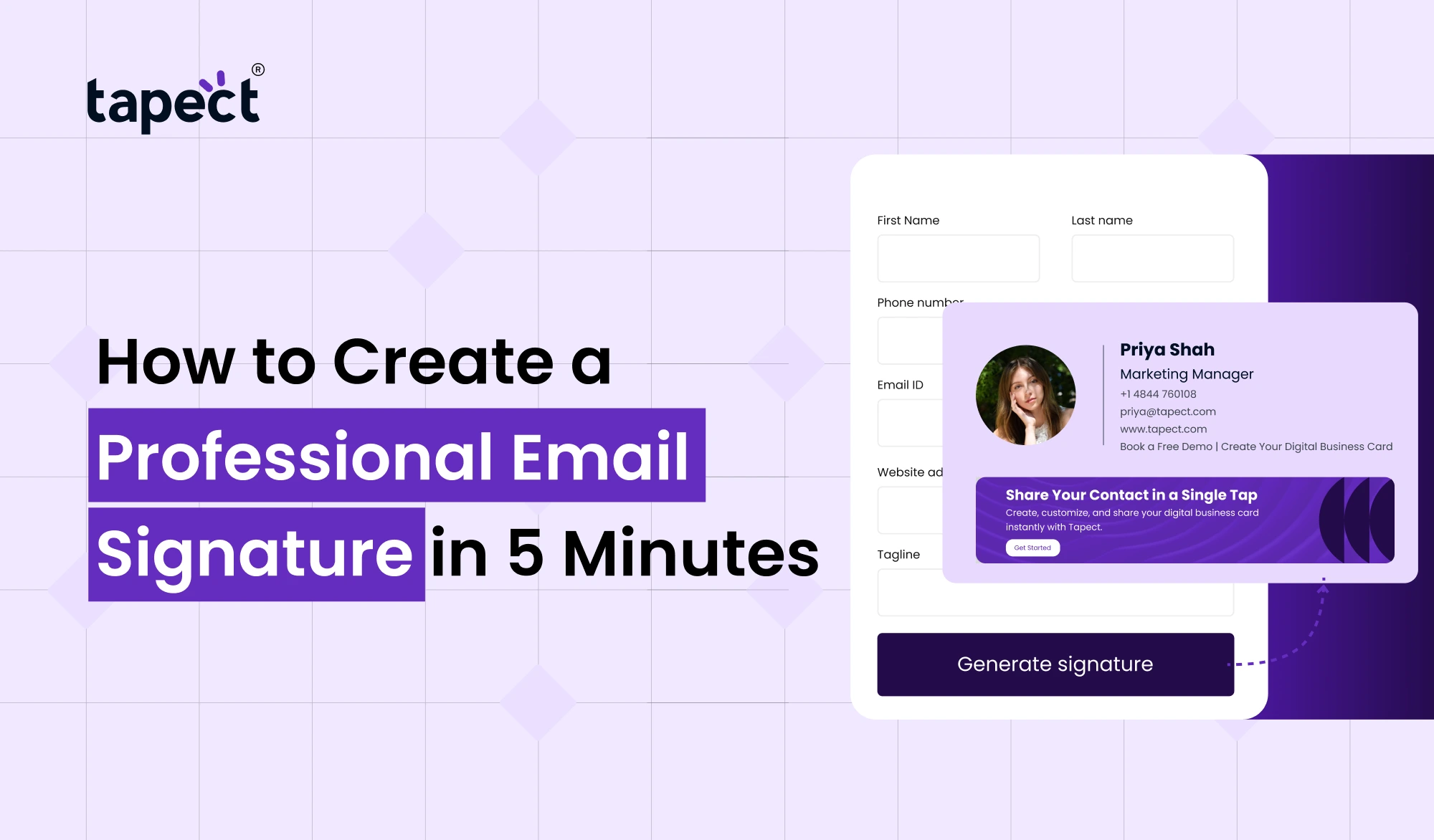
How to Create a Professional Email Signature in 5 Minutes
Most people think creating a professional email signature is a lot harder than it is.
Step 1: Choose an Email Signature Maker
The fastest way is to use an email signature maker.
A good tool has ready-made templates that work on popular email platforms.
Start with what’s already there and just fill in your details.”
Step 2: Enter Your Contact Information
Share only what your customers really need to know.
Add:
- Name
- Position
- Company
- Phone number
- Website
Step 3: Upload Your Logo
A logo gives an instant credibility to your Email Signature.
Use a clear, high-quality image with a transparent background if possible.
Step 4: Include Social Media Links
Add clickable icons if you are active on LinkedIn, Facebook, Instagram or X.
Don’t fill your signature with every platform.
Choose only what matters to your business.
Step 5: Add a Call to Action
Each professional email signature needs to be action-oriented.
Examples being:
- Set Up a Meeting
- Download Brochure View Portfolio
- Begin Today Contact our team
This simple addition will help you see more clicks and more leads generated.
Why Use an Email Signature Maker?
It takes time to design a signature manually.
An email signature generator allows you to:
- Accelerate signature creation
- Keep the design professional
- Add links that can be clicked
- Include social media icons
- Maintain consistent branding
And it also saves you from complicated HTML code.
Use a Free Email Signature Generator
If you’re just starting out, a free email signature generator is a great way to go.
It lets you:
- Create signatures faster
- Maintain a professional design
- Add clickable links
- Include social media icons
- Keep branding consistent
Many businesses will start with a free email signature generator, then move to advanced branding tools.
Why an Email Signature Builder Saves Time
An email signature builder makes it easy to customize.
You may:
- Change font
- Colours update
- Shuffle layouts
- Add banners.
- Insert buttons
- Add company branding
No more editing code, just drag, and tune.
Connect Your Email Signature with a Digital Business Card
A modern Email Signature is even more powerful when linked to a digital business card.
Recipients can:Share contact details instead of only
- Save Your Contact Now
- Go to your profile.
- Services I offer
- Open your portfolio
- Follow us on social media
This leads to a better customer experience.
Add an NFC Business Card for Offline Networking
Your email branding should be in sync with your offline networking.
With a nfc business card, someone can get your contact information with one tap.
Together with your Email Signature you create a seamless brand experience across all channels, online and offline.
Many professionals now use both, as they complement each other perfectly.
Best Design Tips for an Email Signature
Design is always better.
Keep It Clean
Keep paragraphs small.
White space enhances readability.
Use one font
Too many fonts make your signature messy.
I’ll start on the next part, which is the main part of the experiment.
Limit Colors
Keep it on-brand for your company.
Two or three colours will be enough.
Make It Mobile Friendly
A lot of emails are opened on smartphones.
Preview your Email Signature on different devices.
Utilise Small Images
Large images slow down email loading.
Add your logo (but optimise it first).
Common Email Signature Mistakes
Even small mistakes can cost a business credibility.
Avoid these actions:
When Using Too Many Colours
Simple designs appear more professional.
Adding too many details
People only require the basic facts.
Broken Links
Check every website and social media link.
Big images
Slow load times from large graphics.
No Call to Action
If you don’t have one, you’re missing lead generation opportunities.
Benefits of a Professional Email Signature
A strong Email Signature helps your business everyday.
Benefits are:
- More brand awareness
- Greater customer confidence
- Additional website visits
- Better communication
- Improved lead generation
- Professional look
- More powerful marketing
Every employee in your company turns to a brand ambassador by sending emails.
Why Businesses Choose Tapect
We believe that your business identity should be simple, intelligent and professional at Tapect.
We help businesses create branded digital experiences with:
- Business email signatures
- Digital Cards
- Business cards NFC
- Share contact easily
- Better networking tools.
- Branding in contemporary business
Tapect helps you make a lasting impression, whether you’re a freelancer, startup, or growing company.
FAQ’s
1. What’s an Email footer?
An Email Email footer is the data that appears at the bottom of your email with your name, company, contact information and links.
2. Is there a way to create an Email footer for free?
Indeed. With a free email signature generator, you can create a professional signature without any design experience.
3. What is the best email signature generator?
The best email signature maker should be easy to customise, have responsive designs, and easy to install.
4. Do I need to add social media links?
Yes Only include the platforms that you use for your business.
5. Is it possible to integrate my Email footer with a digital business card?
Yes. Adding a digital business card allows recipients to save your contact information instantly.
6. Can I use an NFC business card with an Email footer?
Yes. An nfc business card enhances your email branding by making offline networking fast and contactless.
Conclusion
A professional Email footer is one of the simplest ways to improve your business communication. It creates trust, promotes your brand, and gives a polished, professional look to every email.
No design skills or hours of work required. You can design a signature in just five minutes with an email signature maker, free Email footer generator or email signature builder.
Pair it with a digital business card and a nfc business card for a full networking solution that works online and offline.
Ready to Upgrade Your Business Emails?
Get a professional Email Signature with Tapect today, and make every email work harder for your business.
✔ Build your signature in minutes
✔ Share your contact details instantly
✔ Strengthen your brand with every email
✔ Connect with a Digital Business Card and NFC Business Card
Start using Tapect today and make a lasting impression with every email you send!

 18 Sept 2026
 business