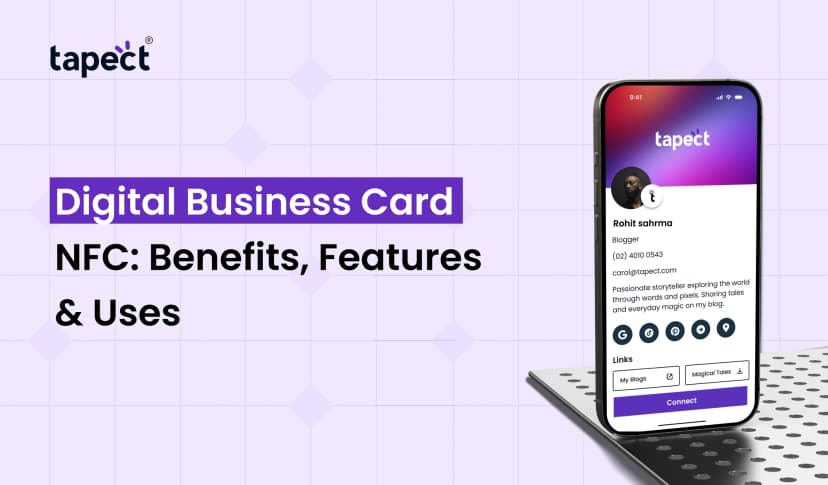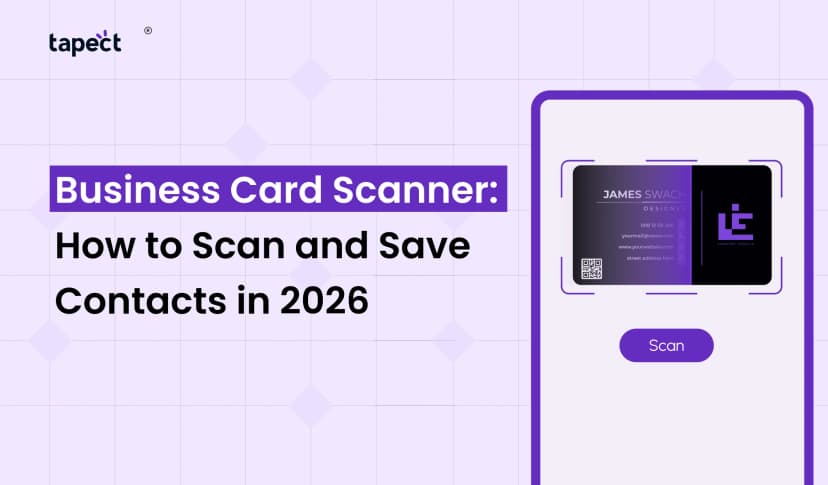
People will usually remember your business card the most. But in a world when most networking happens online, a physical card might not be enough. People want to save your details fast, visit your website and get in touch with you.
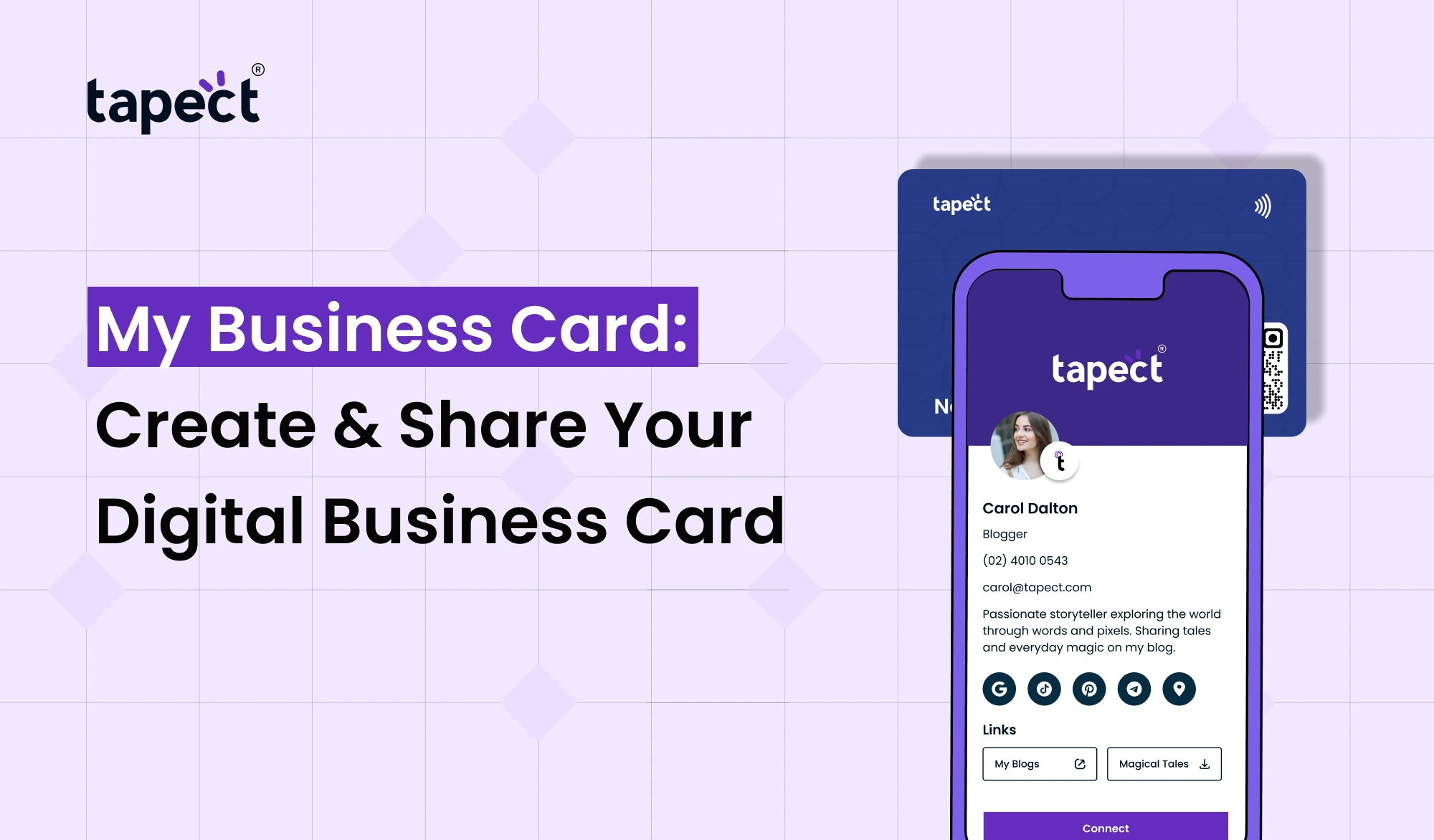
That’s where Tapect’s My Business Card may help make networking easier. A digital profile allows you to communicate your contact details without having to carry a stack of printed cards. You can share it via link, QR code or NFC card and give fast access to your information.
A digital card makes every relationship more beneficial, whether you’re a business owner, freelancer, salesperson or working professional.
What Is My Business Card?
My Business Card makes it easy to establish and publish your professional contact profile online. Rather than handing someone a typical paper card, you can give them a digital profile with your crucial information on it.
Your profile can contain your name, job title, phone number, email address, website, social media profiles, company info and other important connections.
A digital business card consolidates all of these facts in one location. When someone receives your profile, they may open it on their phone and immediately decide how they want to engage with you.
My Business Card is perfect for networking in meetings, events, conferences, trade exhibitions, and regular business talks.
Why Choose a Digital Business Card?
A digital business card is far more flexible than a printed one. You don’t need to order new cards every time your phone number, job title or website changes.
Just edit your online profile.
A virtual business card also makes it easy to share. You can share your profile through messaging apps, email, social media or a QR code. It implies you can connect with individuals when you don’t have a physical card with you.
My Business Card has your professional information available for sharing whenever you need it.
How My Business Card Works
It’s simple to use my business card. You don’t need to be tech-savvy or use any fancy software.
1. Create Your Profile
Add your basic details to begin. Please provide your name, job title, company name, phone number and email address.
2. Add Your Business Links
Add your website, social media profiles, portfolio, booking page, or other vital links.
3. Customize Your Card
Craft a professional profile that fits your personal or company style.
4. Share Your Card
When you’re done customising your profile, share it with your contacts. Use with link, QR code or compatible smart card.
This straightforward method makes My Business Card a useful solution for contemporary networking.
Create a Digital Business Card That Looks Professional
When you design your digital business card, think about what information is important to your audience. You don’t need to put every element of your business.
Begin with the basics:
- Your full name
- Job title
- Company name
- Phone number
- Email address
- Website
- Social media profiles
- Business location, if useful
- A short description of what you do
A tidy layout makes your content easier to read. It also allows visitors to swiftly identify the proper action.
Your My firm Card profile should be a little introduction to your firm and not a busy web page.
Use a Virtual Business Card for Easy Networking
A virtual business card is important when you meet individuals face-to-face or virtually. Share it in a video call, send it on WhatsApp or drop it in an email signature.
Consider the following scenario: you meet a potential customer at a business event. No more hunting for a pen, or fretting about running out of printed cards. You can just share your My Business Card profile.
The other individual can open your info straight away and store your contact info.
It can help accelerate networking and make it less likely you’ll lose a good connection.
Turn Your Business Card Online Into a Lead Tool
Your online business card can do more than display your contact information. It can help drive visitors to useful actions.
For example, your profile may have a button to:
- Call your business
- Send an email
- Start a WhatsApp chat
- Visit your website
- Book an appointment
- View your products
- Follow your social media pages
This makes My Business Card more helpful than a standard contact card.
When people have clear choices, they are more inclined to take the following step.
Share Your Card With QR Codes and NFC
One of the simplest methods to share My Business Card is with a QR code. You may make people open your profile by scanning the code with their smart phone.
You can also make use of NFC card. Tap your profile to open it on a compatible smart phone.
A smart business card can bring these possibilities together so sharing is easy. Someone preferring scanning can use QR code. NFC gives them another way if they prefer tapping.
Your card is suited for a variety of networking scenarios.
Why Tapect Is a Smart Choice
Tapect assists professionals to transition from traditional networking to a more flexible digital experience.
My Business Card lets you construct a professional profile and share it without relying just on printed cards.
Tapect’s smart business card can also make face-to-face networking more memorable You’re providing a simple way for visitors to see your professional profile, not just your contact information.
This might be helpful for sales teams, entrepreneurs, agencies, consultants, freelancers and expanding enterprises.
Benefits of an Electronic Business Card
An electronic business card allows you to have greater flexibility over how you portray your professional information.
Easy to Update
Users can update their details without producing a new set of cards.
Easy to Share
Share your profile with a link, QR code or NFC card.
Less Paper
Share digitally to cut down on the number of printed cards you require.
More Information
You can include links that may not fit on a little paper card.
Better Networking
You may easily add your details and connect with other people.
These advantages make My Business Card a crucial part of your networking approach.
How to Make Your Card More Effective
The first step is to create a profile. You want it to be beneficial for visitors, too.
Make sure your contact information is correct. Have a clear profile photo, if it fits your profession. Place your most important business connections first.
Think about what you want people to do when they see your card. If your main purpose is to generate calls, make the phone button easy to discover. Want more leads? Add a clear contact or booking option.
A business card manufacturer can also help you establish a professional digital identity without having to start from zero.
Your My Business Card should lead to the following step.
Common Mistakes to Avoid
A digital card can be just as ineffective if it is badly designed.
Too Much Information
Don’t overload your profile with irrelevant stuff. Keep the most useful stuff at the top.
Outdated Details
Check your phone number, email address, website and social links often.
No Clear Call to Action
Tell visitors what you want them to do Use actions like “Call Now,” “Book a Meeting” or “Visit Website.”
Poor Design
Trust comes from a professional look. Go for a clean design that’s easy to utilise on a phone.
Forgetting to Test
Always check your profile on a phone before sharing it with clients.
My Business Card for Different Professionals
My Business Card can be used for many different types of professionals.
Real estate agent can use this to distribute property links and contact information. A freelancer can upload portfolio and social profiles. A sales person can provide product pages and booking links.
Business owners can exchange firm information and consultants can add appointment links.
A business card manufacturer can also assist teams in creating consistent profiles that align with their brand.
FAQs
What is My Business Card
My Business Card is a digital business card that allows you to publish your professional contact info and business links from one easy profile.
Is it free to produce a digital business card?
The features you receive depend on the platform or plan you choose. Tapect helps you find digital networking solutions that match your demands.
Paper Card vs. Virtual Card: Which is Better?
You can edit and share a virtual business card more easily. You can also combine it with a printed card for a networking experience in total.
Can I send my business card on whatsapp?
“Yes. You can transmit the URL to your digital profile in a message on messaging apps like WhatsApp.
Can I use my business card with NFC?
Yes. If you have a compatible NFC card, you can share your profile quickly. Tapect provides NFC-based networking for professionals.
What is a digital businesscard?
An electronic business card is a digital form of your business contact card. It can have contact information, business links, social accounts and other important information.
Do you need a business card maker to design a digital card?
A business card maker can take the pain out of making your own by providing ready-made tools and layouts. You don’t need to be a designer.
Ready to Go Digital?
Your next business connection is just around the corner. It could be at a meeting, conference, coffee shop or online call. Be prepared to disclose your details to make the most of that moment.
My Business Card lets you put all your business facts in one easy-to-share profile. You may update it as you change details, add links that are beneficial and share it using modern ways such as QR codes and NFC.
A digital business card is not a paper replacement. It can be a valuable part of your networking and lead-generation process.
Conclusion
My Business Card provides you an easy way to present your professional identity in the digital world. Instead of just using printed cards, you may share your information through a profile that is easy to access and edit.
When you’re expanding a business, whether you’re working with new clients or developing your professional network, a smart business card makes exchanging your details faster and easier.
With Tapect, you can go beyond the standard card, giving each new contact an easy option to remain in touch.
Ready to Get Digital?
Create your Tapect profile today and share your My Business Card with your next contact, make every business connection matter.
 08 Oct 2026
 business