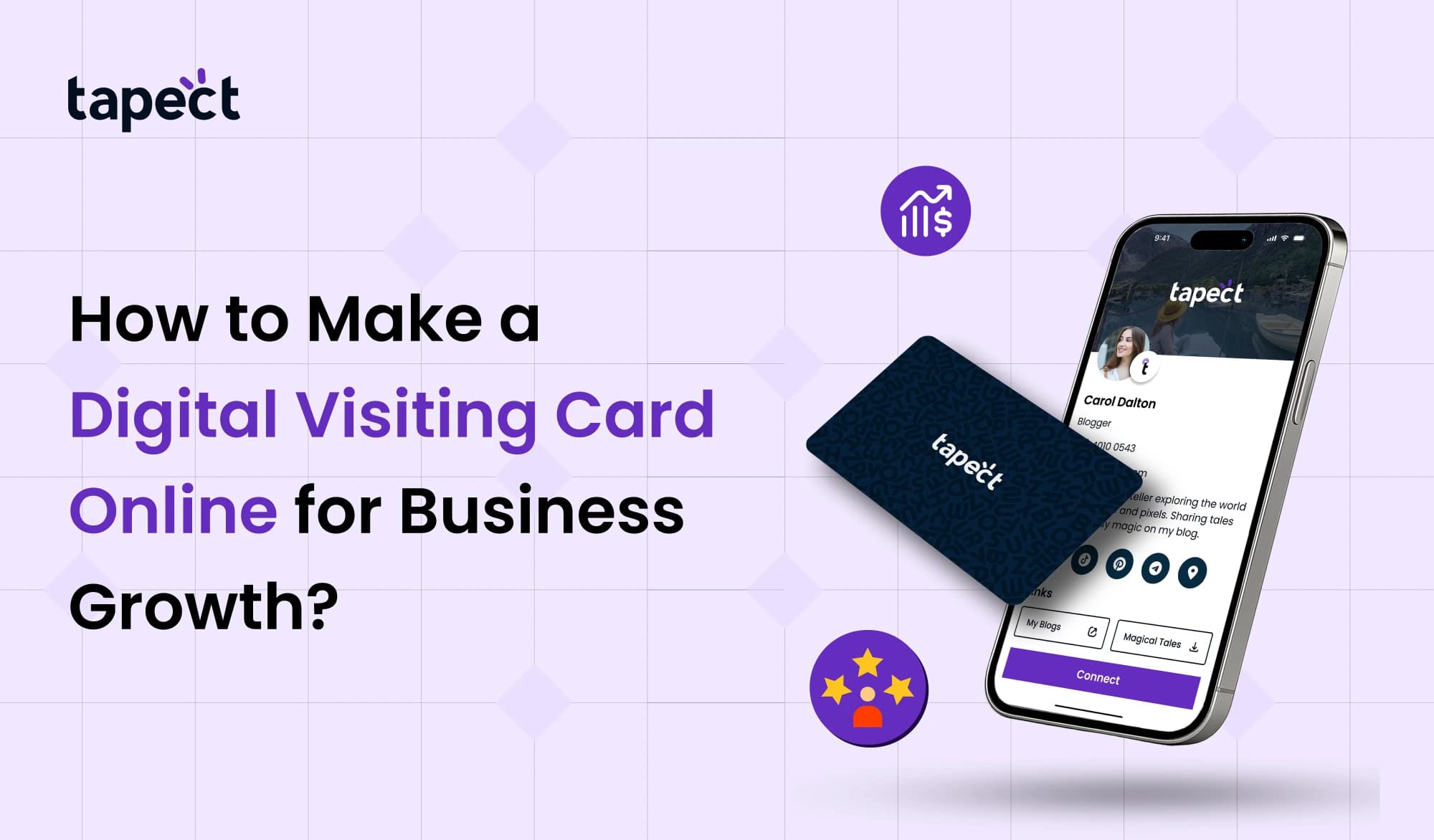
Paper cards are steadily disappearing in today’s rapid society. People today like clever and quick ways to give up their contact information. A digital business card makes it easy to do that in seconds. You can send it via email, WhatsApp, a QR code, or social media. It saves paper, time, and money.
What Is a Digital Visiting Card?
A digital visiting card is an online version of your normal visiting card. You make it in digital form instead of printing it out on paper. It has:
- Your name
- Business name
- Phone number
- Email
- Website
- Social media links
- Location
- Profile photo or logo
When someone clicks on your link or scans your QR code, they may see all of your information in one spot.
Why Every Business Needs a Digital Visiting Card
A digital visiting card is not merely a new fad. It’s a useful tool for business.
1. Easy to Share
You can send your digital business card by email, SMS, or WhatsApp. You don’t need to bring around printed cards.
2. Saves Money
It costs money to print cards over and over. You only have to pay once for a digital visiting card, or you can use a free program to update it at any time.
3. Quick Updates
Did you change your phone number? Changed your address? You can change your digital business card in just a few minutes.
4. Better Engagement
People can go to your website, call you, or connect with you on social media right from your digital business card.
Step by Step: How to Make a Digital Visiting Card Online
Let’s make the procedure easier by breaking it down into steps.
Step 1: Choose a Platform
Look for a free online tool to make visiting cards. You can make a visiting card online on a lot of websites, even if you don’t know how to design.
Choose a tool that has:
- Templates that are ready
- Simple to change
- Option for QR code
- Design that works on mobile devices
You can also use Canva or any other free visiting card creator that you trust and that meets your needs.
Step 2: Select a Template
Choose a clean and simple template when you’ve picked a platform. Your online business card should look tidy, not packed.
Pick:
- Simple background
- Font that is easy to read
- Colours for business
Your digital business card should match the style of your brand.
Step 3: Add Your Business Details
Now fill in the important information:
- Full Name
- Name of the Business
- Number of Phone
- Email Web site
- Address of the office
Check to see that everything is right. Your digital business card should include clear information.
Step 4: Upload Logo and Photo
Adding a logo makes people trust you. People will also remember you better if your profile picture is clear. Your digital business card looks more personal and professional.
Step 5: Add Clickable Buttons
A decent digital business card lets people:
- Call you
- Send an email
- Go to the website
- Start Google Maps
- Get in touch on social media
This makes your online visiting card stronger than a printed one.
Step 6: Generate QR Code
Most online visiting card makers also make a QR code. This QR code will take you to your digital business card.
You can print this QR code on product boxes, banners, or even the wall of your business.
Step 7: Publish and Share
When you’re done, save and share your digital business card. Tell others about it:
- Bio for Instagram
- Profile on LinkedIn
- Signature for email
Your firm is now ready to network smartly.
How a Digital Visiting Card Helps Business Growth
A digital business card does more than just give out contact information. It helps with branding and marketing.
Builds Strong First Impression
Sending a clean and modern digital business card demonstrates that you are up-to-date and serious about your work.
Increases Reach
A printed visiting card is kept by one person. You can send a digital visiting card to a lot of individuals in a matter of seconds.
Supports Online Branding
You can put the following on your online business card:
- Website
- Product catalog
- Videos
- Customer reviews
This gives your clients extra information.
Saves Time in Networking Events
Instead than looking for a pen or card at events, you may easily share your digital visiting card with a QR code.
Tips to Make Your Digital Visiting Card More Effective
Just do these easy things:
Make It Easy
Don’t use too many colours or heavy design. A simple digital business card looks professional.
Use a Clear Call to Action
Add buttons like this:
- Call Now
- Save Contact
- Go to the website
This makes the response better.
Make it work better on mobile
People mostly look at your digital business card on their phones. Check to see that it loads quickly and looks excellent.
Keep it up to date
Update your digital business card with fresh deals or services.
Common Mistakes to Avoid
- Putting in too much text
- Using pictures that aren’t very good
- Giving the wrong contact information
- Not checking the QR code
It should be easy to use and correct your digital business card.
Is It Better Than a Printed Visiting Card?
In some circumstances, a printed visiting card still works. But a digital business card has further benefits:
- No cost to print
- Updates are easy
- Links you can click on
- Sharing without limits
A digital visiting card is more useful for businesses today.
Can You Create a Digital Visiting Card for Free?
Yes, a lot of sites let you produce visiting cards for free. You may make a visiting card online for free.
Plans that are free usually include:
- Basic template
- Not much storage
- Easy QR code
You can upgrade later if you need more advanced features.
A free visiting card maker is a great way for small businesses to get started.
FAQs
1. What is a digital business card?
An online card that keeps your business and contact information is called a digital visiting card. You can give it out by sending a link or a QR code.
2. Is it better to have a digital visiting card than a printed one?
Yes. You can easily share, make changes, and click on links with a digital visiting card.
3. Is it possible to make a free visiting card online?
Yes, a lot of websites have free visiting card makers that let you produce visiting cards online for free.
4. What is the best way to send my digital business card?
You may send your digital business card by WhatsApp, email, a QR code, or social media.
5. Does a digital business card help a firm grow?
Yes. A digital business card helps you network, establishes trust, and makes your brand look new.
Conclusion
In today’s corporate world, a digital business card is a smart tool. It saves money, uses less paper, and makes it easy to share. You may change it at any time and email it to anyone in a matter of seconds.
Make a digital business card today if you want to grow your business. Choose a simple design from a free visiting card maker you can trust, then distribute it on all of your platforms.
Your business may use a modern touch. A simple digital business card can help you expand, make new connections, and open new opportunities.
 21 Oct 2026
 business