Customers use Google reviews a lot to decide which business to use. People look at your Google scores, read a few reviews, and then determine whether or not to use your service.
But what if you don’t receive enough reviews?
You might give fantastic service, but if clients don’t submit reviews, your internet reputation stays weak. The good news is that there is a simple fix: a Google review card.
This post will teach you how a Google review card works, why it’s helpful, and how to use it to get more reviews quickly.
Why Google Reviews Matter for Every Business
Most of the time, when someone looks for a product or service near them, they see:
- Business name
- Star rating
- Number of reviews
- Customer comments
People think online reviews are just as good as human guidance. More people click on and call a business with high Google reviews.
Customers are more inclined to prefer your competition if they have 150 reviews and you only have 10. That’s why it’s crucial to get more reviews on Google.
More reviews mean:
- Better local ranking
- Higher trust
- More customer calls
- More sales
But it’s not easy to get customers to search for your name and write a review. A lot of folks forget. That’s when a Google review card comes in handy.
What Is a Google Review Card?
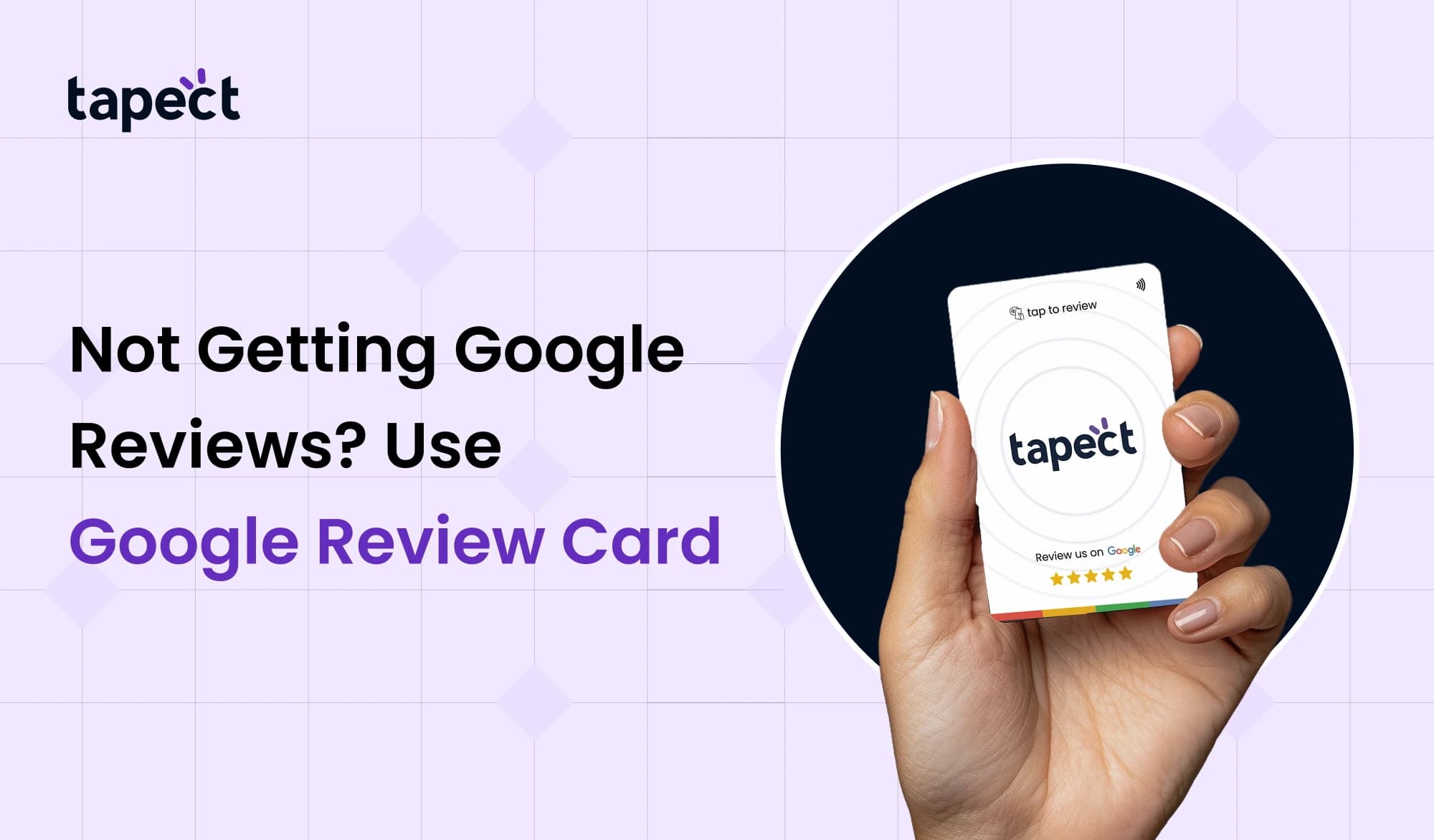
A Google review card is a little smart card that enables anyone post a review with only one tap or scan.
Customers can do the following instead of looking for your business name:
- Tap the card on their phone (NFC)
- Scan a QR code
- Open the review page instantly
It cuts out additional steps. More people leave a Google review when the process is simple.
There are two primary kinds:
1. Google Review NFC Card
A Google review NFC card uses tap technology. When a customer taps the card on their phone, it takes them right to your review page.
You don’t need an app. No need to type.
This makes the Google review card highly useful for firms that don’t have an online presence, such as:
- Restaurants
- Salons
- Clinics
- Retail stores
2. Google Review QR Code Card
A few cards have a QR code for Google reviews. Customers just take a picture of it with their phone.
The QR approach works on all devices, including older ones.
A lot of businesses put the google review qr code on tables, bills, counters, or packaging.
Why You Are Not Getting Google Reviews
Before we look at a Google review card, let’s talk about some of the most typical reasons why reviews are low:
1. Customers forget
Customers who are happy nevertheless neglect to provide feedback.
2. Process Is Too Long
A lot of people quit up if they have to look up your name, discover your profile, and then submit a review.
3. No Reminder
They will move on if you don’t remind them at the correct time.
4. No Easy Link
Customers have to do more work because there isn’t a direct connection or Google review scanning.
You receive more reviews the easier you make it.
How Google Review Card Solves the Problem
A Google review card cuts out all the additional stages.
This is how it helps:
Instant Access
You may launch the review page right away with a single tap on a Google review NFC card.
Quick Scan Option
Customers can scan a Google review QR code and provide feedback in just a few seconds.
Higher Conversion
More clients finish the transaction when it takes less than 30 seconds.
Better Customer Experience
Customers like things to be easy. A Google review card makes it easy and up-to-date to leave a review.
How to Use a Google Review Card in Your Business
It’s easy to use a Google review card. Do these things:
Step 1: Create Your Review Link
Go to your Google Business page and copy the link to your review.
Step 2: Program the Card
If you’re using a Google review NFC card, put the link to your review in the NFC chip.
If you’re using QR, make a Google review QR code and put it on the card.
Step 3: Place It in the Right Spot
Keep your card for Google reviews:
- At the billing counter
- On tables
- Near the exit
- Inside packaging
Step 4: Ask at the Right Time
When a consumer is done with their visit, respectfully say:
“Could you please tap this card to leave a quick review?”
Easy request. Big outcome.
Advantages of Using Google Review Card
These are the key benefits of a Google review card:
1. Increases Google Ratings
More reviews will help your Google scores and make people trust you.
2. Saves Time
Customers don’t have to look for things by hand.
3. Works Offline and Online
A Google review card links your real store to your online identity.
4. Builds Brand Image
A clever Google review of NFC cards shows that your business is up-to-date.
5. Easy to Track
You can see how many new Google reviews you get each week.
Where Google Review Card Works Best
A Google review card is good for:
- Restaurants
- Cafes
- Medical clinics
- Gyms
- Hotels
- Real estate agents
- Car service centers
This product works great if consumers come to your place.
Tips to Get More Reviews Fast
Strategy is still important, even with a Google review card.
Ask Happy Customers Only
Timing is key. Ask when the customer is happy.
Keep It Short
Say, “Please tap and share your thoughts.”
Train Staff
Make sure your team knows how to use the NFC card for Google reviews.
Place Multiple Cards
Put more than one Google review card in your store.
Add a Google Review Scanner
Some establishments additionally have a google review scanner at the front desk. Customers scan it while they pay.
FAQs
1. What is a card for Google reviews?
A Google review card is a smart card that enables anyone post a review by tapping it with NFC or scanning a QR code.
2. Is the Google review NFC card better than the QR code?
The tap feature on a Google review NFC card makes it faster. But QR works on every phone. Both are used by a lot of companies.
3. Does the Google review card help Google ratings?
Yes. Your Google scores get better over time when more people post reviews.
4. Is a Google review scanner different from a QR code?
A Google review scanner is usually a stand or printed QR code that users scan to get to the review page.
5. Is it possible for small enterprises to use Google Review Cards?
Yes. Any business in the area can utilise a Google review card to get more reviews.
Last Thoughts
If you aren’t getting enough reviews on Google, it’s not because of your service. The problem is the way things are done.
Make it easy. Do it quickly.
A Google review card makes it easier for clients to provide feedback right away. The goal is the same whether you use a google review nfc card, a google review qr code, or a google review scanner: to make it easy to get to.
greater reviews mean higher Google ratings, greater trust, and more customers.
 17 Sept 2026
 business