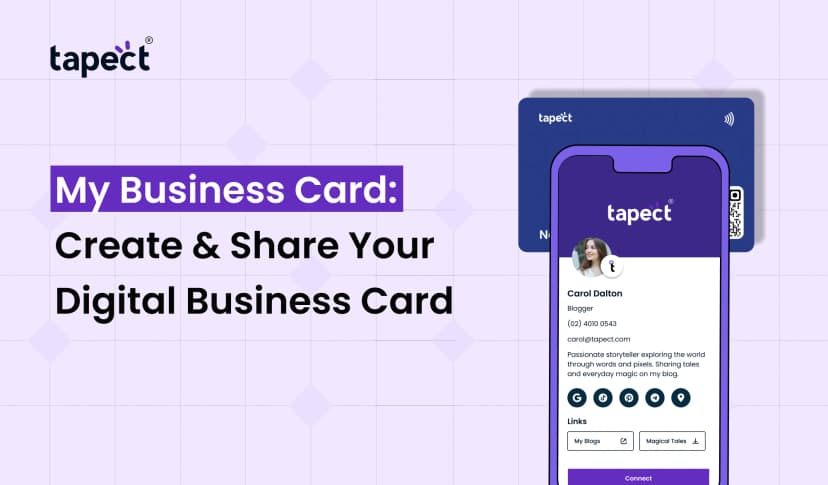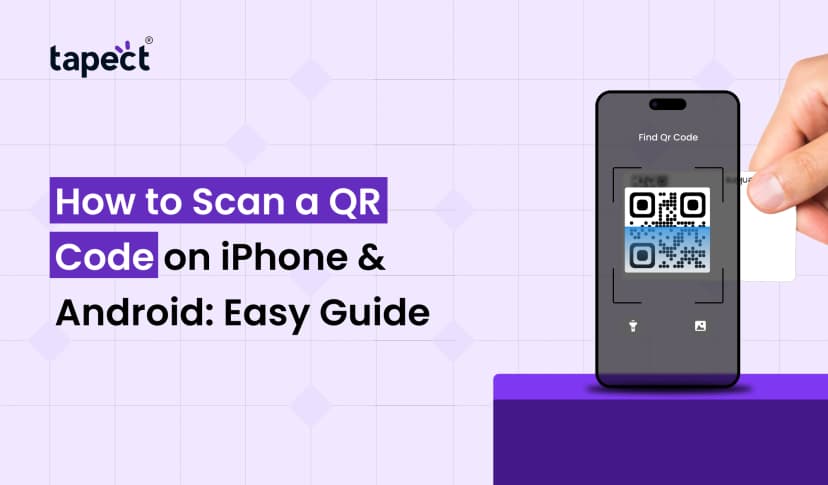
Business cards have changed a lot over the past few years. People want your info at their fingertips today without having to type in phone numbers or search online. That’s why the Scannable Business Card is one of the smartest networking tools for modern business.
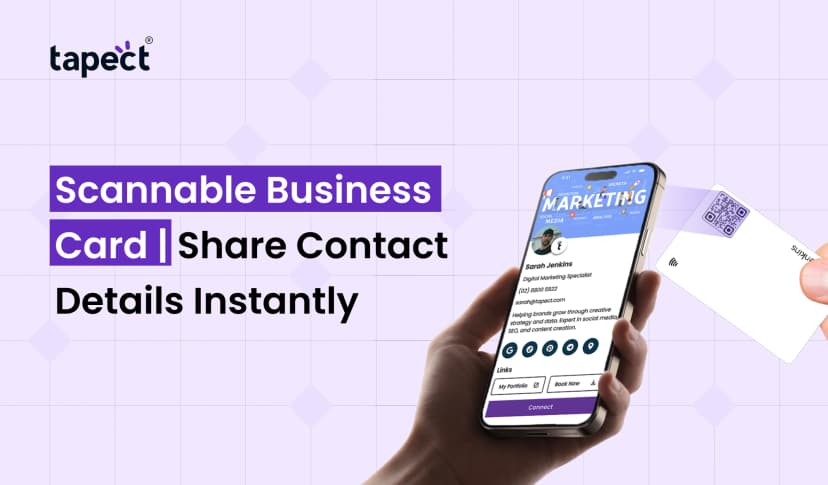
With a simple scan, you can share your contact details, website, social links, portfolio or payment page in seconds. It saves time and makes a better initial impression.
So if you’re looking for more leads, better branding, faster networking then it’s important to know how to build a powerful Scannable Business Card.
In this guide you will learn everything step by step.
What Is a Scannable Business Card?
A Scannable Business Card is a smart card that people can scan with their smartphone. It usually works using QR code or NFC technology.
The card connects users directly to your digital profile, not just printed information.
A modern Scannable Business Card may contain:
- Name and phone number
- Email address
- Website
- Social media profiles
- Portfolio
- Google reviews
- Payment links
- Booking pages
A lot of businesses are using NFC technology and digital business cards together to improve networking.
Why Scannable Business Cards Are Growing Fast
Old fashioned cards often get lost or forgotten. Later people may forget to save your number.
That’s where the Scannable Business Card fits in.
Instant Contact Sharing
Every scan saves your details instantly.
Improved User Experience
People want things to be quick and easy.
Professional Branding
Your brand looks modern with a smart card.
Green Networking
Digital business cards cut down on paper waste.
Better Lead Conversion
Quick access increases follow-up chances.
That’s why brands across India are now using digital business card india solutions to connect better.
Types of Scannable Business Cards
There are many ways to make a Scannable Business Card.
QR Code Business Cards
The cards contain a QR code that is scanned by the user’s phone camera.
Advantages:
- Affordable
- Easy to create
- Works on almost all phones
NFC Business Card
An nfc business card uses technology. Users tap their phone against the card.
Advantages:
- Sharing faster
- Premium look
- Camera not needed
Many companies are now looking to combine nfc card and QR technology together.
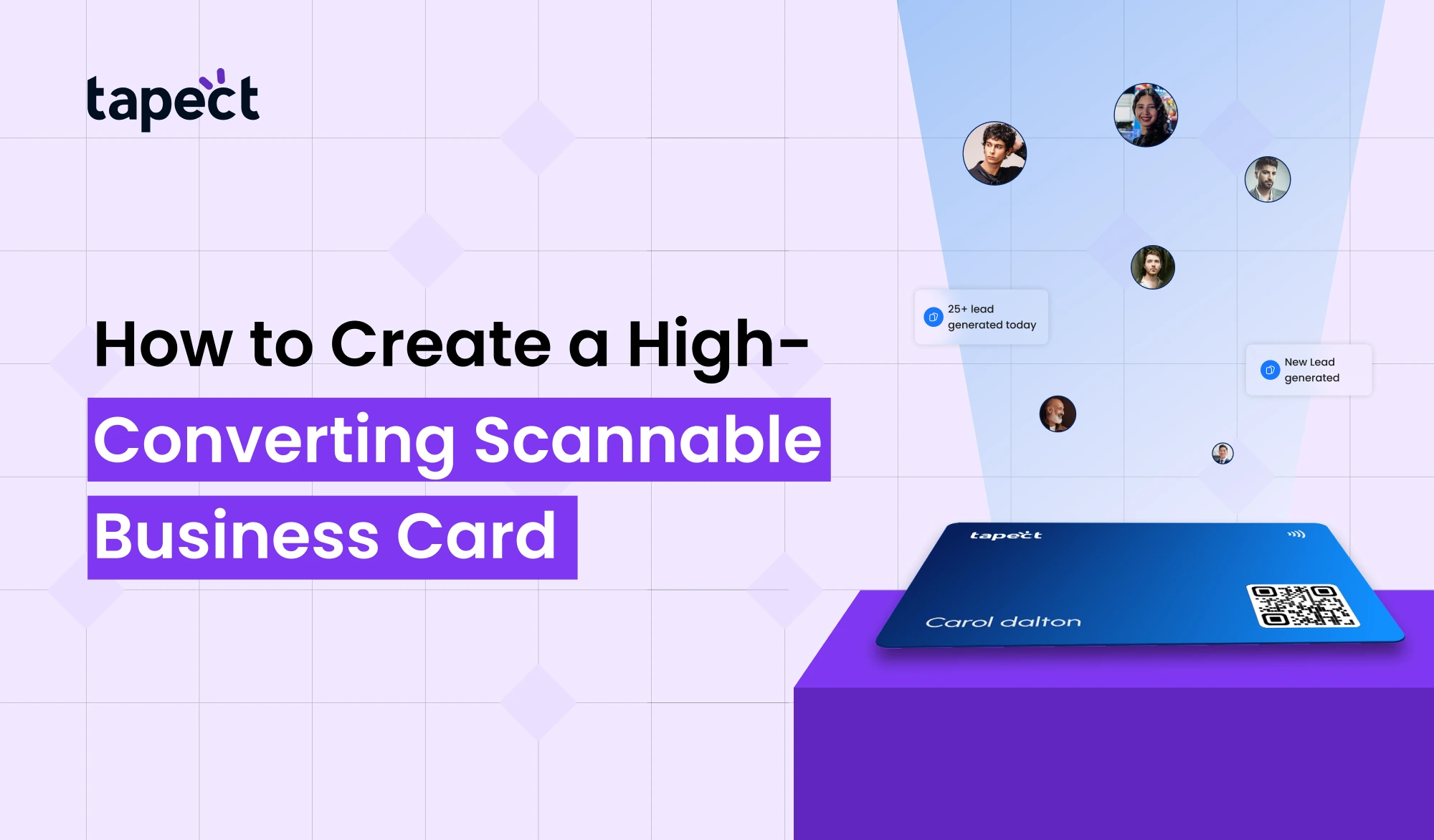
How to Create a High-Converting Scannable Business Card
Designing a successful Scannable Business Card is not just about design. It’s about user experience and lead generation as well.
One step at the time.
Step 1: Choose the Right Platform
Before you create your card, choose a trusted platform.
A good platform should provide:
- Mobile-friendly design
- Easy editing
- QR code support
- NFC support
- Analytics tracking
A lot of companies in the digital business card india market are now providing a complete solution for businesses and professionals.
Step 2: Add Important Information Only
A mistake often made is to overload with information.
Your Scannable Business Card should be clean and simple.
Add:
- Full name
- Job title
- Phone number
- Website
- Social links
Avoid unnecessary text.
Step 3: Adopt a Professional Design
People judge your brand fast.
The clean design of your Scannable Business Card conveys trustworthiness.
Design Tips White Space Is Your Best Friend
Crowded cards are confusing.
Use Brand Colours
Match your company’s branding
Choose Simple Fonts
Better User Experience with Readable Fonts
Utilise High-Resolution Photos
Blurry logos decrease trust.
A modern digital business card should feel simple, yet premium.
Step 4: Properly Add QR Code
A lot of Scannable Business Card designs use the QR code as the main element.
Guidelines
- High contrast colours
- Make it large enough to scan
- Print test
- It is not at the margins
Make sure the QR code works on different phones.
Step 5: Insert NFC Tech
Users get a faster experience with a nfc business card.
When someone taps the card.
- Contact opens instantly
- Website loads immediately
- Social profiles appear quickly
An nfc visiting card feels modern and premium in networking events”.
Step 6: Create a Strong Landing Page
Your Scannable Business Card should send users to a well-designed page.
This page should contain:
- Your Intro About Services
- Customer Reviews
- Contact button
- Portfolio WhatsApp Option
A bad landing page can hurt conversions.
7. Add a Clear Call to Action
People need guidance.
There is no call to action and many users leave without taking any action.
Good examples of CTAs:
- Book a Meeting Call Now
- Contact Add
- Visit Website Get Free Quote
Strong CTA will help your Scannable Business Card get you more leads.
Step 8: Make It Mobile Friendly
Most people will view your profile on mobile.
Your digital business card should include:
- Quick load
- Look great on Phones
- Have button presses
- Use readable text
Mobile experience directly impacts conversion.
Step 9: Tracking Performance
Modern Scannable Business Card tools provide analytics.
You can follow:
- Total scans
- Device category
- Location of user
- Most popular link
This helps you improve your marketing strategy.
Best Features to Include in a Scannable Business Card
Intelligent features designed to boost engagement.
Click to Call Button
Simple to dial.
Integration with WhatsApp
Better communication leads to faster lead conversion.
Google Map
Good for local businesses.
Socia Media Links
Builds trust and promotes brand awareness.
Portfolio Gallery
Ideal for designers, photographers and agencies
A Scannable Business Card that works well puts the user first.
Why NFC Business Cards Are Popular
The market for nfc business card products is growing fast.
People like tap based sharing because it’s modern and smooth.
Advantages of a nfc card:
- No app required
- Quicker than QR scanning
- Reusable .
- Simple updates
Many companies now combine both nfc and QR visiting card technology.
Common Mistakes to Avoid
Even a great-looking card can flop if you make these mistakes.
Too Much Information
Keep it simple.
Broken Links
ALWAYS test your Scannable Business Card before you share.
Slow Landing Pages
If the pages load slow, they leave fast.
Bad quality printing
Cheap printing cheapens the brand.
No Call To Act
Users may not contact you without direction.
How Scannable Business Cards Help Businesses
A Scannable Business Card is useful for almost any industry.
Real Estate
Listings are shareable on the fly.
Health Care
Doctors can send appointment links.
Independent workers
Designers can display portfolios.
Food and drink establishments
Menu and ordering links can be shared by owners.
Networking for Corporations
Professional quick contacts exchange.
That is why digital business card india services are gaining more and more popularity every year.
QR Code vs NFC Card
Many people ask what is the best option.
QR Code
- Lower cost
- Easy setup
- Universal compatibility
NFC Card
- Faster interaction
- Premium feel
- Better user experience
Better still, combine both in one Scannable Business Card.
Future of Scannable Business Cards
Networking is going digital.
Now, people like:
- Share on tap
- Rapid communication
- Smart networking equipment
That makes the Scannable Business Card one of the most powerful branding tools for the future.
As technology improves, more businesses will use digital business card and NFC solutions.
Why Choose Tapect for Smart Business Cards
At Tapect we help companies build premium smart networking solutions that make a great first impression.
Do you need:
- A Nifty Scannable Business Card
- A premium nfc business card
- A Digital business card of the modern age
- A custom nfc business card
Tapect offers intelligent solutions for professionals and expanding businesses.
Our aim is simple:
It helps you connect faster, share smarter and generate more leads.
FAQ’s
1. What is a Scannable Business Card?
Scannable Business Card is a smart business card that users can scan or tap to get your digital contact information.
2. Is NFC superior to QR Code?
qr codes work with almost any smart phone and a nfc card is faster to share Both are used together by many companies.
3. Can I change my digital business card later?
Yup. Usually, you can edit a digital business card at any time without reprinting the card.
4. Will an NFC business card work with every phone?
Most modern smartphones, particularly newer Android and iPhone models, support nfc business card technology.
5. Why digital business card India services are growing?
Indian companies are leveraging smart networking tools to improve their branding, speed and customer engagement.
Conclusion
A Scannable Business Card isn’t just a fad. It is a smart way to build connections, improve your networking and generate leads faster.
With the blend of clean design, QR and NFC functionality, you can create a card that people actually use and remember.
The goal is to make connecting easy, whether you opt for a simple digital business card, a premium nfc business card or a full smart networking setup.
Smart networking opens up better business opportunities.
Ready to Advance Your Networking?
Turn every meeting into a business opportunity with Tapect, create a professional Scannable Business Card.
- Share contacts instantly
- Impress clients with smart NFC technology
- Build stronger professional connections
- Generate more leads with modern networking tools
Begin your smart networking journey with Tapect today.
 21 Aug 2026
 business