Consider the last time you received a business card. You probably had to remember the phone number, or type in the e-mail address, or look up the person’s website later. Sometimes the card gets lost, before you get a chance to connect.
Try to imagine sharing all your contact details with a single scan or tap. That is exactly what makes Scannable Business Cards useful to modern professionals and businesses.
If you’re a small business owner, sales person or meet new clients every week, you want sharing your details to be quick and simple. Tapect: The smarter way to share your contact information and make networking easier.
Here’s how these cards work, why they’re important and how you can use them to build better business connections.
What Are Scannable Business Cards?
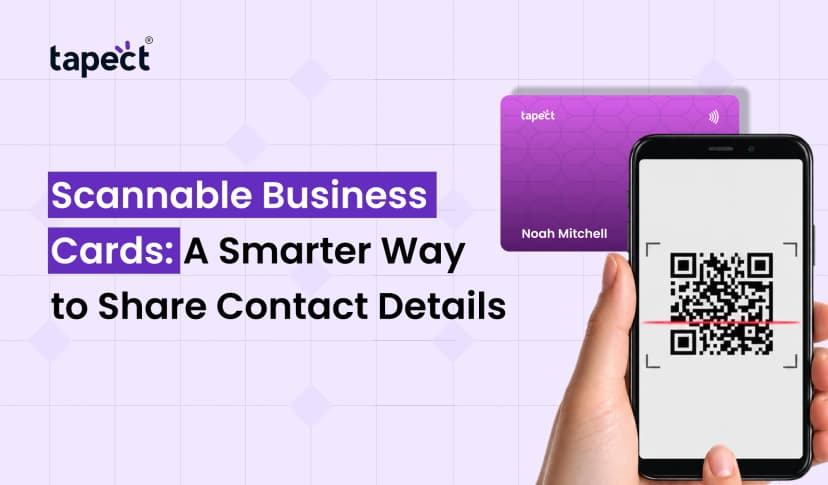
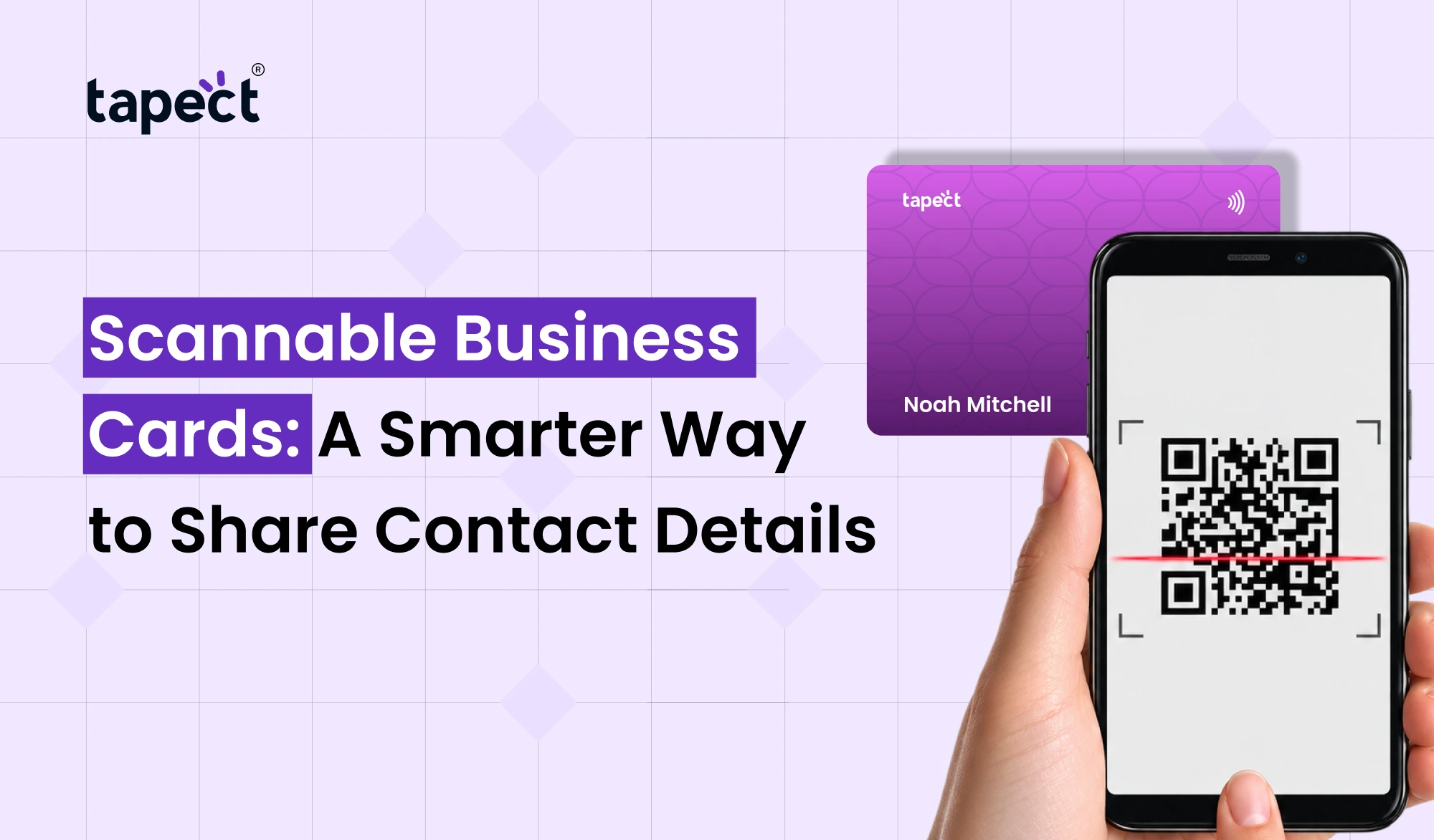
Scannable Business Cards are the new age business cards which allow people to access your contact information by scanning a QR code or by tapping an NFC enabled card using a compatible smartphone.
The person you meet can access your digital profile in seconds, rather than typing your details by hand. Depending on your settings, they could see your name, phone number, email, website, social media links and other important information.
These cards can be used by nearly anyone looking to network professionally.
A real estate agent can share property listings, a freelancer can display a portfolio, and a shop owner can direct customers to their website.
Scannable Business Cards, however, can connect people to more than just contact information.
How Do Scannable Business Cards Work?
It’s a simple process. You give them your card and they scan or tap it and their phone brings up your contact page.
These cards usually work in one of two ways:
1. QR Code Scanning
QR code business cards contain a square code that people can scan with the camera on their smartphone or a QR scanning function.
When the code scans the code, it opens the linked page. This may be your digital profile, website, contact details or something else of use.
QR codes are easy to use and most modern smartphones have native support for QR codes without the need for a separate scanning app.
2. NFC Tap Technology
NFC business cards utilise Near Field Communication technology to transmit a link when someone taps the card to a compatible smartphone.
The card holder can view your digital profile without the need to manually search for your detail.
Some NFC cards also have a QR code. This is another way people can get your information if tapping is not convenient or their phone does not have NFC.
Both methods help with networking and make it easier to share your contact information.
Why Are Scannable Business Cards Better Than Traditional Cards?
There are limitations, but paper cards are still a place in business. It’s not easy to show your latest work, online reviews or social media profiles without printing extra information.
Scannable Business Cards are a more flexible way to share your information.
Some benefits to be considered include:
- Quick contact sharing: People can access your information within seconds.
- More information: Share links to your website, portfolio, social profiles, or booking page.
- Easy updates: When your digital profile supports editing, you can update your details without printing new cards.
- Less manual work: People can save your contact information instead of typing every detail.
- Better networking: Make it easier for potential clients and partners to contact you after a meeting.
- A modern impression: Show that your business uses practical digital tools.
These benefits can save time and help maintain stronger connections for professionals who meet people regularly.
Different Types of Scannable Business Cards
Every business doesn’t need the same card. It is contingent upon your budget, your work style and the way you usually meet people.
QR Code Business Cards
QR code business cards are a practical solution for those who want a simple and inexpensive way to share information.
You can print the code on a paper card, display it on a screen, or embed it in marketing materials. People scroll through it and go to your chosen link.
They can be useful at networking events, shops, exhibitions and sales meetings.
NFC Business Cards
Tap your NFC business cards to share your digital profile. They are useful for professionals who have regular meetings or would like a card that can be reused.
Once you have the card, you can share your profile without printing a new paper card each time.
Smart Business Cards
Smart business cards are traditional business cards with a digital twist. These can be QR codes, NFC technology or a combination of both.
Depending on the service, they can link to contact details, business websites, portfolios and other online resources.
Digital Business Cards
Digital business cards are the electronic version of your professional contact information. You can share them as a link, email, message, QR code, or compatible NFC card.
They are useful when you meet people online or you have to send your details to someone who is not physically present.
Contactless Business Cards
Touchless business cards help people get your contact details without having to exchange information manually. They often use QR codes or NFC technology.
They can be particularly useful at conferences, business events, and customer meetings when you need to share contacts quickly.
How Tapect Makes Digital Networking Easier
Tapect helps professionals and businesses share their contact information via digital business card solutions. Instead of just printing information you can send people to an online profile with useful links.
Here are some ways to use a Tapect digital profile:
- Share your name, job title, phone number, and email address.
- Add your website and social media links.
- Make it easier for people to view your business information.
- Use a QR code or compatible NFC card to share your profile.
- Keep your online details updated when your contact information changes.
The exact features depend on the selected product and profile configuration. Before choosing a card, review what features are included and whether they meet your business needs.
How to Use Scannable Business Cards to Get More Leads
Sharing your contact details is just the beginning. The real goal is to transform new connections into business opportunities.
Here are some practical tips for doing so.
1. Link to a Useful Landing Page
Don’t direct everyone to a page with only your phone number.
Create a compelling destination that communicates what you offer and what you want the visitor to do next.
For example, you can add your services, customers reviews, portfolio and a contact button.
2. Add a Clear Call to Action
When people scan your card, tell them what they can do!
- Scan to save my contact.
- Scan to explore our services.
- Scan to book a free consultation.
- Scan to view our portfolio.
Clarify your message and people will understand why they should scan.
3. Make Contact Easy
When someone visits your profile it should be easy to contact you without digging through multiple pages.
Where possible include phone numbers, email links and messaging and make them clickable.
Anything that makes you more accessible eliminates the risk of a potential customer leaving without doing something.
4. Share Something Useful
Leave people a reason to remember you after you meet.
You could link to a useful guide, product catalogue, service page or appointment booking page. Pick something that has to do with the conversation you just had.
5. Follow Up After Meeting
A scan does not equal a new customer. Follow up with people while the conversation is still fresh in their minds.
Send a quick message, answer their questions, or give them the info you promised. This tiny step can help turn a casual introduction into a valuable business relationship.
Tips for Creating an Effective Scannable Business Card
A card may look good but if people cannot scan it easily, it will still perform poorly.
When creating your card, keep these points in mind:
- Use a clear design: Avoid filling every corner with text and graphics.
- Choose strong contrast: A dark QR code on a light background is generally easy to scan.
- Print at a readable size: Test the code before printing a large batch.
- Check every link: Make sure the destination opens correctly on different phones.
- Add scanning instructions: A short message tells people what to do.
- Keep your profile current: Remove old links and update your phone number, job title, or website when needed.
- Protect your information: Share only the contact details you want others to access.
These little things can make your card more user friendly and help people have a better first experience with your business.
Scannable Business Cards vs. Traditional Business Cards
The old cards are familiar, simple and easy to hand out. But their printed information does not change until you print a new version.
Scannable Business Cards link your physical card to your online presence. They can point people to information that changes over time, like your services, your portfolio or your booking page.
If all you need to share is a name and phone number, a traditional card may be sufficient. A scannable one might be more useful if you have lots of links to share or if you update your information often.
You don always have to choose between them. Feel at home with a printed card with QR code or NFC feature, and the ease of digital.
Frequently Asked Questions
1. What are Scannable Business Cards used for?
Scannable business cards let you easily share contact details, websites, social media links, portfolios and other professional information via a QR code or NFC-enabled card.
2. Do QR code business cards work on all smartphones?
Most modern smartphones have the ability to scan QR codes using their own camera. However, the experience can be different based on the device and software. Be sure to test your code on various phones before printing.
3. Do NFC business cards need an app?
The card’s recipient often doesn’t require a special app to open a linked profile. They may need to turn on NFC on their phone; not all phones are compatible with this.
4. Can I edit my details after sharing a digital card?
Yes, if your card service has a digital profile that can be edited. As long as the link stays the same, you are able to change information on that profile without having to get a new physical card.
5. Do scannable cards benefit small businesses?
Yes. They allow small businesses to share details of their services, websites, contact information, booking links and customer review pages. They can be beneficial for store owners, freelancers, consultants and sales teams.
6. Do Scannable Business Cards help generate leads?
They can be useful for lead generation, by simplifying the process for people to visit your website, contact you or request a service. The result depends on the quality of your offer, landing page and follow-up process.
Conclusion
Sharing contact details shouldn’t be a problem. Scannable Business Cards help people connect with you, check out your services, and save your info for later.
Professionals have access to more ways to connect with each other beyond printed details – from QR code business cards to NFC-enabled options. The trick is to create a useful digital profile, update your links and give people a good reason to get in touch with you.
Tapect allows you to explore digital business card options that meet your networking needs and business goals.
Want to make networking easy?
Discover Tapect digital business card solutions and how to share your contact details in a smarter way to potential customers, partners and clients.
 19 Oct 2026
 business