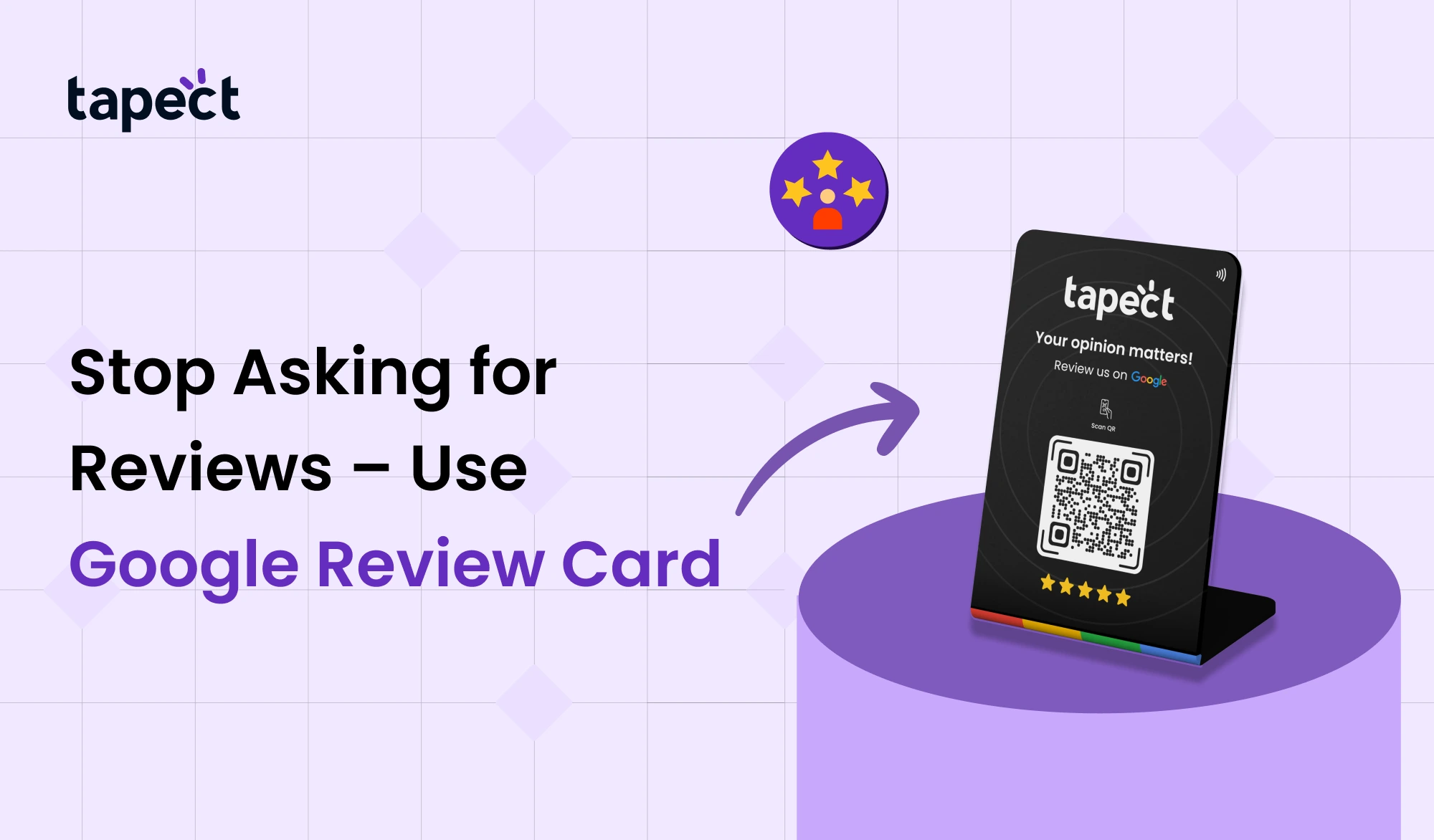
All business owners want more reviews on Google and higher ratings on Google. People trust your brand more when they read reviews. They also make it easier for people to find you in search results. But it can be uncomfortable to keep asking customers for reviews. It takes time. A lot of customers forget. Some people say they will write a review but never do.
There is a better way.
You don’t have to chase after customers; you may use a Google review card. Customers can post a review in only a few seconds with a quick tap or scan. No long steps. No searching for your business name. Just some fast and easy feedback.
This tutorial will show you how a Google review card works, how it can help your business develop, and how you can utilize it to improve your online reputation.
What Is a Google Review Card?
A Google review card is a smart card that takes clients straight to your Google review page. You can use either NFC technology or a QR code with it. Customers can go straight to your review area by tapping or scanning the card.
They don’t have to:
- Search your business on Google
- Click through multiple links
- Ask for instructions
Everything happens right away.
A lot of businesses use a Google review NFC card or QR code to make it easy. Others use a Google review scanner system to keep track of how many people scan and submit feedback.
The idea is simple: make it easy for people to write reviews.
Why Stop Asking for Reviews Manually?
Most businesses still ask customers this way:
“Please write us a review.”
“Can you give us five stars?”
“Please give us a rating on Google.”
There are drawbacks with this method:
- Customers forget later.
- It feels uncomfortable to ask again.
- Staff may not ask every time.
- The process takes effort.
These problems go away when you use a Google review card. Customers can act right away while the experience is still fresh.
That moment is important. Customers that are happy are more inclined to write a good review on Google immediately away.
How a Google Review Card Works
The system is easy to use.
- Customer finishes service or purchase.
- You hand them your google review card.
- They tap (NFC) or scan the QR code.
- Your Google review page opens.
- They leave their feedback.
You can use a google review nfc card by tapping it. NFC is supported by most new cellphones. Customers just need to put their phone close to the card.
If their phone doesn’t support NFC, they can scan the QR code for the Google review that is printed on the card.
Some establishments put the card on the counter. Some people keep it at the front desk or in the packaging. You can also print a little stand for your Google review card to make it easier to see.
Benefits of Using a Google Review Card
1. Get More Reviews Faster
More people leave feedback when the process is simple. A Google review card cuts out additional processes. This adds to the number of reviews you have.
Over time, more reviews will help your Google ratings.
2. Improve Local Search Ranking
Google looks at:
- Number of reviews
- Quality of reviews
- Frequency of reviews
Getting a lot of feedback on a regular basis will help your business show up higher in local search results. A google review card can help this growth happen naturally.
3. Build Trust with New Customers
People read reviews on Google before choosing a business. Customers feel protected when a business has good ratings on Google.
More people are likely to get in touch with you as your reviews go up.
4. Save Time for Your Team
The staff doesn’t have to explain how the review process works. The Google review card performs its job.
Just tap or scan.
That’s all.
5. Professional and Modern Image
Using a Google review NFC card indicates that your firm is up to current with technology. It makes a strong initial impression.
It also gives your brand a neat and customer-focused look.
Who Should Use a Google Review Card?
Most businesses can benefit:
- Salons and spas
- Restaurants and cafes
- Doctors and clinics
- Retail stores
- Real estate agents
- Car dealerships
- Gyms and trainers
A Google review card can help if your firm needs customers to trust you.
Google Review NFC Card vs Google Review QR Code
Both choices are good.
Google Review NFC Card
- Works with a simple tap
- Fast and smooth experience
- No camera needed
- Modern and impressive
Google Review QR Code
- Works on all smartphones
- Easy to print anywhere
- Cost-effective
A lot of firms put both on one Google review card. They also assess engagement and performance with a technology that scans Google reviews.
This lets buyers choose what they want.
Best Places to Use a Google Review Card
Placement is important. Make sure clients can simply find your Google review card.
Some good places are:
- Billing counter
- Reception desk
- Tabletop stand
- Product packaging
- Thank-you card
- Exit door area
You can also teach your employees to say:
“Could you please tap this card to give us your feedback?”
Short and to the point.
Tips to Get Maximum Reviews
You should still be clever even if you have a Google review card.
Ask at the Right Time
When is the consumer happy? Timing makes more good Google reviews happen.
Keep It Simple
Don’t offer long directions. Just show them the Google review card and help them.
Train Your Team
Your employees should know how to use the Google Review NFC card. They should also know how to support clients if they need it.
Track Performance
Use a Google review scanning method to find out how many taps or scans happen every day.
This helps you make your plan better.
Common Mistakes to Avoid
- Hiding the google review card behind the counter
- Asking customers when they are in a hurry
- Forcing customers to leave 5 stars
- Not checking your Google review page regularly
Keep in mind that the idea is to keep it simple and natural.
How Google Ratings Impact Your Business
There are several benefits to having higher Google ratings:
- More calls
- More website visits
- Better trust
- Higher local ranking
Before choosing a service, people look at the ratings. A slight adjustment in Google evaluations can make them change their minds.
That’s why buying a Google review card is a good idea.
Why Customers Prefer Contactless Review Methods
People enjoy things that are quick and easy. They don’t want to:
- Type long URLs
- Search business names
- Ask for help
Everything happens in seconds with a Google review card. Sharing without contact is easy and safe.
FAQs
1. What is a card for Google reviews?
A Google review card is a smart card that lets clients navigate straight to your Google review site by tapping it with NFC or scanning it with a QR code.
2. Is a Google review NFC card better than a QR code?
Both of them operate well. With a tap, a Google review NFC card works faster, but a Google review QR code works on all phones.
3. Does a Google review card help your Google ratings?
It makes it easier to get more reviews, which can benefit your Google ratings over time.
4. Is it possible to see scans from a Google review card?
Yes. Some systems employ a Google review scanner to keep track of taps and scans.
5. Is it okay for Google to use a review card?
Yes. It’s okay as long as you don’t pressure clients or offer them benefits for evaluations.
Conclusion
It can be awkward to keep asking for reviews. People forget. People get busy. Missed chances.
A Google review card is an easy method to fix this problem. Customers can quickly share their experience with just one tap or scan. No need to look. No mix-ups.
This tool can help you get more Google reviews, higher Google ratings, and greater trust. You can choose a Google review NFC card, a Google review QR code, or both. No matter which you choose, the effect is the same: quick and frictionless review gathering.
 5/20/2026
 business